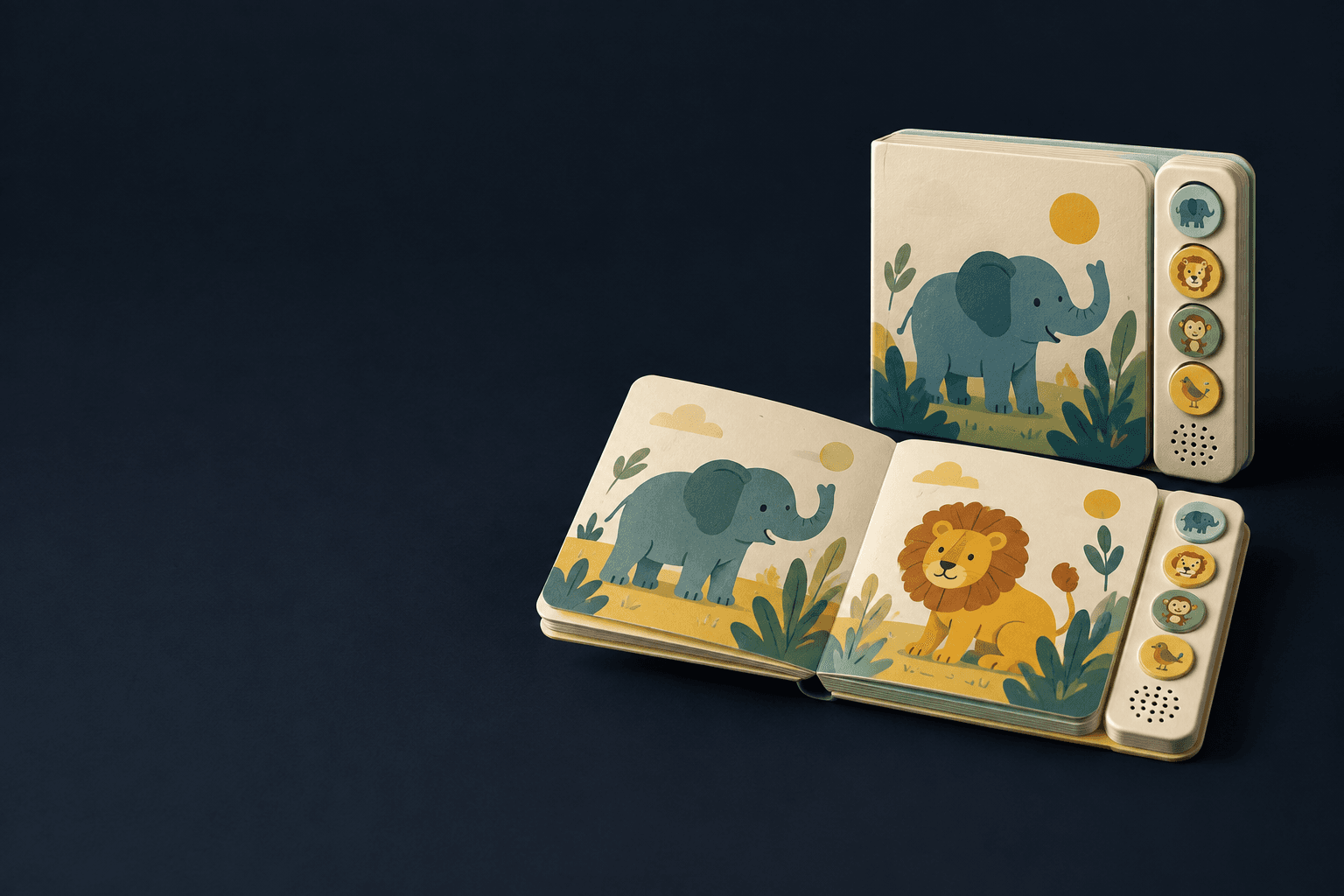
Printed storytelling with coordinated audio controls
Custom Sound Book Printing
Combine illustrated pages with button-triggered narration, music or sound effects. Build the page map, audio list and module position as one specification so each action plays the intended content.
- Page-to-button-to-track mapping
- Enclosed module and speaker planning
- Controlled language and revision sets
The product in use
Print, controls and audio must agree.
A sound book combines a printed book with an electronic module, speaker and controls. The module may sit beside the pages or within a planned cover recess. Button icons connect the artwork to the sound list; a wiring or programming mismatch breaks that connection even when the print is correct. The closed footprint, battery access and activation behavior are part of the product, not accessories added after layout.

The printed book and audio module are one coordinated product.
- 01Printed page map
- Symbols and illustrations tell the reader which control to press. Their order must match the approved track list.
- 02Button and speaker panel
- Controls, grille and the enclosed module occupy physical space beside or within the book. They must remain accessible while pages turn.
- 03Audio release set
- Each track has an approved language, filename and revision. Hardware-specific encoding follows the selected module.
Specifications & materials
Compare the options and what they change.
Numeric dimensions and paper weights are selection references, not guaranteed Lemon production limits or a stocked-material list. The quoted specification identifies the available grade and construction.
| Engineering spec | Reference or option | Selection effect |
|---|---|---|
| Finished dimensions | 8 × 10 in (203.2 × 254 mm); 10 × 8 in (254 × 203.2 mm) | Interior trim references, not manufacturing limits. Portrait publishing reference; add the module projection to the packed size. Landscape reference; keep the speaker and controls clear of page travel. |
| Format and component count | Printed spreads, button count, tracks, module and battery assembly | List each part; one button can trigger one clip or a programmed sequence. |
| Audio specification | Track ID, duration in seconds, language, codec, sample rate and channels | The selected module defines supported files and memory; no universal audio format is assumed. |
| Module position | Side panel or designed recess; accessible speaker opening | Placement changes grip, page turning and carton dimensions. |
| Power and controls | Battery type, compartment design, on/off behavior and shipping isolation | Destination and finished-product classification determine the safety assessment. |
| Track register | Control ID, page/symbol, language, filename and revision | A changed icon or translation requires the linked audio map to be checked, not just the print PDF. |
| Hardware behavior | Module-specific encoding, playback/retrigger mode and enclosed power system | Approve on the selected hardware; third-party board specifications are not Lemon book-module promises. |
Printed and mounted leaves
Coated printed sheets mounted into the selected book construction.
Check page thickness and turning against the module position.
Module support structure
A planned board or case recess supporting the electronic assembly.
Keep fixation and battery access separate from decorative print finishing.
Mounted pages can support a substantial format, but the module enclosure and hinge still need room to function. Specify the printed construction and hardware together; a board thickness alone does not define the complete sound book.
A decision for this product
Use a controlled button-to-track map.
Button → track → language → revision
Example: bear icon → BEAR_EN_v2 → English narration. The same identifier travels through artwork, programming and inspection; it is not a published hardware specification.
Selection illustration · not a production template or test result
Selected direction
One controlled clip for each reading action
Narration · One controlled clip for each reading action
Define pronunciation, silence and whether a new press interrupts playback.
Effects or music · Repeated sounds matched to pictured controls
Test level and activation behavior on the actual speaker, not only headphones.
See the trim proportions.
These are publishing references, not required sizes. Compare the usable page shape before adapting an existing layout.
Selected: 8 × 10 in. Proportions only; not actual size.
Trim dimensions describe the cut page. Artwork bleed, cover overhang, tabs and modules are separate allowances.
Surface finish options
Outer covers, not moving parts
Apply decorative finishes to the outer cover only where the construction supports them. Keep glue areas, pop-up folds, sound controls and electronic openings clear; check the assembled functional sample.


Illustrative finish samples, not photographs of this product. Final suitability follows the confirmed stock, construction and approved sample.
Compare all surface finishesHow it is made
Construction decisions with a practical effect.
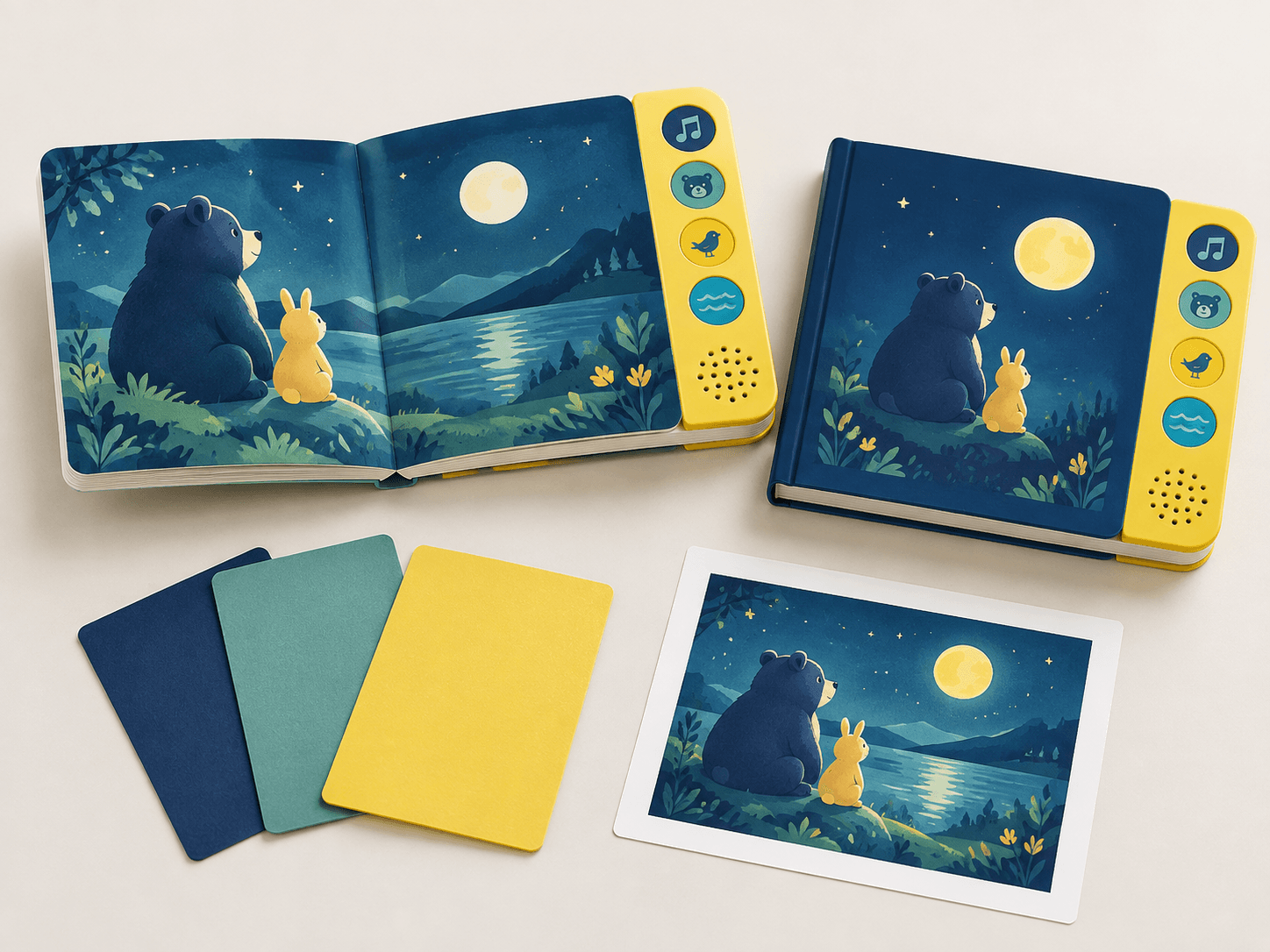
Track mapping and programming
Create a controlled table connecting button icon, trigger ID and audio filename. Programming uses the selected hardware’s file requirements; test every control against the final language and print revision.
Module installation
The module is fixed into its planned position without blocking page movement or speaker openings. Inspect fixation, compartment closure and activation before packing. A printed proof cannot establish electrical function.

Details that change the finished book
Control the audio release as carefully as the print release.
Correct narration is only part of the specification. The control map, playback behavior and enclosure must all be checked on the assembled book.
Create one control-to-track register
For every control record its symbol, page reference, language and approved audio file. Keep that register stable when print or narration changes.
Define the playback behavior
Specify whether a second press stops, restarts or retriggers playback and how overlapping requests behave. Those functions depend on the selected module rather than the printed button shape.
Check the finished enclosure
Test every control on the assembled sample, listening through the installed speaker. Review power access, module retention and destination-specific product requirements separately.
Match the specification to the project
Sound Book configurations in use.
Narrated picture story
Page-linked narration · controlled language edition
Align the reading sequence with the track map and check pronunciation before final programming.
Sound discovery
Repeated effect buttons · simple matching symbols
A reader may press controls out of sequence; assess repeated triggers and the relationship between icons and sounds.
Music-led gift edition
Longer audio content · enclosure and speaker trial
Track length and speaker performance affect the experience. Do not assume an audio-file format or playback duration without the chosen module specification.
Solve the risk before production
What can go wrong, and how to check it.
A button plays the wrong recording
Cause: Track order, artwork or language revision changed independently.
Fix and check: Maintain one mapping revision and perform a button-by-button test on the assembled sample.
The book activates in transit
Cause: Controls remain live or packaging presses a button.
Fix and check: Specify an isolation method or switch state and test the packed assembly for accidental activation.
Audio sounds different after assembly
Cause: A loose-board demonstration did not include the enclosure and installed speaker position.
Fix and check: Listen through the finished sample and compare every track and control action; retain the approved audio release register.
When to choose another format
Sound Book or another format?
| Alternative | Structure | Use and trade-off |
|---|---|---|
| Board book | Rigid printed leaves without electronics | Fewer components and no battery service; sound remains an external activity. |
| Pop-up book | Mechanical movement rather than playback | Creates physical interaction without an audio module, with different assembly risks. |
Samples & order planning
Test the physical question before the bulk run.
A sample for the actual product
Use a programmed, fully assembled sample to check every button, sound, page turn and compartment. A screen proof verifies only the print layout.
Audio release review
Check narration, pronunciation, language IDs and control-to-track mapping before programming.
Complete functional sample
Check every button, retrigger behavior and the installed speaker, alongside page turning and module retention.
Order Details for Sound Book Printing
Quantity and quotation
Quote complete finished books per title or version. Send page and spread count, trim, quantity, age group and market, button count, track durations, languages, module location and battery preference. Attach the audio manifest and destination.
Sample scope and schedule
Free samples are available, with preparation completed within 15 days. Confirm which materials, finishes and construction the sample represents. Courier arrangements and transit time are separate. The quotation records bulk production timing and the minimum quantity for your configuration.
Packing and delivery
Prevent pressure on controls and agree battery isolation for shipment. Freight classification and battery documentation depend on the actual cell and configuration.
- 01
Match button icons to a versioned track manifest.
- 02
Keep speaker openings, controls and battery access on the assembly drawing.
- 03
Identify language and filename revisions for every production file.
- 04
Prepare print PDFs with embedded fonts, 300ppi images and the supplied component bleed.
Product questions
Details worth settling before ordering.
Can one edition contain several languages?
Yes as a design option, but each language needs a controlled track map and clear selection behavior. Memory and controls must be planned for that version.
Is a paper-book test enough for an audio book?
No. Electronic parts and batteries alter the assessment. For US destinations, use the applicable CPSC guidance for the finished classification; no certification is implied here.
What audio files should we supply?
Supply the approved source recordings with a track register and language/version IDs. Encoding, bit depth, sample rate and filenames must follow the selected module; there is no universal book-module format. Keep an uncompressed master for controlled conversion.
Does an ordinary-book exemption cover a sound book?
Do not assume it does. Electronic components, batteries, intended age and destination can change the product assessment. Define the complete assembly and obtain the applicable review; an illustrated book cover is not evidence of compliance.
Your sound book project
Send a brief that can become a specification.
Send page and spread count, trim, quantity, age group and market, button count, track durations, languages, module location and battery preference. Attach the audio manifest and destination.
Related formats & guidance