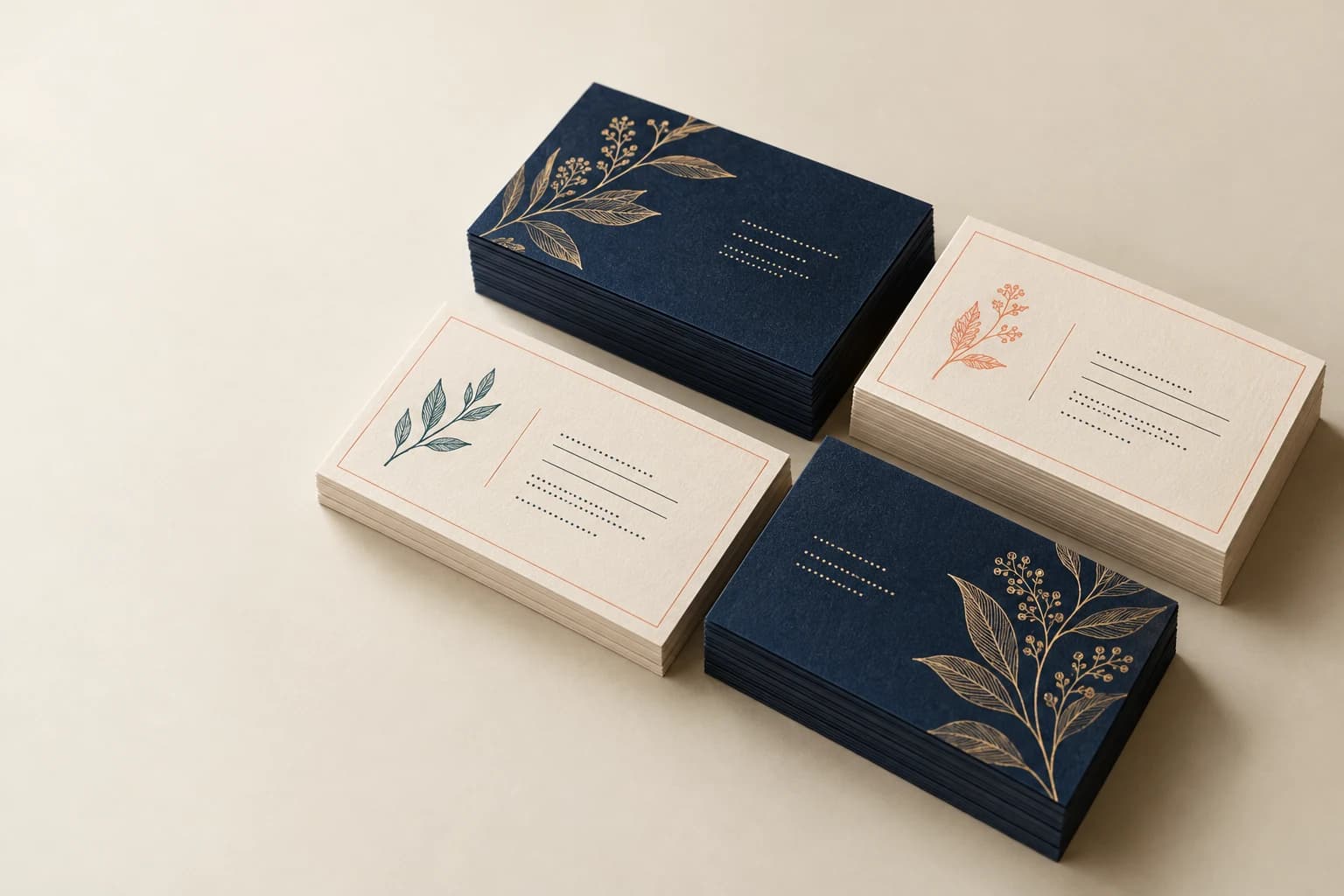
Card Printing · Formats & construction
Business Card Printing
Business cards carry contact details in a compact format that must stay legible after trimming.
- Names and contact versions; single- or double-sided
- Coated card
- Team stationery
Start with the intended use, finished size and quantity. The material and construction can follow.
The product in use
Contact information in a compact, usable format
A business card is a compact contact format with a small amount of identity and response information. Single-sided and double-sided layouts divide that space differently. Stock stiffness, readable type and the treatment of any writing area influence how the finished card is used and kept.
What makes up the finished product?
- Printed faces
- Identify every front and its matching reverse; a shared back still requires a defined orientation.
- Card construction
- Surface, opacity, thickness and corner shape work together to determine handling and readability.
- Version count
- Count each name, role or contact variation separately and supply an approved list when details vary between cards.
Specifications and materials
Business Card Printing specifications
Use these reference options to build the project brief. Dimensions are design examples; material availability, tooling and production timing depend on the confirmed specification.
| Parameter | Reference or option | Why it matters |
|---|---|---|
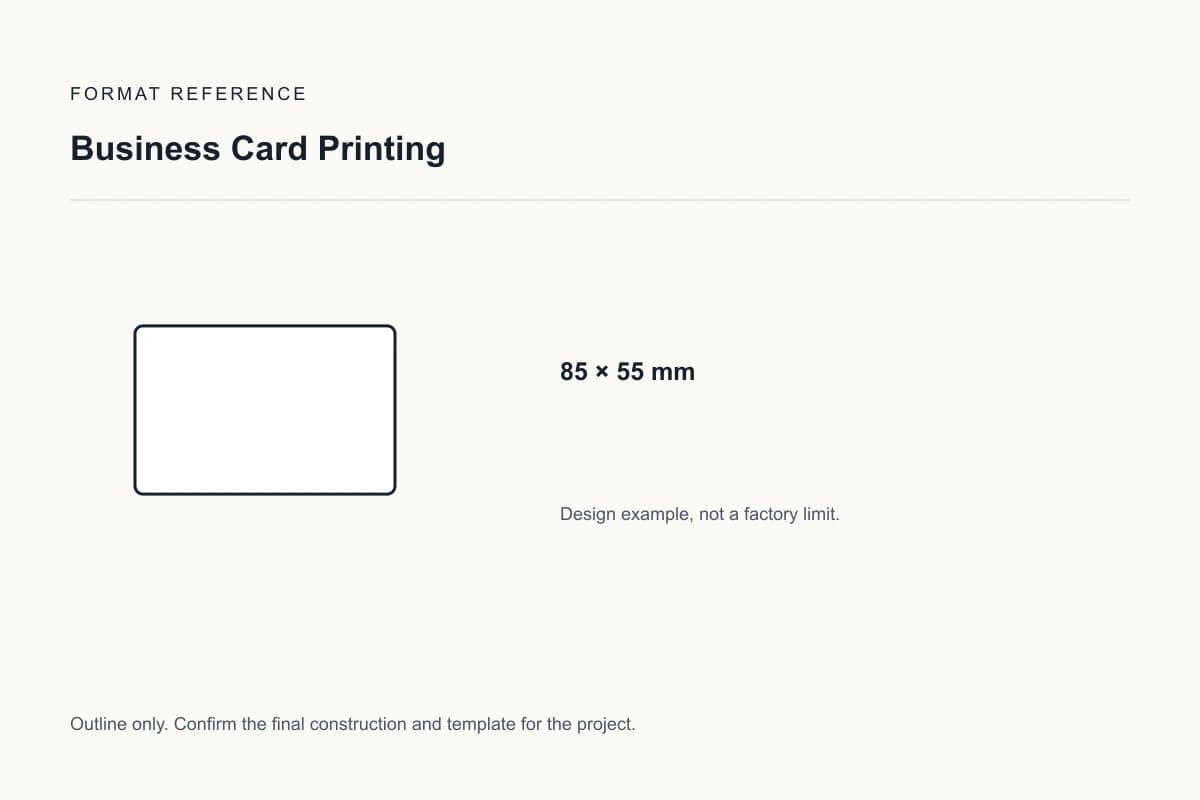
| Finished dimensions | 85 × 55 mm | This layout example is a compact format; local conventions and wallet fit can differ. Design reference, not a factory limit. |
| Card versions | Names and contact versions; single- or double-sided | Each person is a separate artwork version, even when all cards share a template. |
| Artwork and collation | Unique face count, reverse groups, copies per design and cards per packed unit | A full manifest prevents missing cards, mixed versions and incorrect front-to-back pairings. |
| Cut and handling | Finished size, specified corner geometry and surface finish | Assess bend, edge condition, stacking and any writing or scanning function on the finished card. |
| Material construction | Coated card or Uncoated card | Compare the actual grade and construction. Compare a trimmed sample for stiffness and surface handling. |
| Coated-card reference | 300 or 350 g/m² coated card for physical comparison | Fedrigoni Symbol Card 2SC supplier examples. Choose by finished stiffness and writing or image requirements; this does not prove dark-core opacity. |
| Format and order unit | individual finished cards per artwork or person | List components and versions separately so quantities refer to the same finished unit. |
| Finishing choice | Uncoated stock accepts handwritten notes more readily; laminated or metallic areas need pen testing. | Approve the proposed material and process combination on an appropriate sample. |
Compare the material and its effect.
Choose the surface and construction for the way the finished product will be used. The options below are selection references, not a guaranteed inventory list.
Coated card
300 or 350 g/m² supplier reference grades
Smooth coated card supports printed illustrations. Equal GSM does not ensure equal thickness, rigidity or opacity.
Sample check: Compare a trimmed sample for stiffness and surface handling.
Uncoated card
White or colored uncoated card
An open surface suits handwriting and a tactile finish. Ink appearance and fine detail change with the surface.
Sample check: Test the intended pen or stamp on the finished surface.
Selected sample focus — Coated card: Compare a trimmed sample for stiffness and surface handling.
Format & usable space
Business Card Size, Print Sides & Staff Versions
85 × 55 mm
This layout example is a compact format; local conventions and wallet fit can differ.
This is a design reference, not a required size or a manufacturing limit.
Card versions
Names and contact versions; single- or double-sided
Each person is a separate artwork version, even when all cards share a template.
View the original format reference
Surface finish options
Printed fronts; writable backs or panels
Keep message, signature and stamp areas free of added film or coating. Place foil on non-writing artwork only and test the chosen pen on the actual stock. Relief and film are not defaults for writable areas.
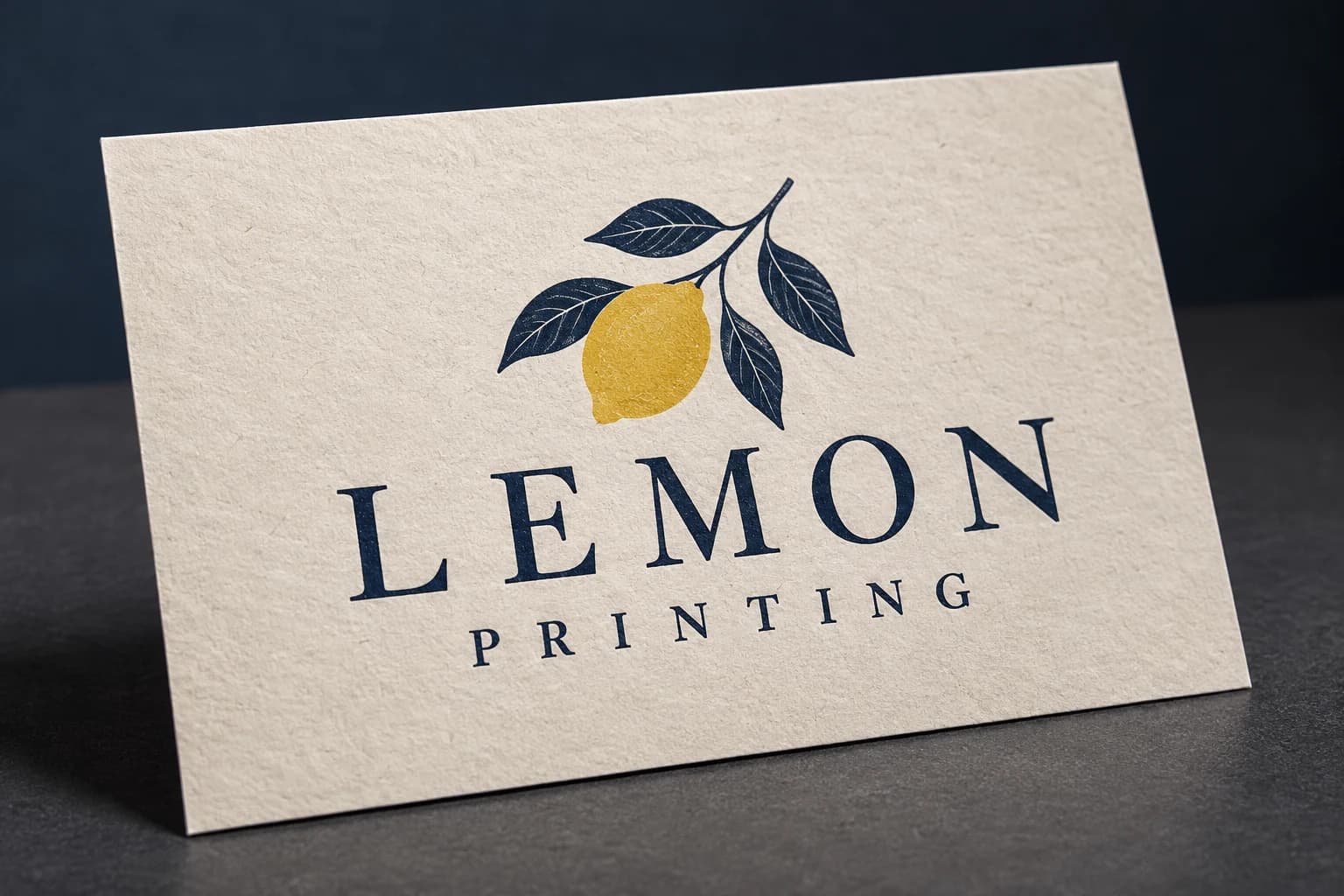 No added surface treatment View effect & artwork guidance
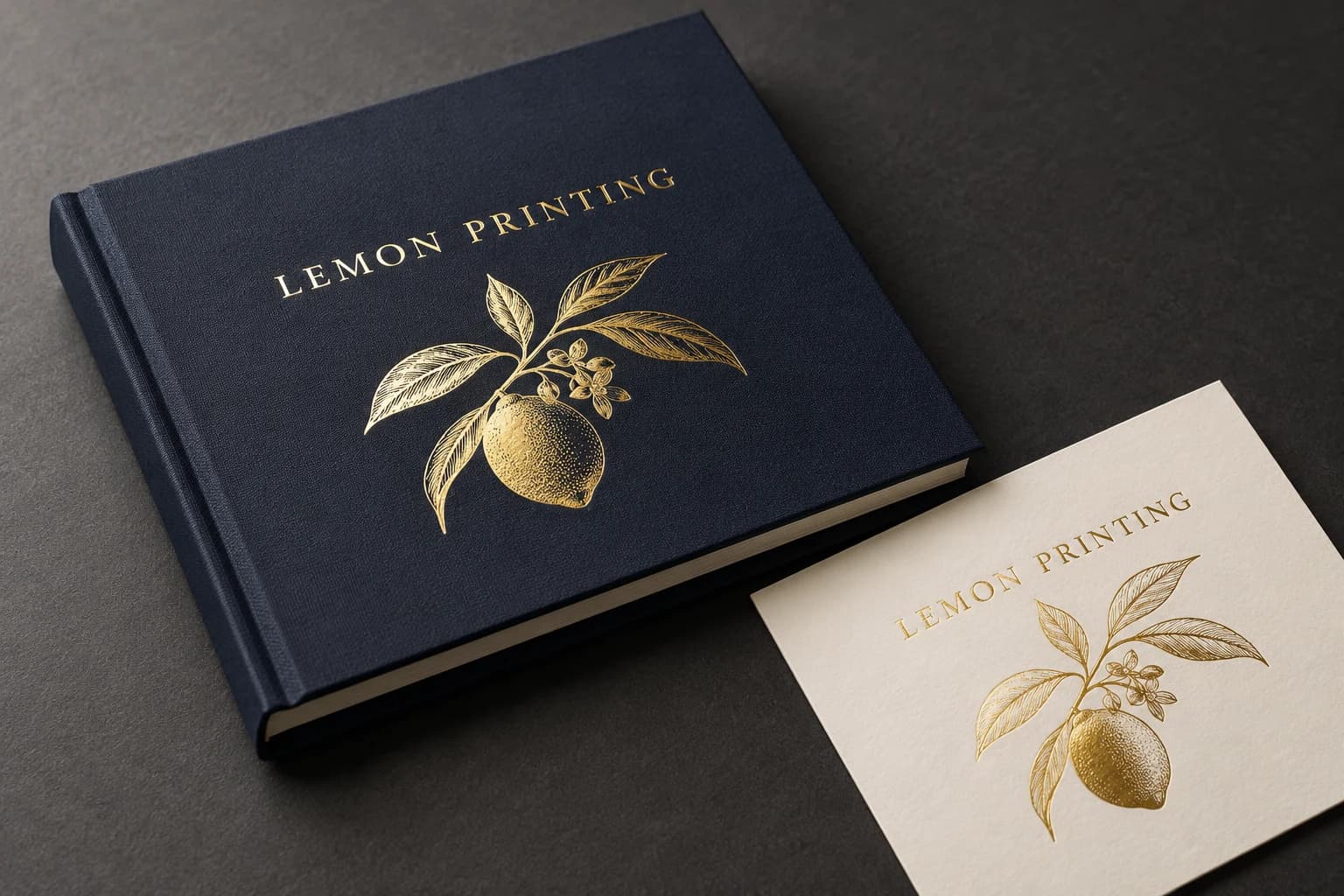 Gold foil stamping View effect & artwork guidance
 Silver foil stamping View effect & artwork guidance
Illustrative finish samples, not photographs of this product. Final suitability follows the confirmed stock, construction and approved sample.
Compare all surface finishes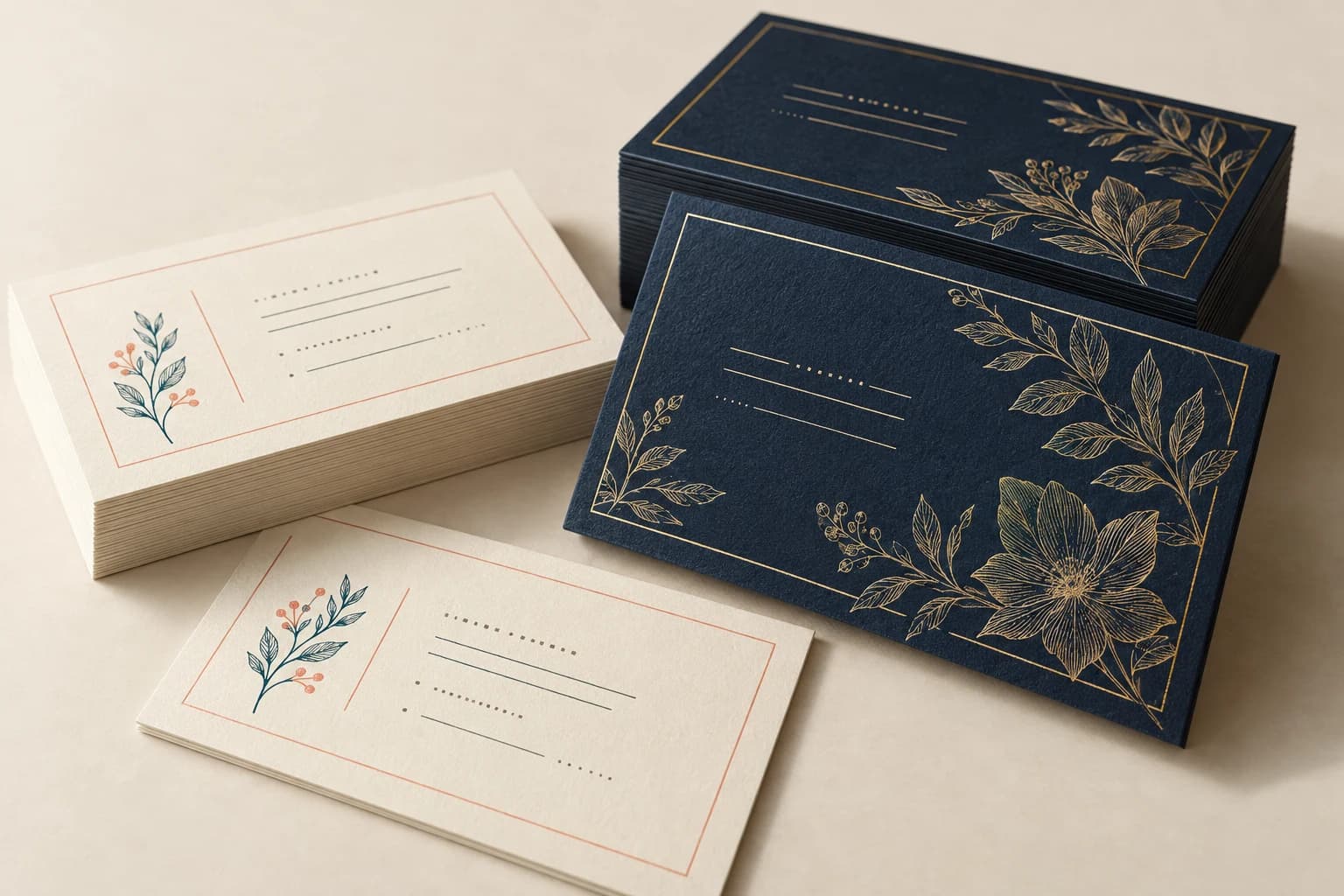
Details that change the finished product
Inspect the printed cards as a complete unit
Choose readable details and a useful surface
Print the smallest contact line at final size. Put foil and raised effects on separate artwork layers and keep functional contact details in the primary print file.
Card versions
Each person is a separate artwork version, even when all cards share a template. A complete card set checks front-to-back matching, cutting, handling and the supplied pack count.
Surface and finishing compatibility
Uncoated stock accepts handwritten notes more readily; laminated or metallic areas need pen testing. Smooth coated card supports printed illustrations. Equal GSM does not ensure equal thickness, rigidity or opacity. Compare a trimmed sample for stiffness and surface handling.
Team Business Cards & Appointment Cards
Team stationery
Break quantities out by person and verify each name file independently.
Appointment card
Keep the writing area compatible with the intended pen and separate it from decorative film.
Solve the risk before production
Keep Small Contact Details & Reversed Type Clear
The critical finished-product check
Tiny reversed type can close up on a dark background. Increase the character size or use positive dark text on a light area, then review the actual proof.
Versions are mixed during packing
Why it happens: Different names share similar artwork and are not separated by a version manifest.
Fix and check: Approve one proof per contact version and pack with clearly identified quantities.
When to choose another format
Business Cards, Note Cards & Loyalty Cards
| Alternative | Use and trade-off |
|---|---|
| Note Card Printing | A larger stationery format creates space for messages but changes portability. |
| Loyalty Card Printing | A repeat-visit card needs stamp or code areas, not only contact information. |
Sample and approval
Proof Contact Details on the Finished Card Surface
Free samples are available, with preparation completed within 15 days. Confirm the sample scope; courier arrangements and transit time are separate.
Structural sample
Checks dimensions, fit and assembly using unprinted or representative materials. It does not establish final color.
Printed proof
Checks text, image reproduction and artwork on the agreed proof medium. It may not reproduce final assembly or every finish.
Complete finished sample
A complete card set checks front-to-back matching, cutting, handling and the supplied pack count.
From brief to delivery
Order Details for Business Card Printing
Build and approve the order in five steps
Send the project brief
Send quantity per person, contact variants, stock and any handwritten-note area. Include finished dimensions, quantity by version, destination and required arrival date. If a configuration is undecided, describe the intended use.
Compare the quoted configuration
Compare the same quantity basis: individual finished cards per artwork or person. Check that the quote identifies materials, finishing, included components, sample scope, packing and freight.
Approve the appropriate sample
A complete card set checks front-to-back matching, cutting, handling and the supplied pack count. A print proof checks artwork and color; a complete finished sample also checks assembly. Record what the selected sample does and does not reproduce.
Confirm files and release production
Approve the final artwork revision and the card versions specification. Record the agreed quantity, payment conditions, packing and production schedule in the order.
Confirm packing and dispatch
State cards per deck or bundle, box components, assortment rules and carton labels. Confirm production completion and transit as separate dates, using the delivery destination and required arrival date.
- Supply front and back files with a matching ID list. Keep trim bleed separate from safe text and corner-cut areas; supply finishing masks as named separations.
- Extend edge-to-edge trim artwork by 3 mm unless the approved template specifies a different bleed. Use approximately 300 effective ppi for continuous-tone images at their placed size; keep fine linework as vectors where possible.
Project questions
Planning Business Card Printing
Can several employee names share one order?
List every version and its quantity, then provide clearly named final files. Confirm how quantities, setup and packing are quoted across versions; a shared visual template does not make the names one artwork file.
How should I specify quantities and versions?
Count individual finished cards per artwork or person. State quantity per person, contact variants, stock and any handwritten-note area; components, language versions and different structures must be listed separately.
What determines the minimum quantity and delivery schedule?
The selected stock, construction, finishing, version count and sample scope determine production planning. Request quantity breaks for the same configuration and an arrival-date plan that separates sampling, manufacturing and transit. No minimum or lead time is implied by the design examples above.
Specify the finished product.
Send quantity per person, contact variants, stock and any handwritten-note area. Include finished dimensions, quantity by version, destination and required arrival date.