
Single-sheet sales engineering
Custom Product Sell Sheet Printing
Sell sheets suit sales teams presenting one product or a concise range comparison. Keep images, model references and decision-making specifications together in a portable sheet.
- At-a-glance facts
- Comparable information
- Two usable faces
Illustrative product configuration
Product overview
One sheet for a clear product decision.
A sell sheet puts product identity, a useful image and decision-making specifications on one sheet. The front should answer which model fits the buyer’s job; the reverse can carry variants or installation data. A coated surface favors image detail, while an uncoated surface supports meeting notes. Choose the trim around the tables, then check that the sheet fits its folder or distribution pack.

At-a-glance facts
A product image, identifier and key specifications appear together on a single reference sheet.
Comparable information
A consistent hierarchy helps buyers compare models without reading a long brochure.
Two usable faces
A second side can carry dimensions, variants or supporting details while the front stays focused.
Specifications & materials
Choose a Sheet That Fits the Sales Conversation
Start with finished width × height in mm; orientation. Then compare the material and construction choices below.
Use these options to prepare your specification. Material grades, weights, thicknesses and feasible dimensions are confirmed for the quoted construction. A paper weight is not a finished thickness or a strength rating.
| Parameter | Options or Information to Supply | Why It Matters |
|---|---|---|
| Finished dimensions | A4: 210 × 297 mm; A5: 148 × 210 mm | Reference formats or explicitly labeled design examples. Select by the use cases below; custom trim and final construction belong in the quotation. |
| Format and component count | Single sheet; one or two printed sides; variants listed | Identify one complete finished item and its versions; list inserts, covers or supporting components separately. |
| Paper | Coated printing paper: 115 / 170 / 250 g/m² supplier-reference grades; uncoated alternative for writing | Named supplier examples, not stocked grades or production limits. Choose by opacity, image detail, stiffness and converted handling. |
| Information layout | Product image, model identity, key specifications and response details | Review dense tables and contact information at finished size. |
| Surface finish | Uncoated surface or compatible protective coating | Keep areas that need writing or scanning suitable for that task. |
Swipe the table to compare selection checks.
Compare materials and construction
Choose around the intended use. These are alternatives to discuss, subject to the confirmed specification.
Coated sheet
- Suitable for
- Product photographs beside technical information.
- Check before selection
- Check small type, diagram labels and handling under the buyer's viewing light.
Uncoated sheet
- Suitable for
- Specifications intended for notes or comparison marks.
- Check before selection
- Test writing and inspect reverse-side show-through with realistic content.
Surface finish options
Printed sheet surfaces
Choose the sheen around viewing light and folding. A coating and a bonded film are different routes; confirm fold behavior, color and any writing area on the finished stock rather than assuming every sheet needs lamination.
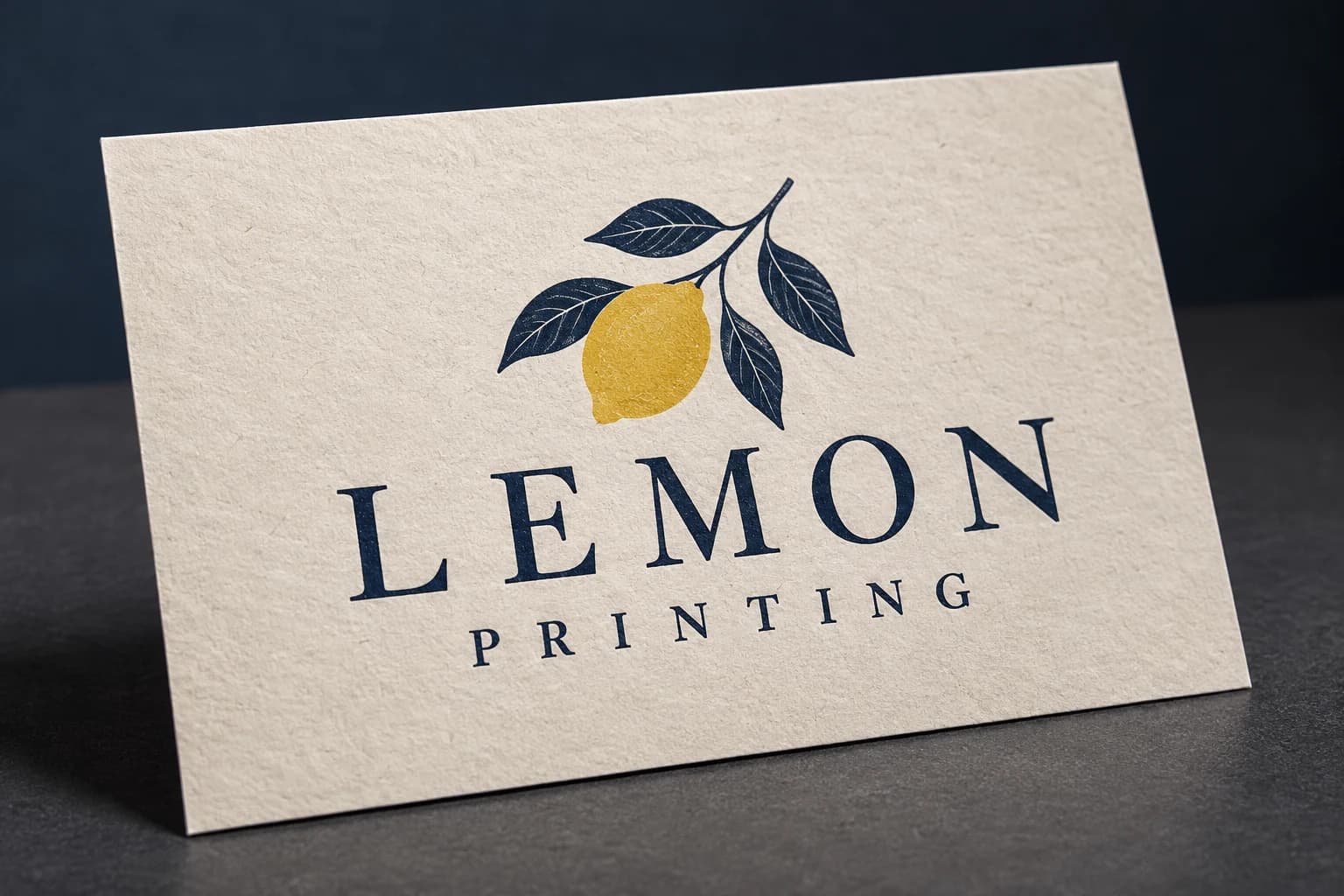 No added surface treatment View effect & artwork guidance
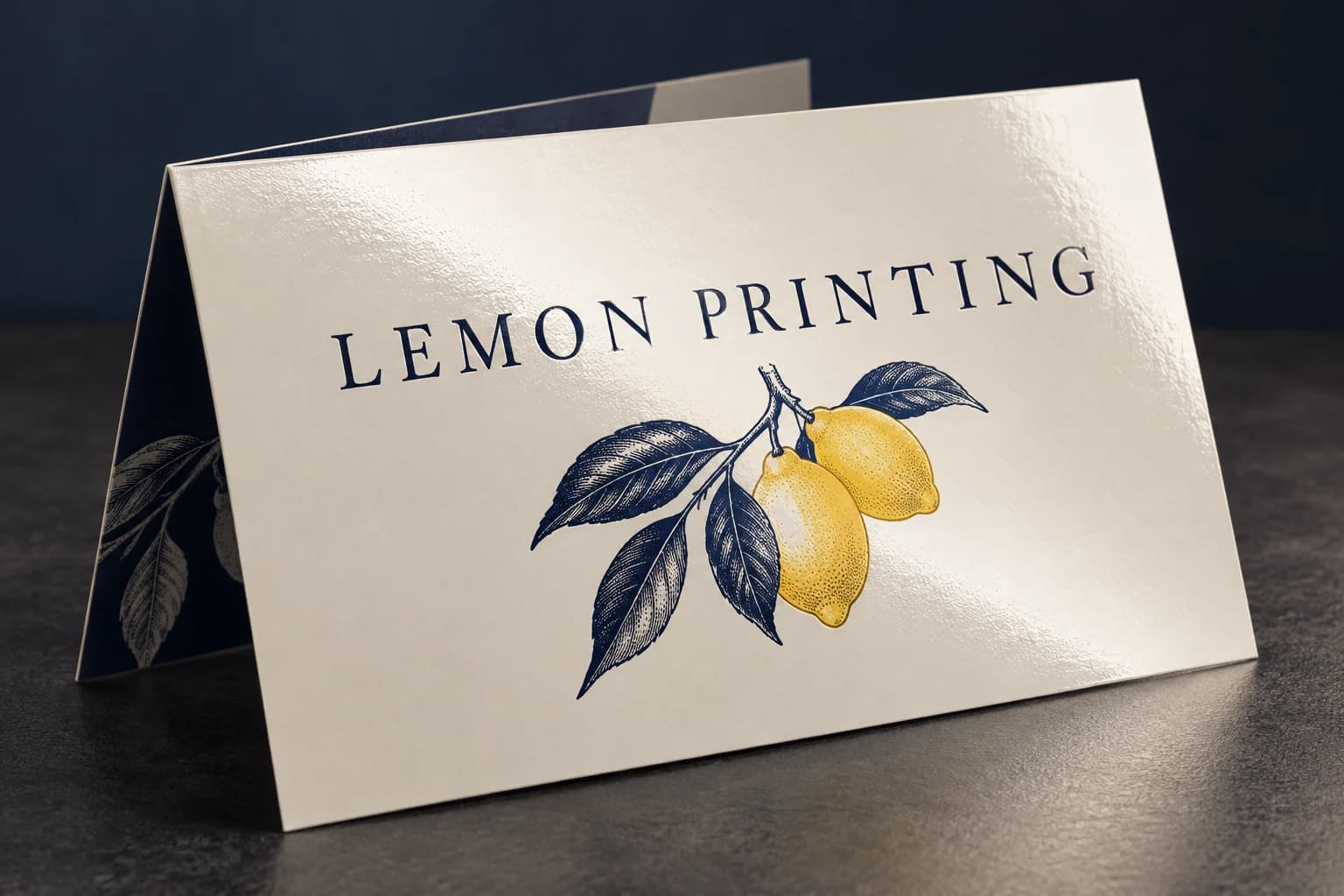 Varnish & coating View effect & artwork guidance
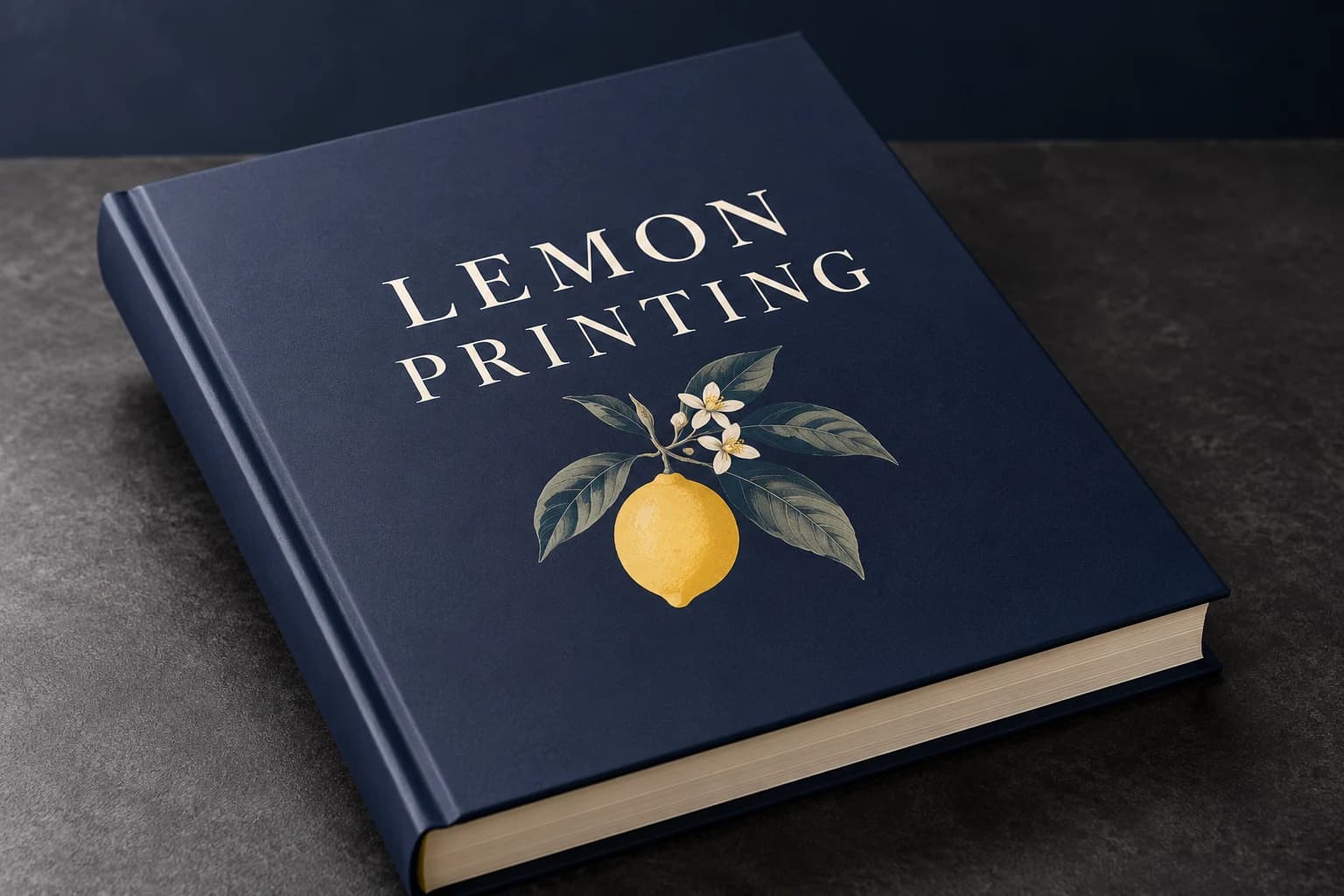 Matte lamination View effect & artwork guidance
Illustrative finish samples, not photographs of this product. Final suitability follows the confirmed stock, construction and approved sample.
Compare all surface finishesConstruction & finishing
Keep Model Details and Response Codes Readable
Focus the review on model-to-specification pairing, small text and QR or barcode use.
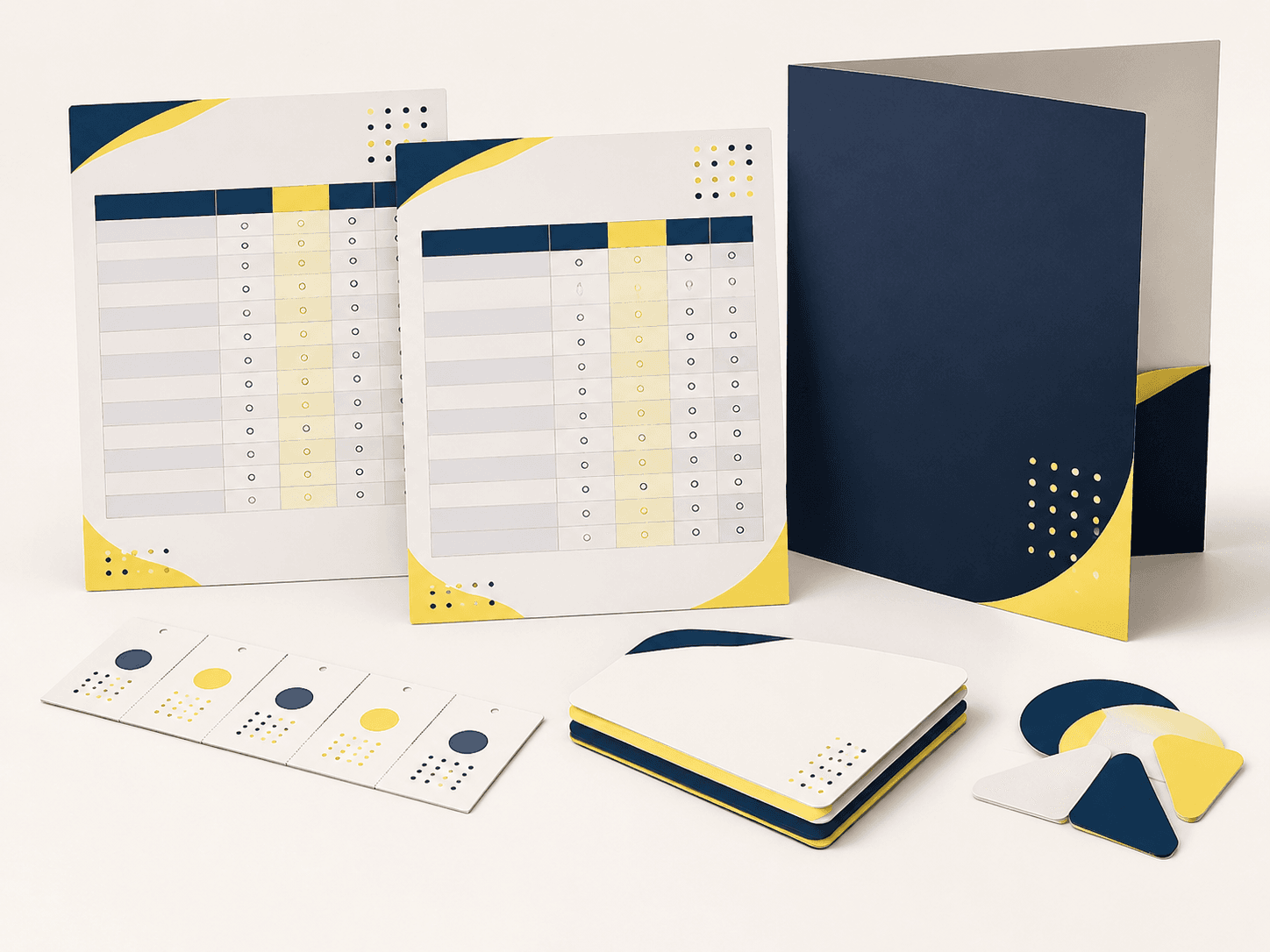
01 / SELECTION CHECK
Keep model and specification linked
Check every image, identifier and table against the approved product data. A polished layout cannot compensate for pairing a photograph with the wrong dimensions or market version.
02 / SELECTION CHECK
Check information at actual handout size
Review table contrast, type and diagram labels at the finished trim. Use the intended distribution context to decide what belongs on the front and what can move to the reverse.
Single-sheet sales engineering
Give each claim room for its proof and specification
A sell sheet is a single-page sales tool, so its job is to connect a clear product proposition with evidence a buyer can scan. Separate headline benefits from measurable specifications, compatibility notes and the next action.
Compare dimensions and usable space
Published reference formats with their selection notes.
A4 · 210 × 297 mm
More room for comparable model specifications, installation notes and a legible product image.
Read every format’s selection note
- A4: 210 × 297 mm. More room for comparable model specifications, installation notes and a legible product image.
- A5: 148 × 210 mm. Compact sales-pack insert; prioritize the few specifications that determine model selection.
- Product & audience
- Evidence and specifications
- Action, contact or QR
Select the material by its finished behavior
Coated paper favors crisp image reproduction; uncoated paper is more convenient for annotation. Sappi Magno Satin lists 115, 170 and 250 g/m² as examples of coated grades. These are supplier reference choices, not a Lemon stock list; compare opacity and stiffness on the selected grade.
Production checks that prevent avoidable rework
Lead with the buying question
Identify the audience and the decision the sheet supports. Put the product name and main use near the top, then support claims with specifications, proof points or a comparison.
Make technical data scannable
Use consistent units, distinguish standard features from options, and keep footnotes adjacent to the claim they qualify. Check tables at final print size.
Protect the response path
Test QR codes at the printed size and ensure the destination works without a login. Keep contact details and legal qualifiers legible and inside trim-safe areas.
Use-case selection
Choose a configuration for the job it has to do
Distributor product sheet
Include SKU or model identifiers, compatibility and concise differentiators for fast reference.
Trade-off: A dense specification list can overwhelm a general audience.
Trade-show leave-behind
Use a strong product image, a few substantiated benefits and a clear follow-up action.
Trade-off: The sheet has limited space for full technical documentation.
Retail launch sheet
Emphasize use, variants and essential selling points; link to detailed instructions or terms.
Trade-off: Promotional claims and current prices need version control.
Problem → cause → solution
Resolve the failure points before production
Model variants are hard to compare
Why it happens: The layout gives promotional imagery more space than the actual specification differences.
How to prevent it: Use consistent units and row labels across models; print the comparison at final size and ask whether the distinguishing values can be found quickly.
The sales pack contains obsolete specifications
Why it happens: Similar artwork versions lack a product or release identifier.
How to prevent it: Put a release reference on the master artwork and match cartons and pack-out lists to that version.
Alternative formats
When another construction is a better fit
| Alternative | Structural difference | Selection trade-off |
|---|---|---|
| Bi-fold brochure | Four panels with a cover and inside spread. | Gives the product story an opening sequence; fewer specifications are visible at once. |
Sampling & production
Choose a Sample That Answers Your Main Concern
A structural sample, a print proof and a finished sample answer different questions. Confirm the sample scope before approval. Free samples are prepared within 15 days; courier arrangements and transit time are separate.
Structure and material sample
Review paper and information layout with the proposed dimensions and component count. Agree whether the sample uses production materials or substitutes. An unprinted construction sample does not approve printed color.
Print and artwork proof
Review representative artwork at finished size on the agreed proof condition. Check fine detail and important colors. A screen proof cannot establish physical feel or the performance of the finished assembly.
Complete finished sample
Assess model-to-specification pairing, small text and QR or barcode use with the specified components and finishing present. Record the approved revision and any differences to resolve before production.
How to Order Product Sell Sheet
Send your project brief
Send finished width × height in mm; orientation. Specify single sheet; one or two printed sides; variants listed. State the number of sheets per model, language and market, delivery destination and required arrival date. Tell us which options are undecided.
Compare the quotation
Ask for pricing by sheets per model, language and market. Compare the same configuration at each quantity. The quotation should identify materials, finishing, sample scope, packing and freight, plus payment and order terms.
Review the right sample
Choose a sample that can demonstrate model-to-specification pairing, small text and QR or barcode use. Confirm what the free sample includes and any differences from the intended production specification. Preparation is completed within 15 days; courier arrangements and transit time are separate.
Approve the production version
Confirm the specification, file revision and sample decisions in writing. Production scheduling follows the agreed approvals and order release conditions; changes may require a revised quote or schedule.
Confirm packing and delivery
Pack flat by model, language and revision. Protect corners and state bundle quantities to match sales-kit or counter allocations. Agree the destination and shipping arrangement, with production, dispatch and transit dates listed separately.
Details to Confirm in the Quotation
- Order unit and price breaks
- Specify sheets per model, language and market. Request the feasible minimum and quantity breaks for that exact configuration; a change of material, version or component count can change the price.
- Sample scope and delivery
- State whether you need a material trial, a print proof or a complete finished sample. Free samples are available, with preparation completed within 15 days. Confirm the included materials and processes; courier arrangements and transit time are separate.
- Approval and schedule
- State the required arrival date and whether versions ship together or to separate destinations. The quote must distinguish sample work, production and transit; a requested date is not a confirmed schedule.
- Packing and identification
- Pack flat by model, language and revision. Protect corners and state bundle quantities to match sales-kit or counter allocations.
Artwork essentials
Prepare Files for the Confirmed Product Sell Sheet Format
Review artwork guidelines- 01
Supply identified front and back artwork for each model or language. Keep small specifications readable and distinguish trim, safe area and any special finish.
- 02
Use the PDF/X export preset and output condition confirmed with prepress. Embed fonts and identify the approved file revision.
- 03
Check continuous-tone images at about 300 effective pixels per inch (ppi) at their final placed size. Fine linework can require a different resolution or vector artwork.
- 04
Extend trim artwork by 3 mm unless the approved template specifies otherwise. Keep structural, folding and binding clearances separate from trim bleed.
- 05
Identify named spot colors or physical references and the intended substrate. Agree proof acceptance and keep finishing separations distinct. A screen PDF does not approve printed color.
Engineering & purchasing FAQ
Questions Before Ordering Product Sell Sheet
Can different models share one sheet template?
They can share a layout, but each image, identifier, dimension and language version needs its own controlled content. Use a version manifest so quotation, approval and packing describe the same model allocation.
What should be checked on a printed sample?
Include fine specifications, representative images and any measured diagram. Confirm legibility and stock handling at final size. Technical values still need the buyer's approval against the product source.
Which sample should I request first?
Start with the uncertainty that could change the specification: model-to-specification pairing, small text and QR or barcode use. If the concern is physical, request the relevant material or functional sample. If it is print appearance, agree a suitable proof. Confirm the sample scope before approval. Free sample preparation is completed within 15 days; courier arrangements and transit time are separate.
How should I state quantities for a quote?
Use sheets per model, language and market. Separate versions and give a delivery destination and required arrival date. This lets the quote distinguish the production quantity, packing and shipping scope.
Your project specification
Plan Your Product Sell Sheet Order
Send finished width × height in mm; orientation. Specify single sheet; one or two printed sides; variants listed. State the number of sheets per model, language and market, delivery destination and required arrival date. Tell us which options are undecided.