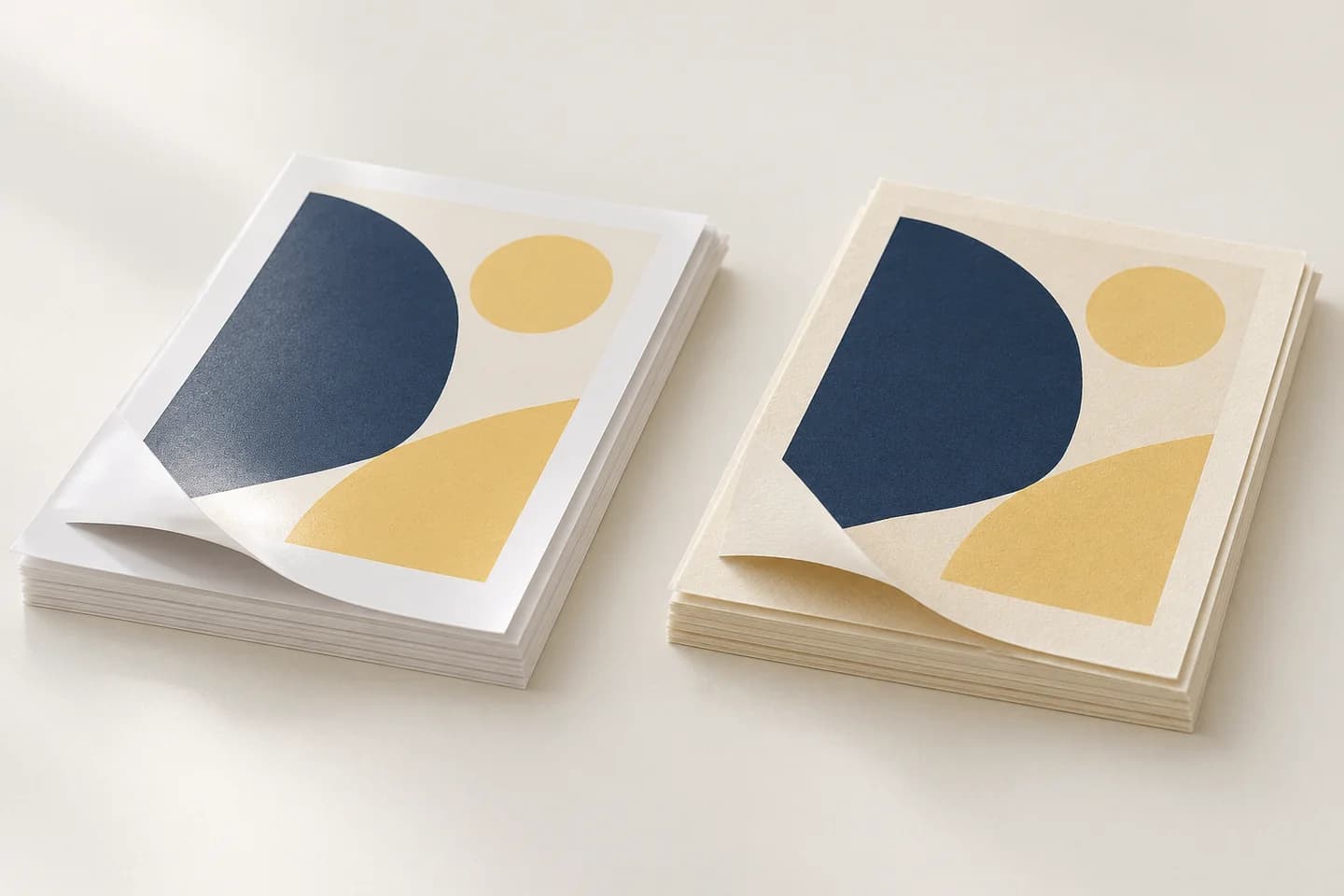
Color and approval
Approve the color and the product separately.
A screen, a printed proof and an assembled sample answer different questions. Choose the reference for each critical feature before approving production.
Choose the proof for the decision.
| Reference | Useful for | Approval boundary |
|---|---|---|
| PDF layout proof | Page order, trim, text and artwork position | A normal display does not establish paper color, texture or the final printed result. |
| Color-managed hard proof | An agreed simulation of the selected output condition | Proof stock and ink differ from production; foil, texture and binding need other checks. |
| Production-process sample | Printing on the selected substrate with the specified process | Record which colors and finishes are actually included; a flat sheet does not approve assembly. |
| Finished sample | Opening, fit, folds and the included printed effects | Keep the approved revision and note any differences from bulk construction. |
Compare references on the intended surface.
Paper white, coating and texture influence the appearance of the same artwork. A coated-paper target should not be treated as an identical appearance promise on brown kraft or uncoated stock.
View physical references side by side under agreed lighting. Photographing a proof or comparing it on two phones introduces another display and lighting variable. Mark critical images and brand areas directly in the approval record.
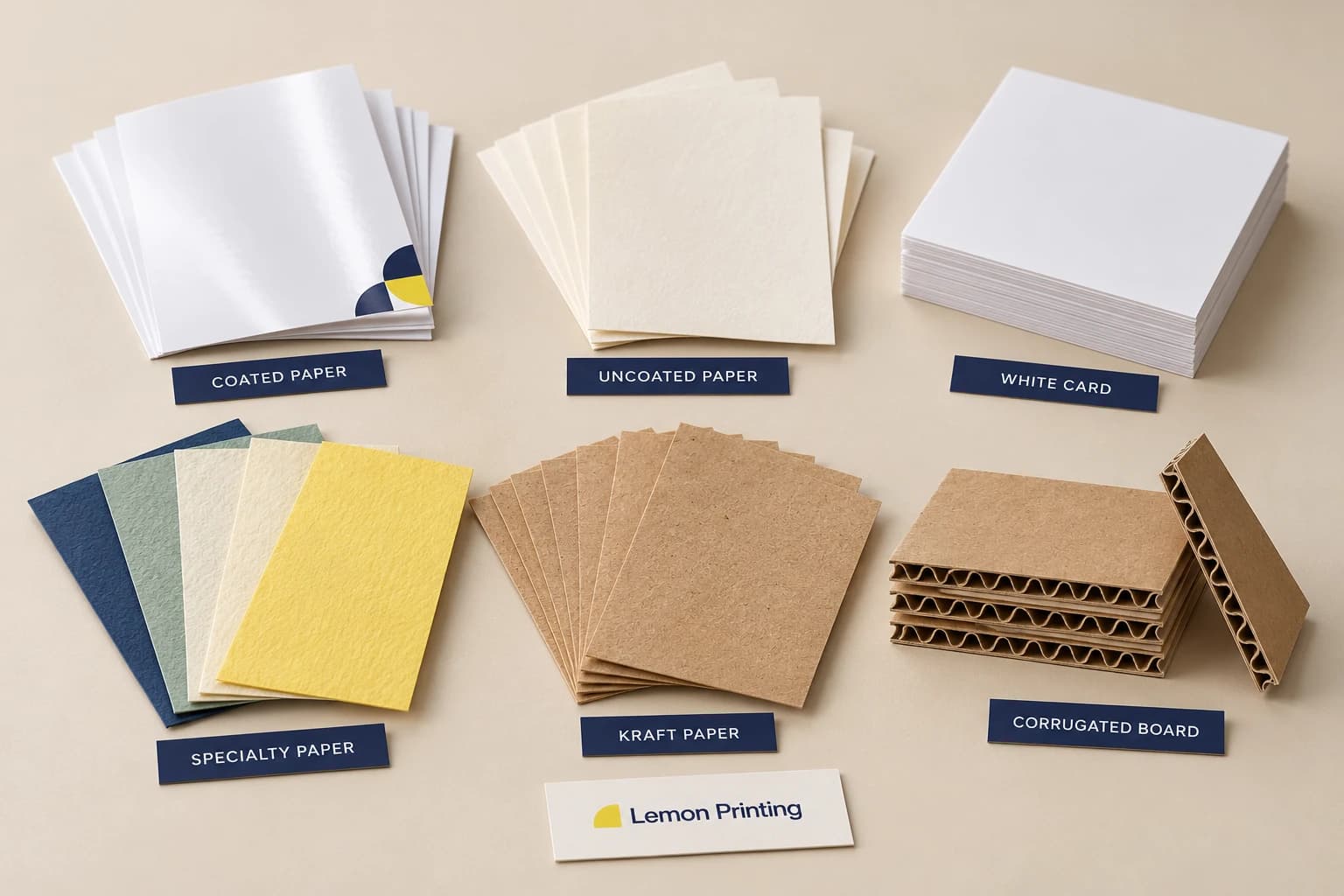
Separate the color route from the color name.
| Choice | What it means | What to record |
|---|---|---|
| CMYK process | Color is built from process separations | Output profile, reference images and substrate. |
| Pantone spot color | A named reference may call for a separate ink | Reference edition, coated or uncoated target and the agreed ink route. |
| CMYK simulation of a spot color | A process approximation, with a limited printable range | Approve the simulation rather than assuming a spot-color match. |
| Foil or metallic effect | A reflective finish changes with viewing angle | Material sample and a separate artwork layer; a flat PDF cannot reproduce reflection. |
Keep one usable approval record.
An ICC profile describes a color condition; attaching one is not proof that a device or press was verified. Agree the intended output and the proof purpose before changing color settings.
Record file name and revision, paper reference, included effects, critical areas, approval date and the retained physical target. If the stock or finish changes, identify which parts of the approval must be repeated.
- Use final-size representative images, including shadows, skin tones and neutral areas relevant to the project.
- Agree measurement method and acceptance conditions when a numeric color tolerance is needed; no universal tolerance is promised here.
Common questions
Does approving a PDF approve printed color?
It approves the visible content and layout you checked. Physical color needs an agreed output reference and viewing conditions; paper, ink and finishing can change the result.
Can a named Pantone color be printed in CMYK?
It can be simulated, but some spot colors fall outside the process range. State whether you need a separate spot ink or an approved CMYK simulation.
Sources and scope of this guide
Reviewed October 21, 2026. Industry references explain selection. The approved specification defines the actual materials, processes and acceptance conditions for your order.
- ICC: quality-managed proofing
Calibration and verification principles; not evidence of Lemon equipment, certification or a fixed color tolerance.
Build a specification we can quote.
Tell us the product, finished size, quantity and destination. Include the feature you need the sample to check.