Brochure Printing · Formats & construction
Envelope & Letterhead Printing
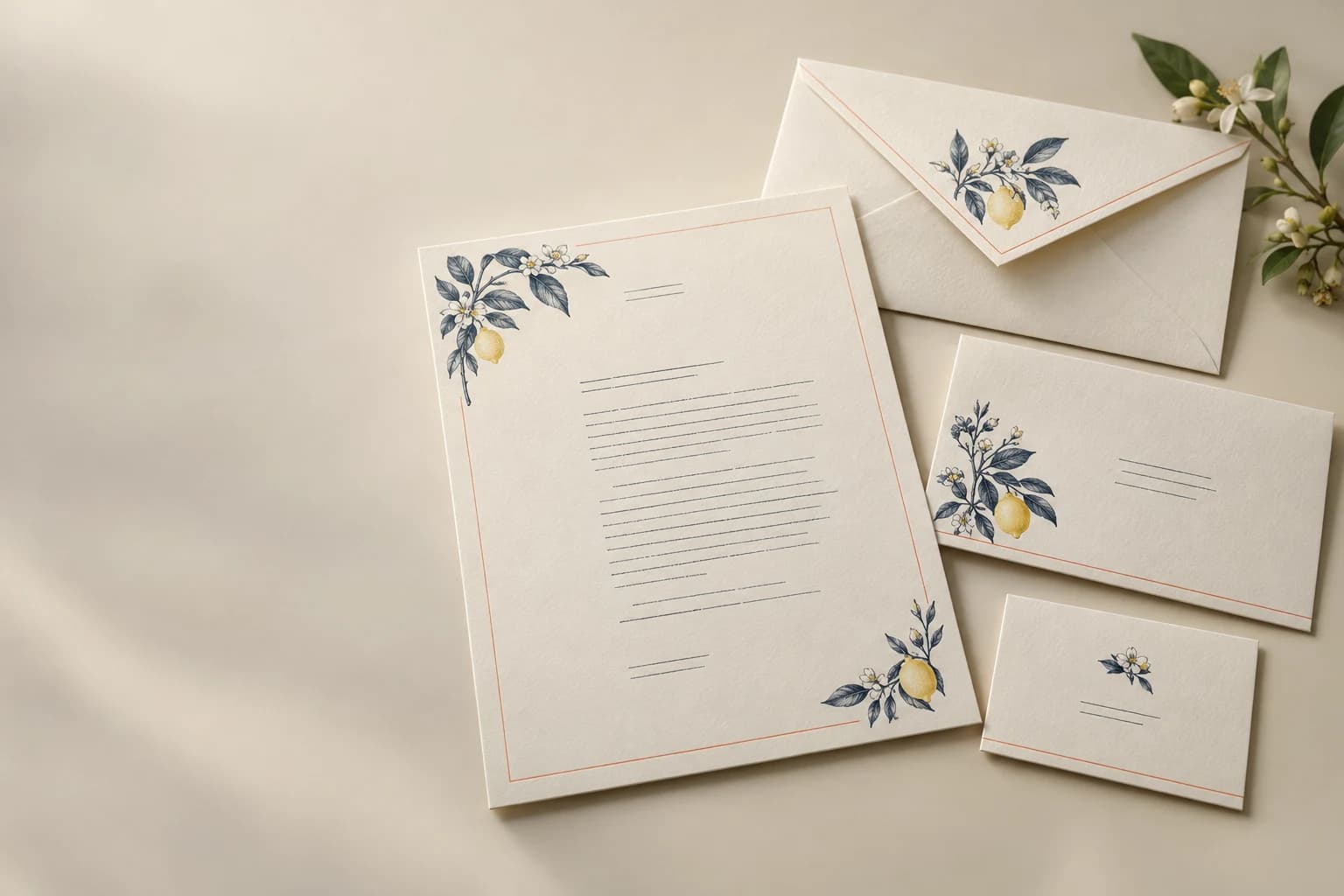
A stationery set combines writing sheets with envelopes sized for the folding and mailing workflow.
- Letterhead print sides; envelope size, flap and optional window
- Uncoated woodfree
- Office stationery
Start with the intended use, finished size and quantity. The material and construction can follow.
The product in use
Office correspondence connected to its mailing format
A letterhead and envelope set connects a full-page office document with its mailing format. Letter folds, envelope dimensions and any window determine address placement. The writing or overprinting paper has to serve the office workflow as well as the preprinted identity.
What makes up the finished product?
- Letterhead sheet
- An office-use page carries preprinted identity and the space used for correspondence.
- Envelope
- The folded contents fit within a separately specified envelope and closure.
- Fold and window relationship
- Document folds and any address window determine what remains visible after insertion.
Specifications and materials
Envelope & Letterhead Printing specifications
Use these reference options to build the project brief. Dimensions are design examples; material availability, tooling and production timing depend on the confirmed specification.
| Parameter | Reference or option | Why it matters |
|---|---|---|
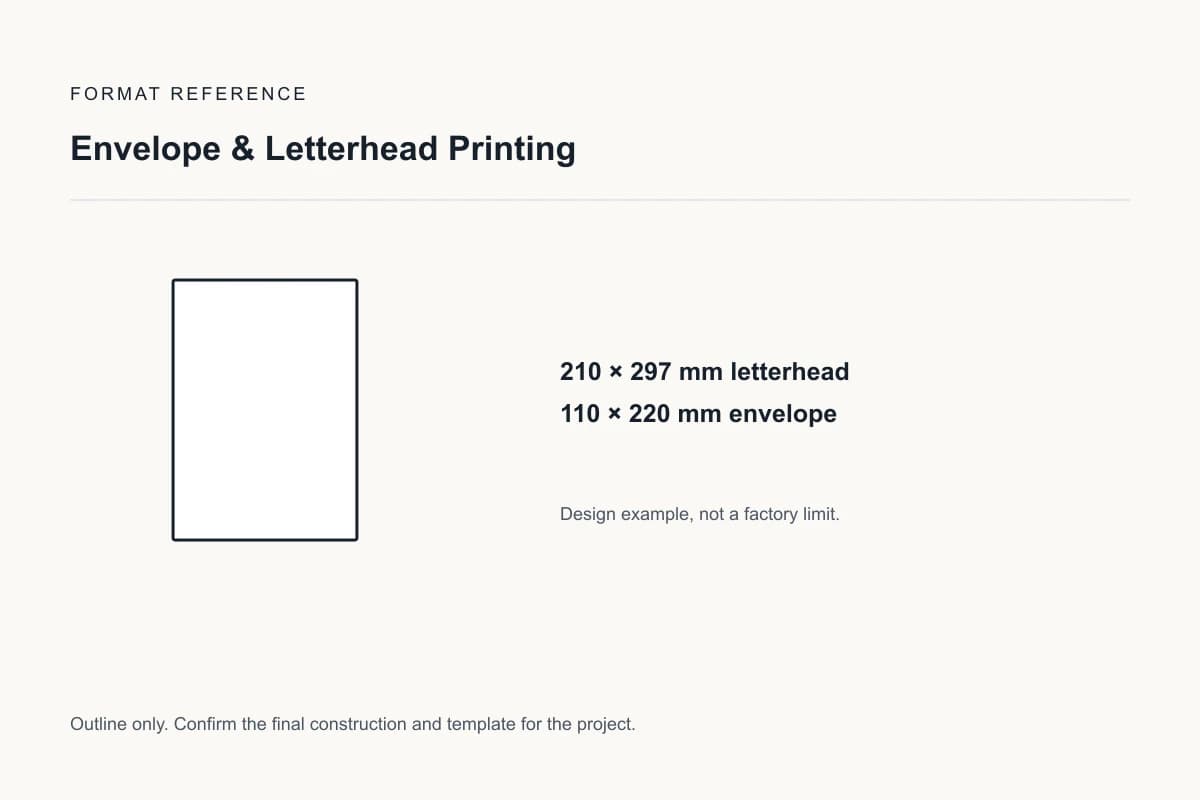
| Finished dimensions | 210 × 297 mm letterhead; 110 × 220 mm envelope | This A4-and-DL example requires folding the sheet; an unfolded enclosure needs a different envelope. Design reference, not a factory limit. |
| Stationery components | Letterhead print sides; envelope size, flap and optional window | Letterhead feeding and envelope insertion are separate functional checks. |
| Print and functional layout | Print sides, writing areas, code areas and any numbered versions | Check the design at final size using the pen, printer, handle or display position it is intended for. |
| Converted dimensions | Finished size, flat layout and separate cut, fold, glue or perforation positions | A visible panel or finished rectangle does not determine the whole production template. |
| Material construction | Letterhead paper with separately specified envelope paper | Compare the actual grade and construction. Test the preprinted sheet in the actual office printer. |
| Format and order unit | letterhead sheets and envelopes counted as separate items per design | List components and versions separately so quantities refer to the same finished unit. |
| Finishing choice | Keep envelope glue and sealing areas functional and separate from decorative print or finish. | Approve the proposed material and process combination on an appropriate sample. |
Compare the material and its effect.
Choose the surface and construction for the way the finished product will be used. The options below are selection references, not a guaranteed inventory list.
Uncoated woodfree
Writing and office-overprint paper
An open surface supports handwriting and conventional correspondence. Feeding and ink behavior must match the intended printer.
Sample check: Test the preprinted sheet in the actual office printer.
Envelope paper
Paper selected for folding, sealing and insertion
Surface and stiffness affect print appearance, flap folding and sealing.
Sample check: Test the finished envelope with its intended enclosure and sealing method.
Selected sample focus — Uncoated woodfree: Test the preprinted sheet in the actual office printer.
Format & usable space
Letterhead Size, Envelope Fit & Mailing Fold
210 × 297 mm letterhead; 110 × 220 mm envelope
This A4-and-DL example requires folding the sheet; an unfolded enclosure needs a different envelope.
This is a design reference, not a required size or a manufacturing limit.
Stationery components
Letterhead print sides; envelope size, flap and optional window
Letterhead feeding and envelope insertion are separate functional checks.
View the original format reference
Surface finish options
Writable sheets and functional areas
Omit added surface treatment from writing and copying areas. Confirm pen, printer or carbonless-copy performance for the specified stock and keep envelope glue and seal areas clear. Cover or backing decoration is a separate specification.
Illustrative finish samples, not photographs of this product. Final suitability follows the confirmed stock, construction and approved sample.
Compare all surface finishes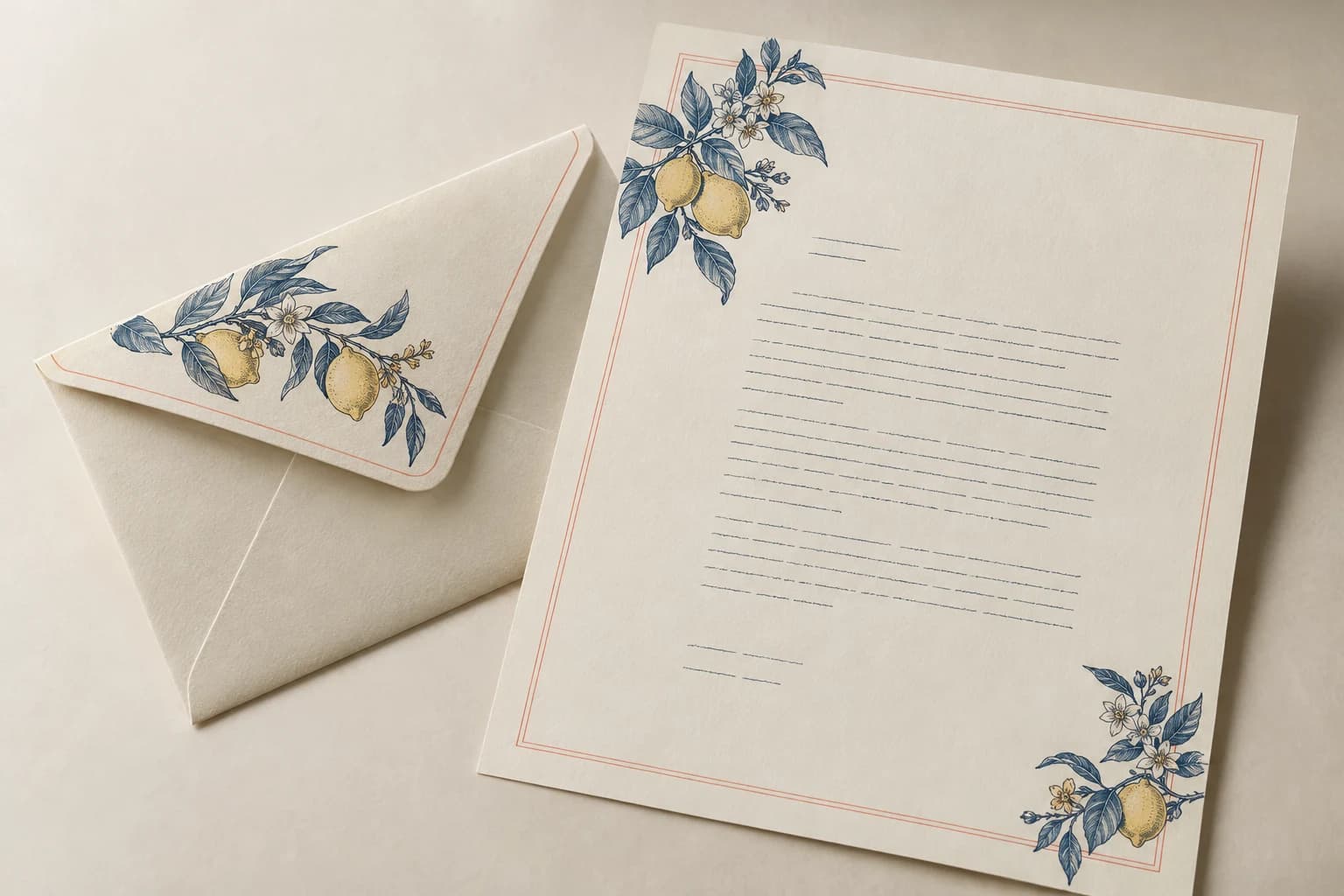
Details that change the finished product
Inspect the printed and converted format
Specify two components as one coordinated set
Test letterhead in the intended office printer. State envelope window, flap and insertion requirements independently of the letterhead artwork.
Stationery components
Letterhead feeding and envelope insertion are separate functional checks. A converted sample checks the fold, cut, glued edge or other functional feature at full size.
Surface and finishing compatibility
Keep envelope glue and sealing areas functional and separate from decorative print or finish. An open surface supports handwriting and conventional correspondence. Feeding and ink behavior must match the intended printer. Test the preprinted sheet in the actual office printer.
Office Stationery & Mailed Correspondence
Office stationery
Test overprinting in the actual office printer and review color across both papers.
Mailed correspondence
Define sheet fold, envelope fit, window and flap independently.
Solve the risk before production
Check Office-Printer Feeding & Envelope Insertion
The critical finished-product check
Preprinted sheets can behave differently under office-printer heat. Assess feeding and overprinting with the specified paper and compatible ink process.
The address misses the window
Why it happens: Fold positions and document margins are planned independently from the envelope aperture.
Fix and check: Fold the printed letter and check address visibility through the actual envelope window.
When to choose another format
Letterhead Sets, Note Cards & Notepads
| Alternative | Use and trade-off |
|---|---|
| Note Card Printing | A card-and-envelope set suits short messages rather than full-page office correspondence. |
| Notepad Printing | A padded stack serves writing at a desk without an envelope or mailing fold. |
Sample and approval
Test Letterhead Overprinting & the Assembled Mailing Set
Free samples are available, with preparation completed within 15 days. Confirm the sample scope; courier arrangements and transit time are separate.
Structural sample
Checks dimensions, fit and assembly using unprinted or representative materials. It does not establish final color.
Printed proof
Checks text, image reproduction and artwork on the agreed proof medium. It may not reproduce final assembly or every finish.
Complete finished sample
A converted sample checks the fold, cut, glued edge or other functional feature at full size.
From brief to delivery
Order Details for Envelope & Letterhead Printing
Build and approve the order in five steps
Send the project brief
Send sheet and envelope quantities, office printer, window position and mailing fold. Include finished dimensions, quantity by version, destination and required arrival date. If a configuration is undecided, describe the intended use.
Compare the quoted configuration
Compare the same quantity basis: letterhead sheets and envelopes counted as separate items per design. Check that the quote identifies materials, finishing, included components, sample scope, packing and freight.
Approve the appropriate sample
A converted sample checks the fold, cut, glued edge or other functional feature at full size. A print proof checks artwork and color; a complete finished sample also checks assembly. Record what the selected sample does and does not reproduce.
Confirm files and release production
Approve the final artwork revision and the stationery components specification. Record the agreed quantity, payment conditions, packing and production schedule in the order.
Confirm packing and dispatch
Define pieces per bundle or complete assemblies, component quantities and version labels. Confirm production completion and transit as separate dates, using the delivery destination and required arrival date.
- Identify finished and flat dimensions separately. Supply a print-ready PDF with fonts embedded and cut or fold geometry on separate named layers where needed.
- Extend edge-to-edge trim artwork by 3 mm unless the approved template specifies a different bleed. Use approximately 300 effective ppi for continuous-tone images at their placed size; keep fine linework as vectors where possible.
Project questions
Planning Envelope & Letterhead Printing
Can a printed letterhead be used in an office laser printer?
State the intended printer and later printing step in the brief. Ask for a representative stock and print construction to test in that device; do not infer feeding or heat compatibility from the stationery’s appearance.
How should I specify quantities and versions?
Count letterhead sheets and envelopes separately for each design. State sheet and envelope quantities, office printer, window position and mailing fold; components, language versions and different structures must be listed separately.
What determines the minimum quantity and delivery schedule?
The selected stock, construction, finishing, version count and sample scope determine production planning. Request quantity breaks for the same configuration and an arrival-date plan that separates sampling, manufacturing and transit. No minimum or lead time is implied by the design examples above.
Specify the finished product.
Send sheet and envelope quantities, office printer, window position and mailing fold. Include finished dimensions, quantity by version, destination and required arrival date.