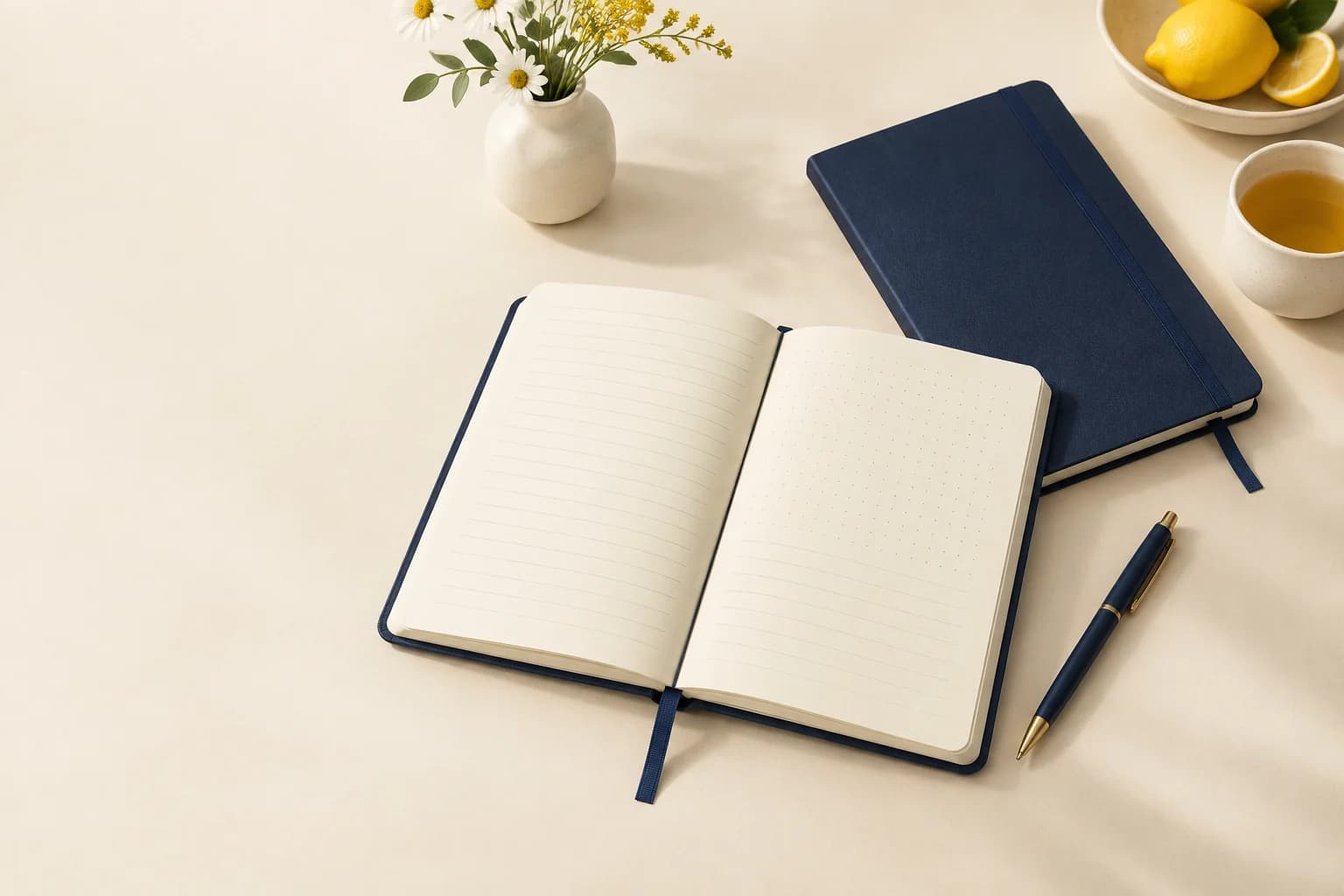
Book Printing · Formats & construction
Journal Printing
Build a journal around the entries it needs to hold. Combine prompts, open writing space and a suitable binding for daily notes, reflection or project records.
- Guided prompts or open writing layouts
- Dated or undated page plans
- Paper and binding tested through actual writing
Start with the intended use, finished size and quantity. The material and construction can follow.
The product in use
The page plan determines the writing experience
A journal may repeat one ruled layout or guide the reader through changing prompts. The amount of writing space, the pace of sections and the date system determine how it is used. Paper and binding must support that plan: a highly structured page is of little value if the inner column is uncomfortable to write in.
What makes up the finished product?
- Entry layouts
- Prompts and open fields define the activity.
- Writing surface
- Paper tone, opacity and ink response affect daily use.
- Binding and navigation
- The spine, ribbon or tabs establish access to each section.
Specifications and materials
Journal Printing specifications
Use these reference options to build the project brief. Dimensions are design examples; material availability, tooling and production timing depend on the confirmed specification.
| Parameter | Reference or option | Why it matters |
|---|---|---|
| Trim size | A5 or 5 × 8 inch design references | Evaluate a complete entry at the intended handwriting size. |
| Writing paper | 90 or 100 g/m² uncoated supplier references | Check both sides with the intended pen and ink. |
| Layout system | Repeated rules, guided prompts or mixed sections | State the number and sequence of each master layout. |
| Date system | Dated calendar or undated entries | Dated editions need a full calendar and sequence check. |
| Binding | Softcover, rigid case or punched format | Select for writing access, carrying and the expected period of use. |
Compare the material and its effect.
Choose the surface and construction for the way the finished product will be used. The options below are selection references, not a guaranteed inventory list.
Writing stock
90 or 100 g/m² uncoated references
Changes opacity, touch and total block thickness.
Sample check: Test a realistic entry on both faces.
Printed writing layout
Rules, dots, tints and prompt text
Guides the entry and establishes visual hierarchy.
Sample check: Judge contrast after writing, not on a blank page alone.
Cover options
Flexible card, cloth case or leatherette
Changes carry weight and the outside feel.
Sample check: Choose independently from the interior page plan.
Selected sample focus — Writing stock: Test a realistic entry on both faces.
Format & usable space
Journal Printing: Format & Configuration
148 × 210 mm
A5 design reference balances carry size and writing space.
This is a design reference, not a required size or a manufacturing limit.
Entry planning example
One entry per page or a two-page entry spread
A spread provides more room for structured reflection but changes total pagination. Test the entry before multiplying it through the journal.
See the trim proportions.
These are publishing references, not required sizes. Compare the usable page shape before adapting an existing layout.
Selected: Everyday journal. Proportions only; not actual size.
Trim dimensions describe the cut page. Artwork bleed, cover overhang, tabs and modules are separate allowances.
View the original format reference
Surface finish options
Printed covers and jackets
Choose the finish for the printed cover or jacket, not automatically for the interior. Check color, rub marks, hinges and compatibility with the cover stock. Cloth and synthetic wraps need a separate material trial.
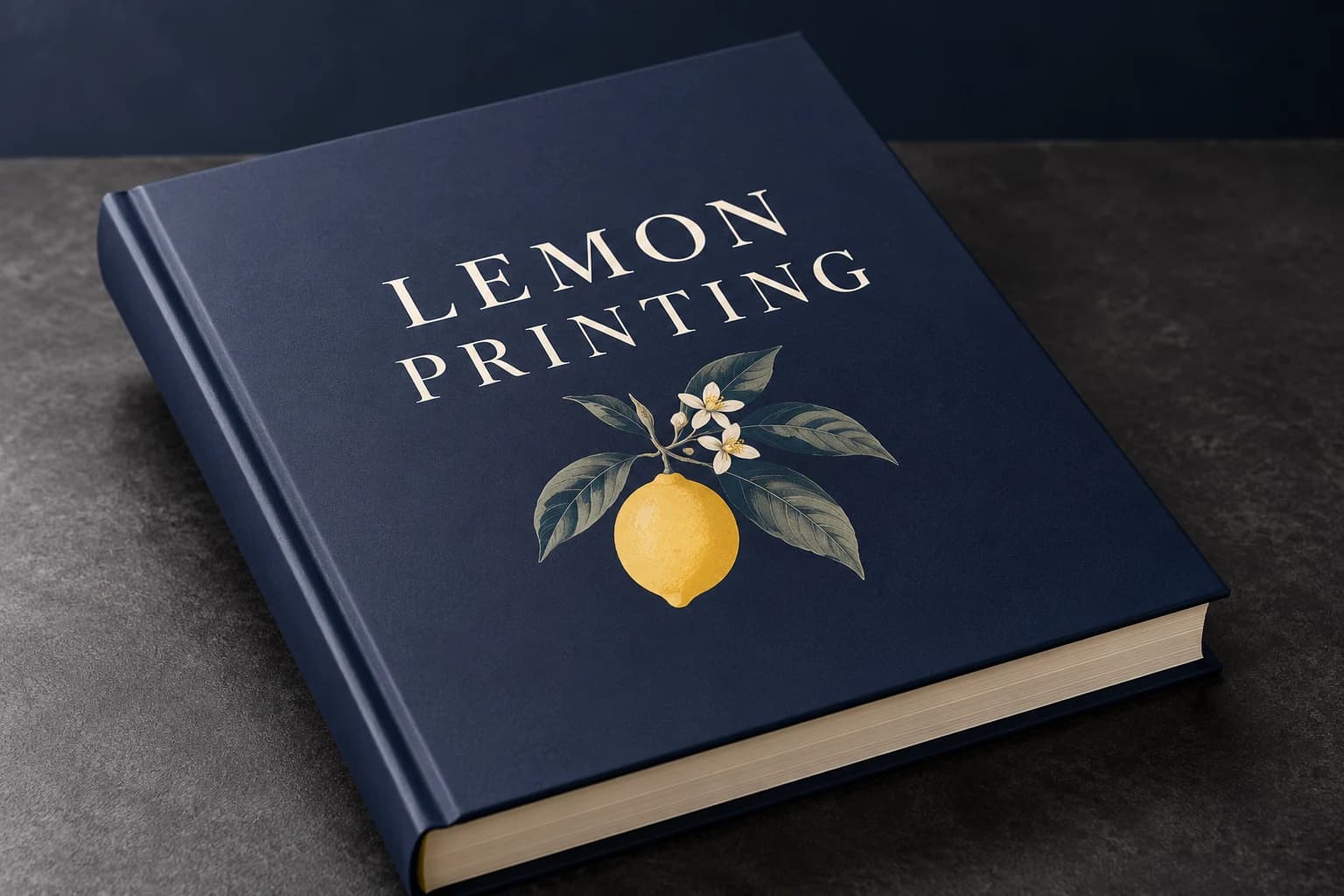 Matte lamination View effect & artwork guidance
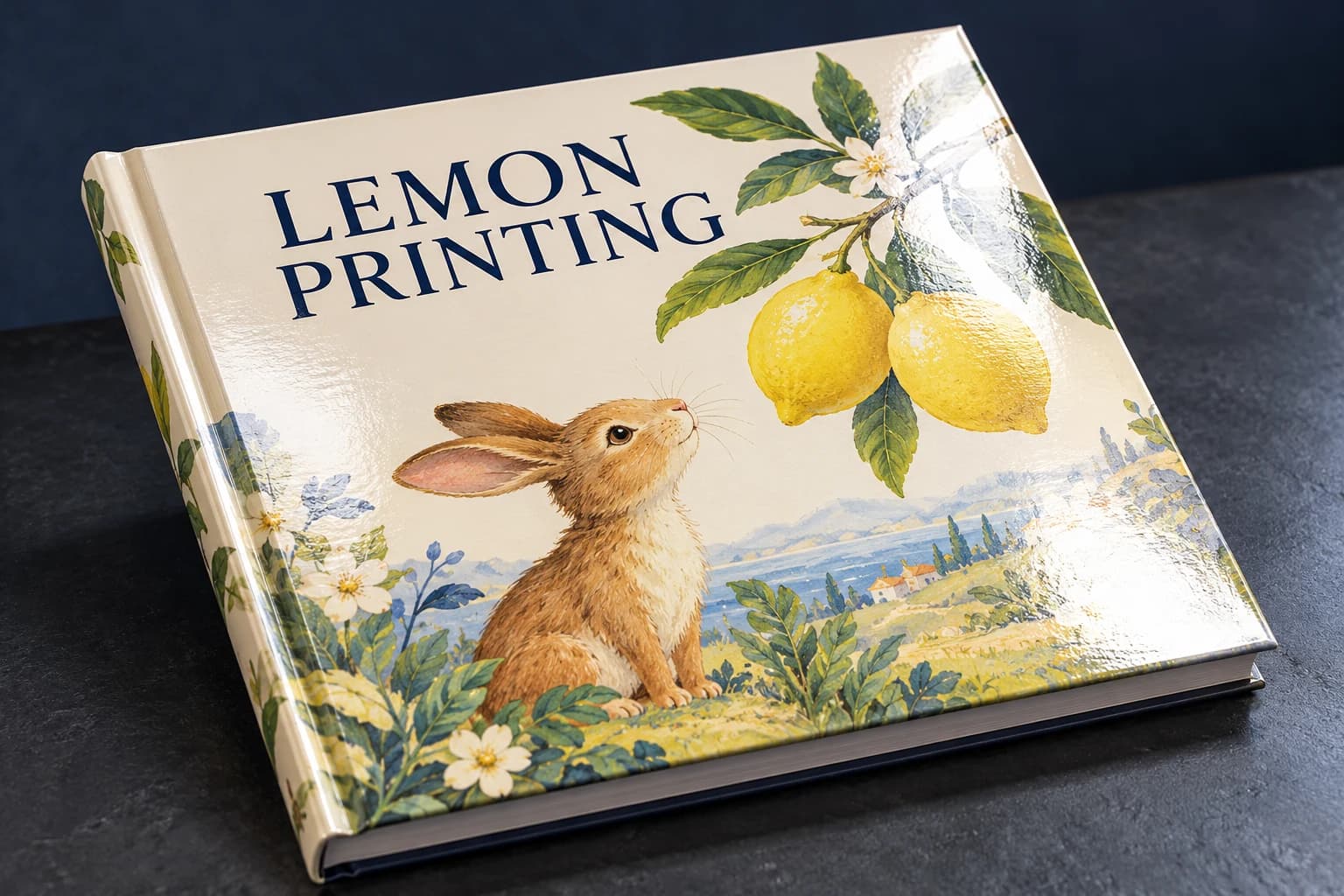 Gloss lamination View effect & artwork guidance
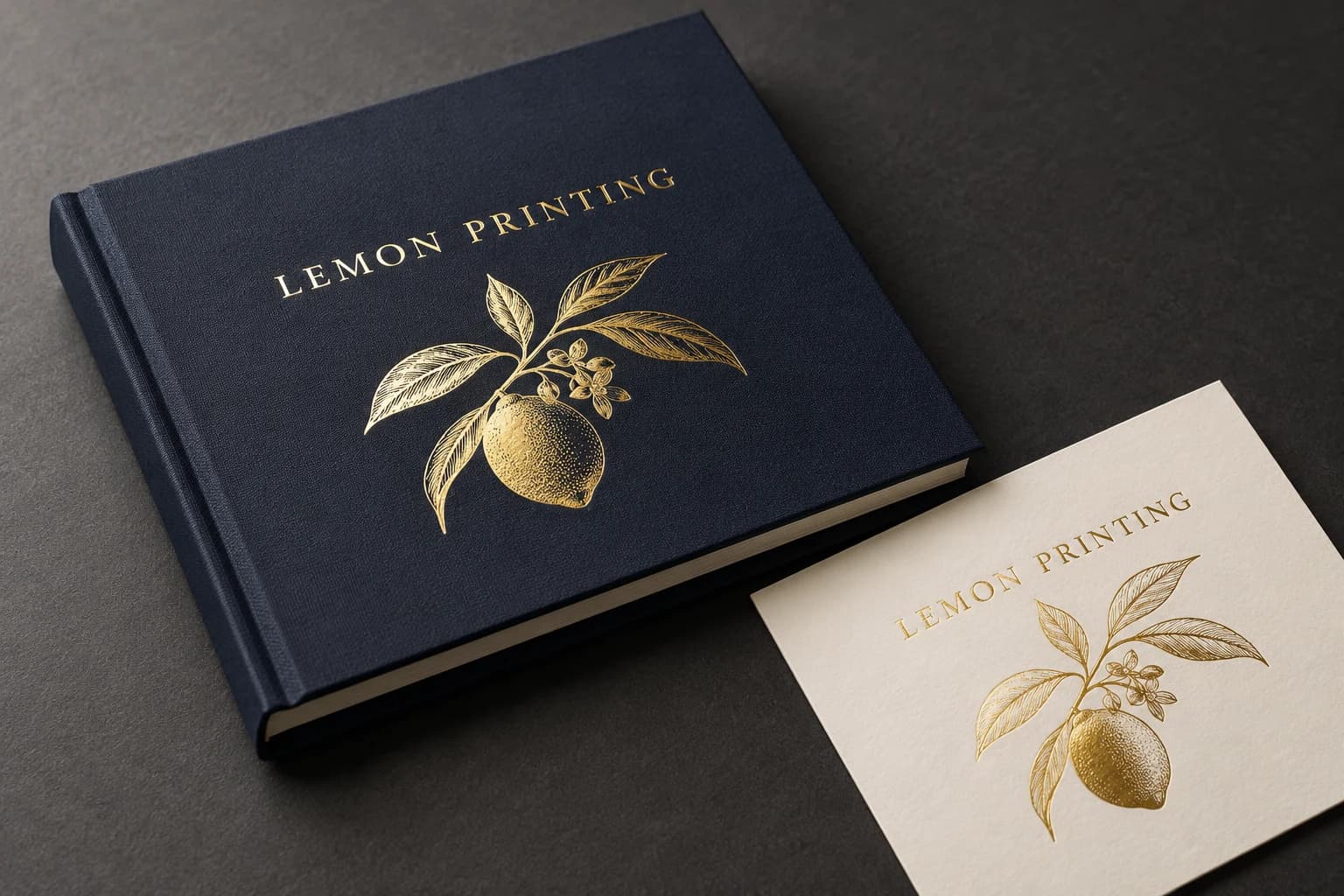 Gold foil stamping View effect & artwork guidance
 Spot UV View effect & artwork guidance
Illustrative finish samples, not photographs of this product. Final suitability follows the confirmed stock, construction and approved sample.
Compare all surface finishes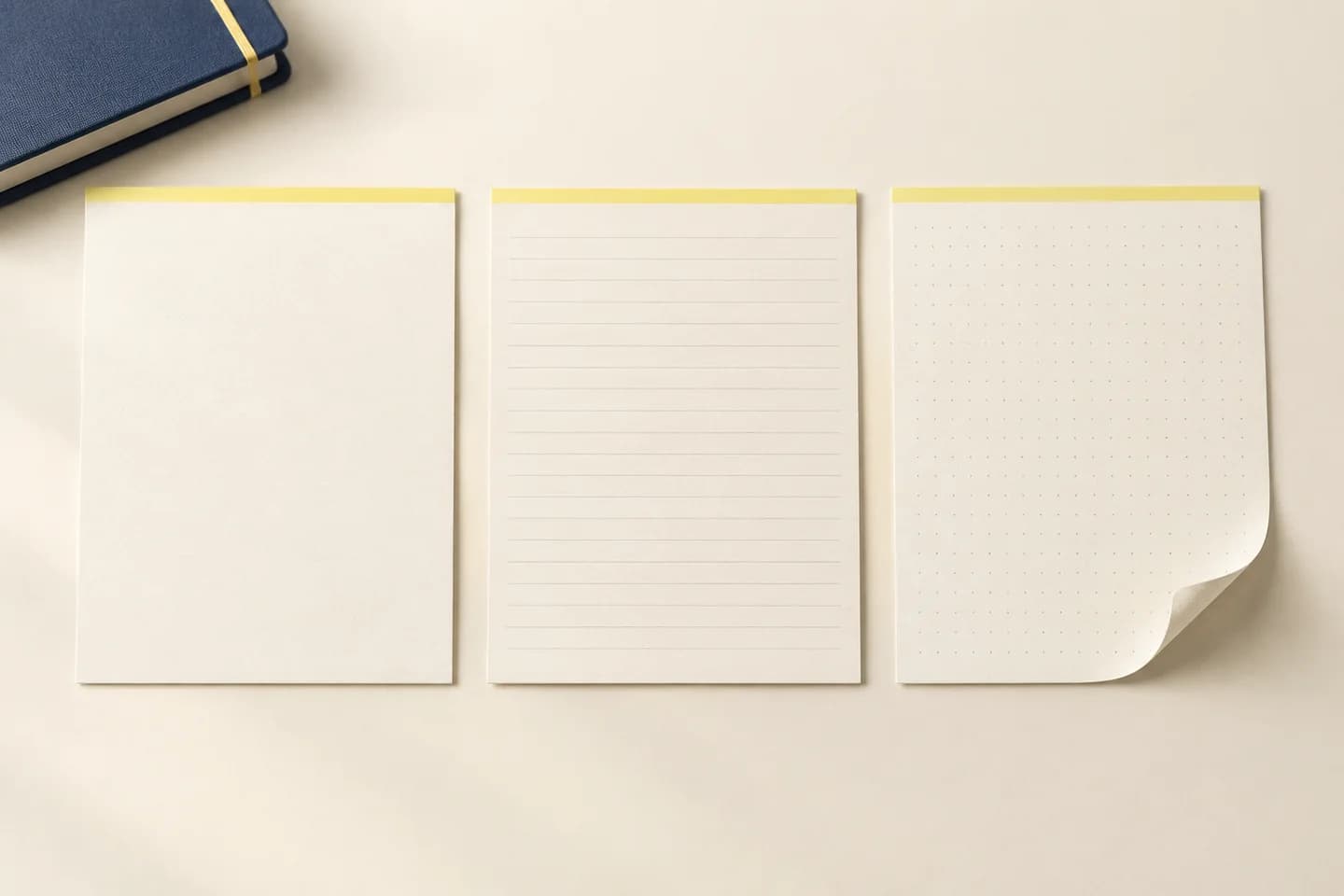
Details that change the finished product
Make the sequence usable day after day
Proof the complete sequence
Repeated pages can conceal a missing section or wrong date. Review section starts, numbering and intentional blanks in reading order.
Keep writing and decoration distinct
A heavy printed background can reduce writing contrast or increase show-through. Test a completed entry over the actual tint and ruling.
Choose navigation for the content
A ribbon helps return to one place; tabs identify sections but add thickness and projection. Include their effect in the assembled sample.
Journal Printing: Uses & Configurations
Reflection journals
Give each prompt a clear purpose and enough answer space.
Project records
Combine dated entries with indexes or recurring observation fields.
Branded journals
Use useful content and writing comfort to support repeated use alongside the cover identity.
Solve the risk before production
Journal Printing: Finished-Product Checks
The critical finished-product check
Too many prompts leave too little room for real entries. Print the layout at final size, write a representative entry and remove or redistribute prompts that compete with the answer space.
A dated section repeats or skips
Why it happens: A repeating master or calendar source has been applied incorrectly.
Fix and check: Verify every dated page and section transition before production.
The layout obscures handwriting
Why it happens: Decorative tints or small fields compete with the entry.
Fix and check: Reduce coverage and trial a full entry at final size.
When to choose another format
Alternatives to Journal Printing
| Alternative | Use and trade-off |
|---|---|
| Custom Planner Printing | A planner organizes future dates and tasks; a journal can prioritize longer entries, reflection and undated use. |
| Notebook & Journal Printing | A general notebook provides open note space; a guided journal adds a deliberate entry sequence and prompt structure. |
Sample and approval
Sample & Proof Checks for Journal Printing
Free samples are available, with preparation completed within 15 days. Confirm the sample scope; courier arrangements and transit time are separate.
Structural sample
Checks dimensions, fit and assembly using unprinted or representative materials. It does not establish final color.
Printed proof
Checks text, image reproduction and artwork on the agreed proof medium. It may not reproduce final assembly or every finish.
Complete finished sample
Complete representative entries at the front, middle and back; inspect reverse-side show-through, sequence, navigation and the closed profile.
From brief to delivery
Order Details for Journal Printing
Build and approve the order in five steps
Define the journal habit
State entry purpose, dated or undated use and audience.
Build the page plan
Supply masters, section sequence, page count and trim.
Complete trial entries
Check paper, writing space, opening and navigation.
Approve all versions
Freeze dates, numbering, interior revision and cover components.
Separate dated editions
Label year, language and version clearly when packing.
- Provide all master layouts and the complete final reading-order sequence.
- Embed fonts and verify date, page number and section logic in the exported PDF.
- Keep prompts and writing fields outside the binding restriction; use the final template for the chosen cover.
Project questions
Planning Journal Printing
Should a journal be dated or undated?
Dated pages support a defined calendar routine. Undated pages let users skip days without leaving obsolete pages; choose for the intended habit.
Can different layouts share one journal?
Yes. Supply their sequence and page counts clearly so repeated masters do not conceal missing sections.
Is a heavier sheet always better for writing?
No. Opacity, sizing and surface affect ink behavior, while higher mass also changes the block. Test the chosen pen on the actual grade.
Can a ribbon replace section tabs?
A ribbon marks a reading position; tabs provide persistent section access. They solve different navigation tasks.
Specify the finished product.
Send trim, dated or undated plan, page count, sample entry pages, intended pens and quantity per version. Identify different section layouts and cover materials.