Table of Contents
- Key takeaways: What to specify before ordering business cards
- Which business card size and format fit your use?
- Standard US dimensions, square cards, and custom sizes
- Single-sided or double-sided printing
- How should you choose card stock and surface finish for custom business card printing?
- Compare paper weight, stiffness, coating, and writing needs
- What artwork details affect print quality?
- Bleed, safe area, color mode, and small type
- Business card specification comparison table
- How to prepare a quote request and approve a proof
- Frequently asked questions about custom business card printing
- Get a quote for custom business cards
Key takeaways: What to specify before ordering business cards
Short answer: Custom business card printing should be quoted from a complete production specification, not only a quantity and a logo. Confirm the finished size and shape, print sides, paper stock, surface finish, artwork setup, proof requirement, packing method, destination, and target date.
Definition – business card printing specifications: These are the physical, visual, and production details that determine how a business card is printed, finished, checked, packed, and quoted. A specification can be simple for an everyday networking card or more detailed for a premium brand card, multilingual team, or writable appointment card.
- Start with use: A card that must fit standard US holders needs a different format decision from a square or die-cut promotional card.
- Separate weight from stiffness: GSM describes paper weight, while caliper, fiber structure, coating, and lamination affect how rigid the card feels.
- Decide whether the reverse needs to work: A second printed side is useful for languages, services, a QR code, or appointment information. A blank writable reverse may require an uncoated or writable surface.
- Send production-ready artwork: The file should identify final trim, bleed, safe areas, color mode, image resolution, fonts, and front-to-back orientation.
- Approve the right proof: A digital proof checks layout and content. A physical proof is more useful when paper feel, coating, color, or a specialty finish is part of the decision.
Lemon Printing handles prepress, printing, finishing, inspection, packing, and export preparation in-house for international commercial printing projects. Final MOQ, production time, pricing, and shipping depend on the product specifications, quantity, finishing, and delivery destination.
Which business card size and format fit your use?
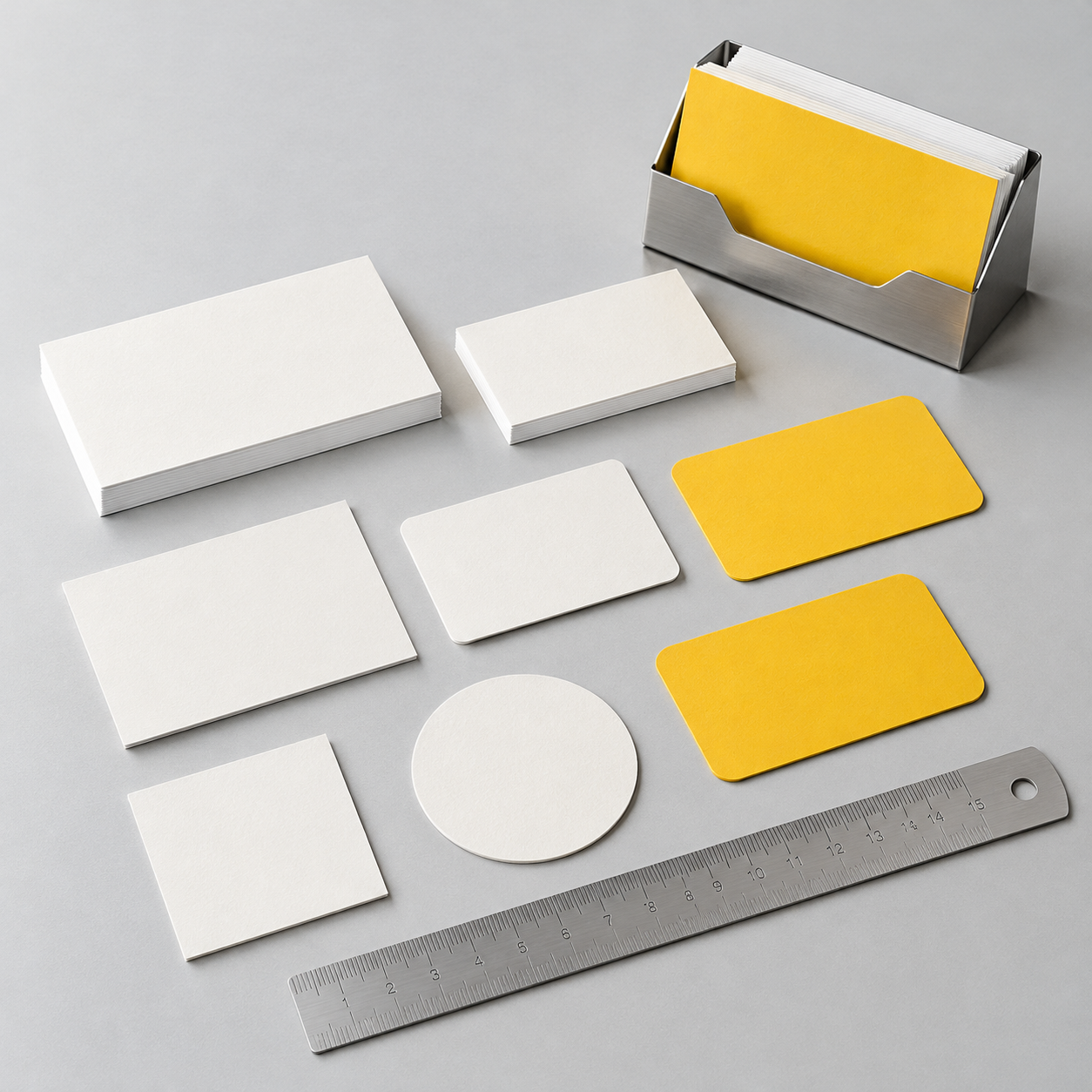
The standard US business card size is 3.5 x 2 inches, or approximately 89 x 51 mm. It is usually the safest choice for wallets, card holders, badge organizers, and automated storage systems. Choose a different format only when the extra visual distinction or information space justifies possible limits on storage, mailing, and packing.
Size is a procurement decision as much as a design decision. Confirm the finished trim size, corner treatment, orientation, and whether the supplier is quoting a standard cut or a custom die. The same artwork can require a different production setup when the card is square, unusually narrow, oversized, or shaped.
Standard US dimensions, square cards, and custom sizes
Use 3.5 x 2 inches when compatibility and easy handling matter most. If you are buying for teams that travel across markets, also confirm whether local holders expect a different regional format before approving the artwork.
Square cards, mini cards, oversized cards, and custom die-cut shapes can help a brand stand out, but they introduce practical checks. A square card may not sit correctly in a conventional wallet slot. A narrow card can reduce the usable area for contact information. A die-cut card may need a separate cutting form and a more deliberate packing method. Rounded corners also need a confirmed radius or supplier template; do not assume that a screen mockup communicates the cutting specification.
For a standard rectangular card with full bleed, a common starting point is to extend the background about 0.125 inch, or roughly 3 mm, beyond each trim edge and keep names, logos, and contact details at least 0.125 inch inside the trim. These are common working values, not a substitute for the printer’s template. Custom shapes and close-set borders need a specific prepress check.
Single-sided or double-sided printing
Choose one-sided printing when the back should remain blank, writable, or deliberately quiet; choose two-sided printing when the reverse carries useful information. In common commercial notation, 4/0 means full-color printing on the front only, while 4/4 means full-color printing on both sides. A black-only side or a limited-color side should be stated explicitly rather than assumed.
One-sided cards work well when the front contains all essential details and the reverse is reserved for notes. They can also reduce design and approval work. Two-sided cards are useful for a second language, service list, map, appointment instructions, social links, or a QR code. If the reverse contains a QR code, provide a vector or high-resolution asset and request a scan check at the final printed size.
Do not put a writable requirement together with a glossy or heavily laminated reverse without testing it. A pen that works on uncoated paper may smear, skip, or fail to adhere to a coated or laminated surface.
How should you choose card stock and surface finish for custom business card printing?
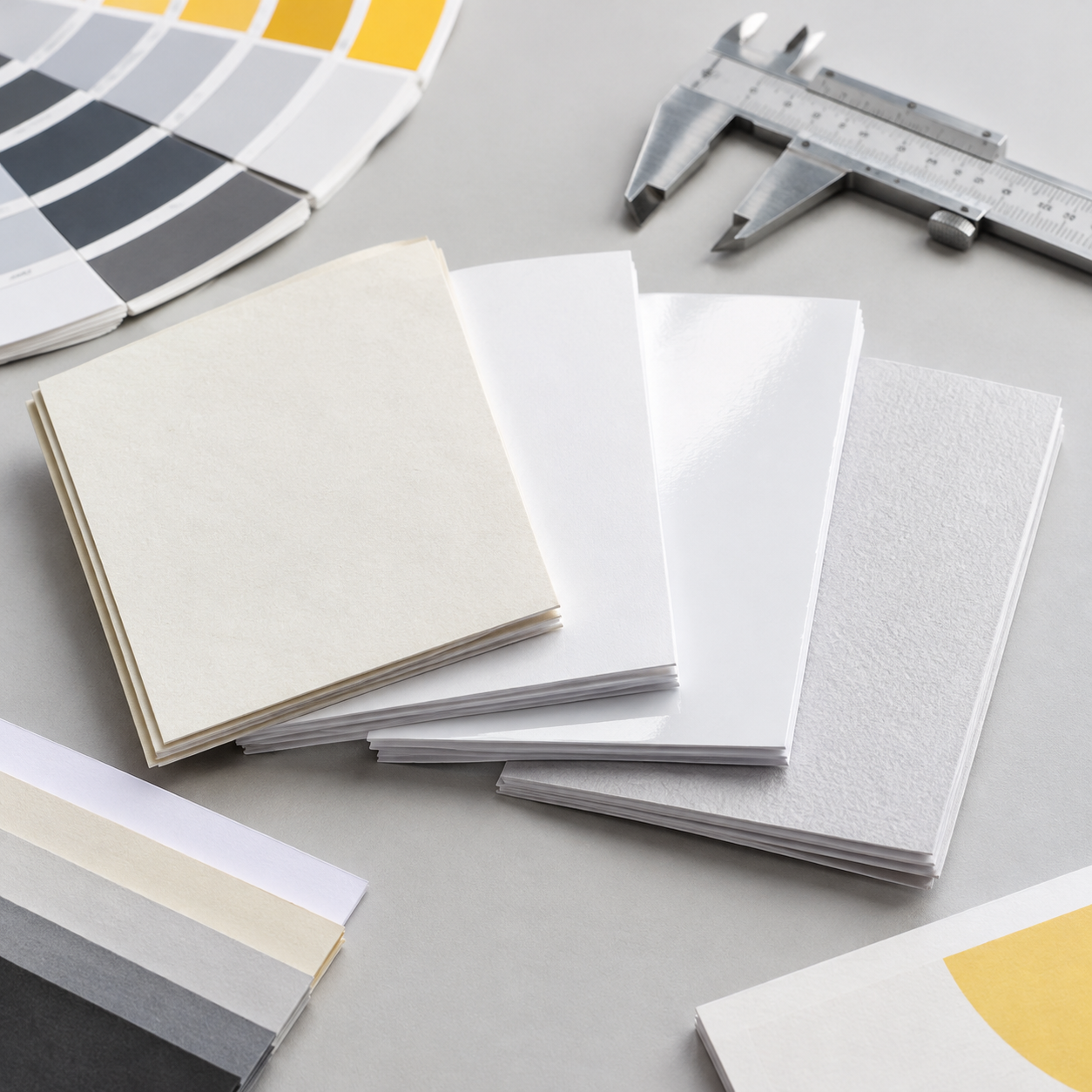
Choose business card paper stock by the way the card will be handled, then choose the surface by the required appearance, protection, and writing performance. A heavier sheet is not automatically a better sheet. The useful comparison is the named paper, GSM, caliper or thickness, coating, laminate, and how those choices work with the design.
For routine networking, buyers often prioritize a reliable rectangular format, clear color, and a stock that feels firm without making the card difficult to carry. For premium brand cards, a thicker or more tactile stock may be justified. For appointment cards, note cards, or membership cards, writing performance may matter more than a high-gloss appearance. Ask for a paper or physical finish sample whenever the tactile result is part of the approval.
Compare paper weight, stiffness, coating, and writing needs
GSM means grams per square meter, so it describes paper weight rather than the complete hand feel. Caliper describes thickness, usually measured in microns or points. Fiber composition, density, coating, and lamination can make two sheets with the same GSM feel different. Ask the printer to identify the actual stock and, where relevant, provide caliper or a sample instead of approving a GSM number alone.
- Uncoated stock: Has a more natural, porous surface and is generally the easiest option for handwriting. Ink may appear softer or less glossy, and large dark areas can look different from the same file printed on coated paper.
- Coated stock: Has a smoother surface that can reproduce fine color and images cleanly. It is a practical choice for image-led cards, but ordinary pens may not write consistently on it.
- Matte or gloss lamination: Adds a film over the printed surface. Matte reduces reflections and gives a softer visual effect; gloss increases shine and can make colors appear more vivid. Neither should be treated as automatically writable.
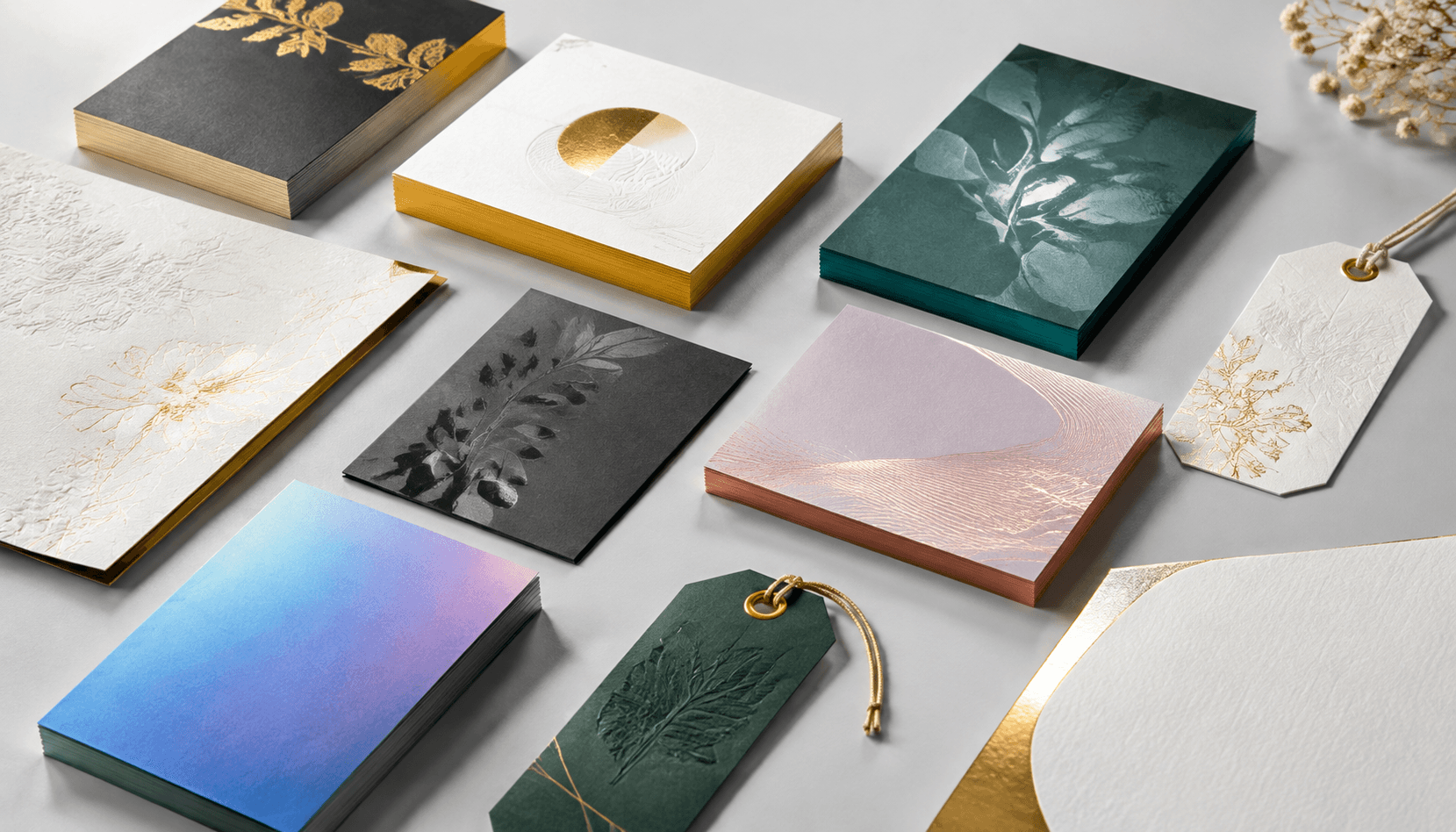
- Texture, foil, embossing, or spot UV: These are secondary finishing decisions. Confirm their placement, registration, minimum detail requirements, and compatibility with small type before adding them to the quote.
For a business card that must survive frequent handling, ask how the proposed stock and finish behave at the cut edge and corners. For a card that will be written on, test the actual pen, not just a similar paper sample. For a brand card where color matching is critical, compare a physical proof or approved standard under consistent lighting.
What artwork details affect print quality?
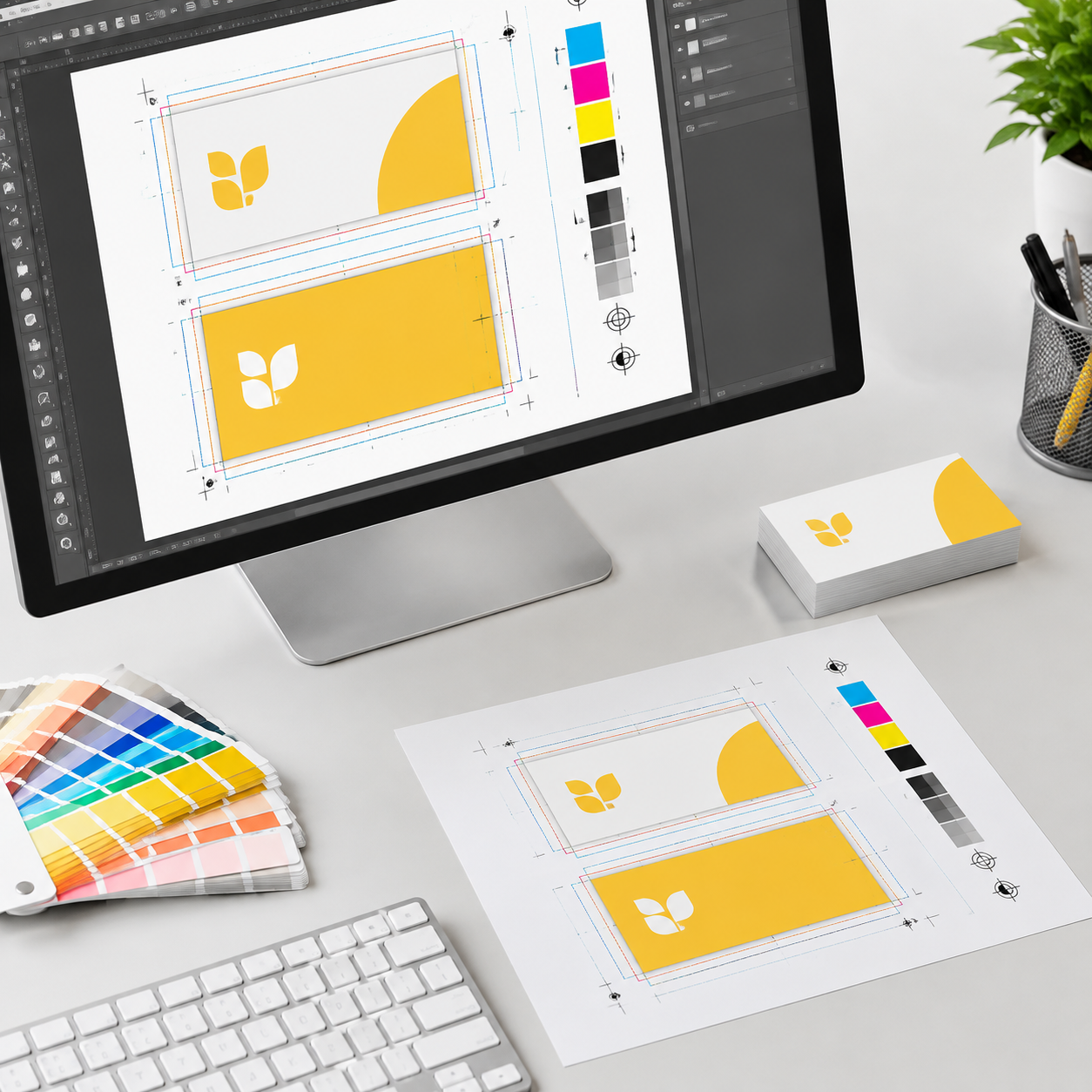
Business card print-ready artwork should show the final trim, bleed, safe area, color mode, image quality, type treatment, and front-to-back orientation. A small file can still create production problems if the background stops at the trim, a logo is supplied in RGB, fonts are missing, or the front and reverse are rotated inconsistently.
Send a press-ready PDF unless the printer requests another format, and keep the editable source file available in case prepress needs to investigate an issue. Name files by version and side, such as company-name-front-v3 and company-name-back-v3. If several employees or languages are involved, identify whether each version is a separate design and provide a controlled list of names and titles.
Lemon Printing can review artwork during prepress before production. Its commercial printing process includes specification review and production preparation, but the buyer should still make the final content and color decisions before approving a proof.
Bleed, safe area, color mode, and small type
Use the printer’s template when available, because trim and finishing requirements control the final file. A practical preflight checklist is:
- Trim and bleed: Set the document to the finished size and extend backgrounds or images past the trim. Do not place important text, logos, or numbers in the bleed.
- Safe area: Keep critical content away from the cut edge, especially on cards with rounded corners or a narrow border. Borders that look even on screen can appear uneven after trimming.
- Color: Use the agreed CMYK profile for process color. RGB elements may be converted during production and can change appearance. If a brand color requires a spot-color reference, state that in the quote and proof instructions.
- Images and type: Use vector artwork for logos and line art where possible. Raster images should be high enough resolution at final size, commonly around 300 ppi for placed photographic or detailed images. Embed fonts or outline them according to the printer’s workflow.
- Black and fine detail: Use a controlled black formula for small type and confirm the preferred rich-black formula for large solid areas. Avoid extremely thin rules and tiny reversed type; white text on a dark background is more sensitive to ink spread and registration.
- Proof review: Check spelling, phone numbers, email addresses, URLs, QR codes, side orientation, crop position, and the relationship between the artwork and the finished shape.
Software instructions vary, but Adobe’s InDesign margin guidance is a useful reference for establishing a live area. The supplier’s artwork template and prepress notes take priority over a general software tutorial.
Business card specification comparison table
There is no single best business card specification. The right starting point depends on whether the card is primarily for networking, writing, brand presentation, or information density. The table below is a planning guide; confirm the actual stock, available sizes, and finishing compatibility in the supplier quote.
| Use case | Format and print sides | Stock and surface starting point | Main production check |
|---|---|---|---|
| Everyday networking | 3.5 x 2 in rectangle; 4/0 or 4/4 | Mid-weight coated or uncoated stock with a practical surface | Holder compatibility, legibility, and consistent front-to-back color |
| Writable appointment or note card | Standard rectangle; blank or lightly printed reverse | Uncoated or tested writable matte surface | Test the actual pen and leave enough usable writing area |
| Premium brand presentation | Standard or custom size; usually 4/4 | Heavier or tactile stock with matte, gloss, or selected specialty finishing | Check color, edge appearance, finish registration, and small details |
| Multilingual or information-led card | Standard rectangle; 4/4 often provides more layout space | Smooth stock suitable for small but readable type | Confirm language versions, hierarchy, side orientation, and proof approval |
| Square or die-cut promotional card | Custom format and shape; one or two sides | Stock selected for cutting, edge quality, and packing | Confirm holder fit, cutting form, corner or shape tolerance, and carton layout |
These categories can overlap. For example, a premium card may still need to be writable, or a bilingual card may also use a custom size. State the priority that cannot be compromised before comparing quotes.
How to prepare a quote request and approve a proof
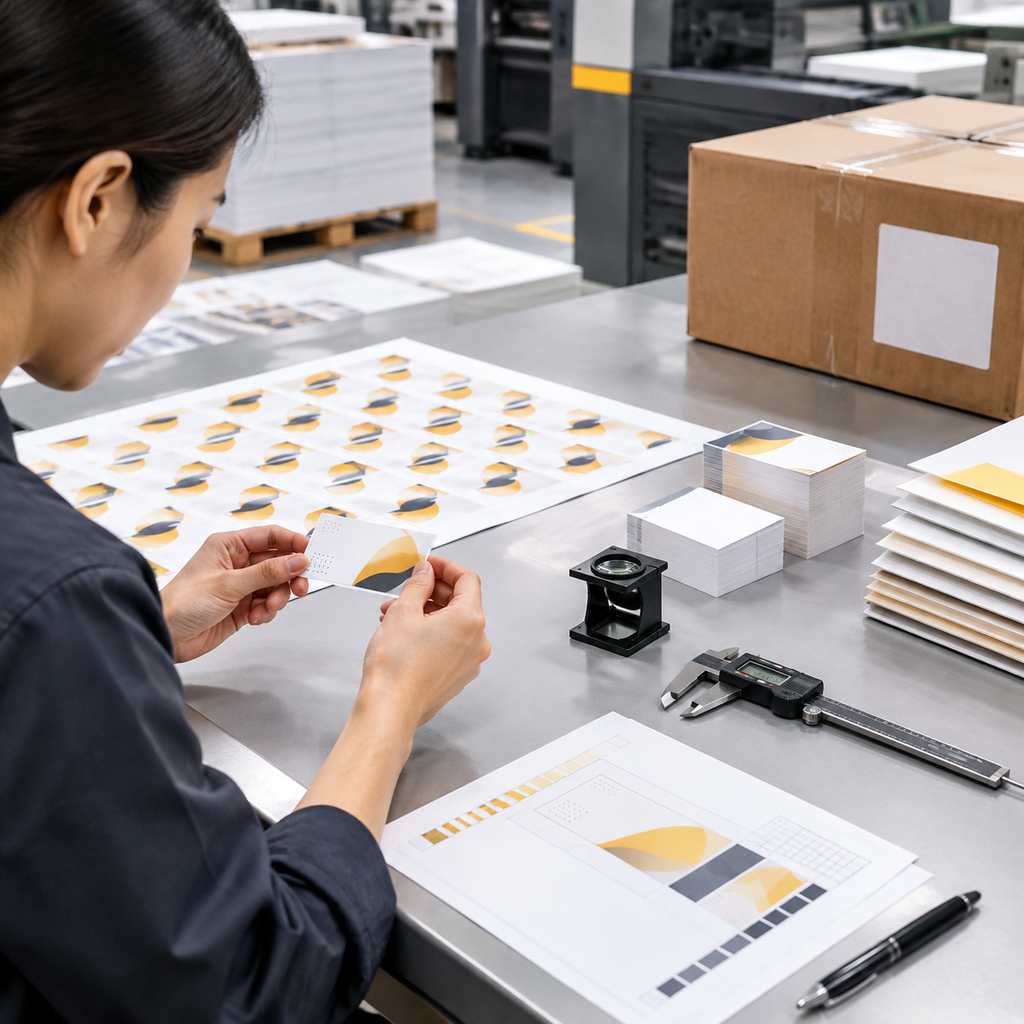
A comparable quote needs enough detail for the printer to price the same job you are planning to approve. Send the specification in one message or purchasing document, then ask the supplier to identify any assumptions before production.
- Define the order: State the product type, quantity, number of designs or employee versions, intended use, and whether repeat orders are likely.
- Lock the physical format: Provide finished business card size, orientation, corner radius or die-cut shape, print sides, paper name or GSM target, coating or lamination, and any specialty finishing.
- Prepare the artwork package: Attach the front and back PDF files, identify the color expectations, confirm bleed and safe area, and explain any variable names, numbering, QR codes, or language versions.
- Request comparable options: If you are considering two stocks or finishes, ask for them as separate line items. Ask what is included for proofing, packing, and shipping so the alternatives can be compared on the same basis.
- Choose and approve the proof: Check text, contact data, color intent, trim, side orientation, finish placement, and the approved version number. Do not approve from a screen mockup if paper feel or a specialty finish is central to the purchase.
A digital proof is useful for layout, copy, trim, and orientation. It does not reliably show the final tactile feel or exact printed color on the selected stock. A physical proof gives a closer check of paper, coating, finish, and color, but confirm whether it represents the final production method and stock. Record the approved proof version in the purchase order.
For larger or repeat programs, Lemon Printing’s self-owned factory in the Guangzhou-Shenzhen manufacturing corridor includes more than 130 skilled workers and 8+ offset and digital presses. Prepress, printing, finishing, quality inspection, packing, and export preparation are handled in-house. The company also uses a four-stage quality control process covering prepress, on-press monitoring, post-press inspection, and packing verification. These controls support specification-based production, but they do not replace a complete brief and signed proof.
Before requesting the quote, collect these inputs:
- Quantity and number of artwork or name versions
- Finished size, orientation, shape, and corner treatment
- Print sides and color requirements
- Paper stock, GSM or caliper target, coating, lamination, and other finishes
- Artwork status, file format, bleed, color mode, and proof preference
- Packing, labeling, carton, or kitting requirements
- Delivery destination and target date
Final MOQ, production time, pricing, and shipping should be confirmed against the finished specification, quantity, finishing, and destination rather than assumed from a generic business card listing.
Frequently asked questions about custom business card printing
These questions cover the specifications that most often change a business card quote or create avoidable proof corrections. Give the printer a clear answer to each one before production begins.
Get a quote for custom business cards
A business card is a small product, but its quote still depends on physical specifications, artwork readiness, finishing, and delivery requirements. Settle those inputs before comparing prices, and you will be comparing production options rather than different assumptions.
For a specification-based quote, include the product type, quantity, finished size, print sides, paper stock, surface finish, artwork status, proof preference, packing requirements, delivery destination, and target date.
FAQ
What specifications should I provide for custom business card printing?
Provide the quantity, number of designs or names, finished size and shape, corner treatment, print sides, paper stock, GSM or caliper target, coating or finish, artwork format, bleed, color mode, proof preference, packing requirements, delivery destination, and target date. Also state whether the reverse must be writable or whether any QR code, variable data, or specialty finish needs testing.
What is the standard US business card size, and can I choose a custom size?
The standard US business card size is 3.5 x 2 inches, approximately 89 x 51 mm. Custom square, narrow, oversized, rounded-corner, and die-cut formats are possible, but confirm holder compatibility, cutting requirements, packing, and the final artwork template before approving a nonstandard size.
How do I choose business card paper stock and finish?
Choose stock according to handling and stiffness, then choose the surface according to color appearance, protection, texture, and writing needs. Compare the actual paper name, GSM, caliper, coating, and lamination. Uncoated stock is usually easier to write on, while coated or laminated surfaces may provide a smoother or more protected appearance but should be tested for pen compatibility.
Should business cards be printed on one side or both sides?
Use one-sided printing when the back should remain blank, writable, or visually quiet. Use two-sided printing when the reverse needs a second language, service details, a map, appointment information, or a QR code. State the color arrangement clearly; 4/0 commonly means full color on the front only, while 4/4 means full color on both sides.
What artwork files and details should I send for a business card quote?
Send a press-ready PDF with the finished trim size, bleed, safe area, CMYK artwork or an agreed color reference, suitable image resolution, embedded or outlined fonts, and clearly identified front and back sides. Keep the editable source file available if requested. Check contact details, URLs, QR codes, spelling, orientation, and proof version before sign-off.
Get a Clear Quote for Your Printing Project
Send Lemon Printing your product type, quantity, size, materials, binding or finishing requirements, delivery destination, and target date. Our team will review the specifications and normally respond within one business day with practical production options, pricing, and a project timeline. For business cards, also include the finished size, number of designs or names, print sides, paper stock, surface finish, artwork status, and proof preference.