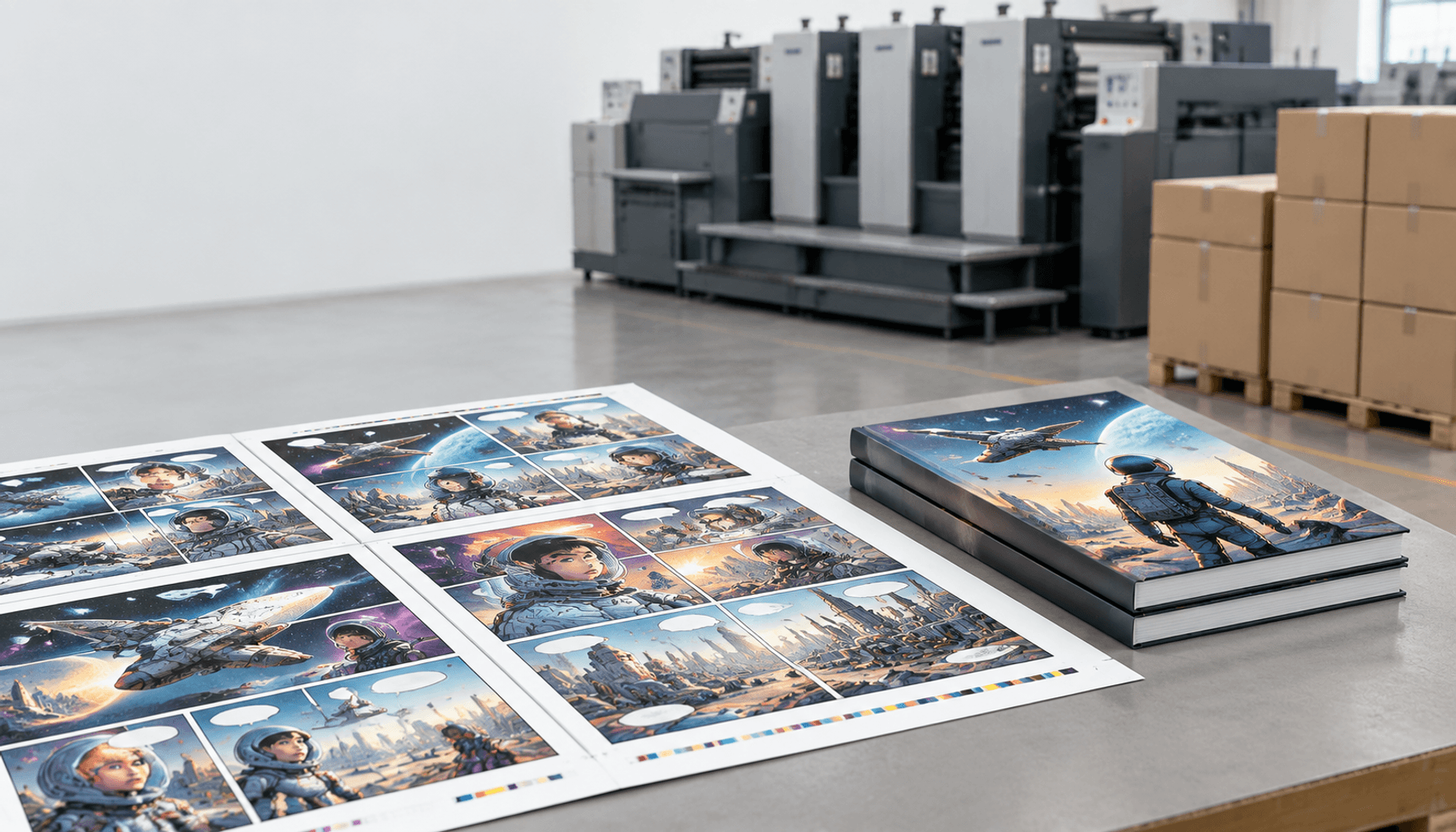
Table of Contents
- How to Print a Book With Selected Color Pages
- Steps 1–3: Define the Book and Build Its Color-Page Map
- Steps 4–6: Compare Production Routes
- Steps 7–8: Lock Pagination and Prepare Files
- Steps 9–10: Approve Proofs and Inspect Books
- Worked Example: 16 Color Pages Within 160 Pages
- Choose a Book Product and Assemble the Quote Request
- FAQ: Printing a Book With Selected Color Pages
- Final Checklist
- Get a Clear Quote for Your Printing Project
How to Print a Book With Selected Color Pages
To decide how to print a book with selected color pages, identify exactly which interior pages need color, then ask the printer to confirm how those pages will be printed and bound. A request for “mostly black-and-white” leaves important production details open.
A workbook may need color diagrams beside instructions. A history book may allow photographs to sit together. Start with what readers need, then turn those decisions into a specification the supplier can quote and produce.
Quick answer: map the pages, confirm a feasible production route, and approve matching files
Yes, a book can contain both color and black-and-white interior pages, provided the printer confirms a compatible production plan. The color-page count alone does not establish the cost.
- List each PDF page and its color requirement.
- Confirm printing, paper, binding, assembly, and charging assumptions.
- Approve the PDF, page schedule, and specification as one matching set.
Key terms: page map, printed folio, black-only printing, color section, imposition, and collation
- Page map
- A page-by-page schedule showing content, color requirements, proposed paper, and approval status.
- Printed folio
- The page number printed on a page. It can differ from the page’s position in the PDF.
- Black-only printing
- Printing with black ink or toner only, including gray tones. Artwork that looks gray can still contain other colors.
- Color section
- A consecutive group of pages designated for color. Its boundaries must fit the agreed production plan.
- Imposition
- Arranging pages on printing sheets so they appear in the correct order after folding, cutting, and binding.
- Collation
- Putting printed pages or sections into the required sequence before binding.
Steps 1–3: Define the Book and Build Its Color-Page Map

Use one specification and one page map. On a small project, one person may coordinate both; still identify who approves content, spending, and production details.
Step 1: Record use, quantity, finished size, total pages, binding, and delivery requirements
Create a dated specification before seeking prices. Using the manuscript and purchasing brief, record intended use, quantities by title or language, finished width and height with units, total interior pages, proposed binding, cover finish, US delivery ZIP code, and target in-hands date.
Count the cover separately. State whether color inserts are already included in the interior total. The buyer and content owner should approve this brief as the quotation baseline.
Hold if: a page count, delivery requirement, or component remains ambiguous—for example, “160 pages” could mean either 160 pages including color or 160 plus additional inserts.
Step 2: Map every PDF page to its printed folio, content, color requirement, and paper
Identify production pages by PDF position, with the printed folio alongside it. Front matter, restarted numbering, and unnumbered pages make folios alone unreliable.
From the current reading-order PDF, create one spreadsheet row per interior page, including intentional blanks. Record PDF position, folio or “unnumbered,” content identifier, black-only or color status, proposed paper, revision, and approval status.
The designer prepares the book page map; the editor checks every row against the PDF and reconciles total pages and color pages. Keep the reviewed map with that PDF version.
Hold if: any position is missing, duplicated, or assigned conflicting instructions.
Step 3: Separate essential color from optional color and identify images that can move
Keep color where it carries information, and identify where it is mainly decorative. Review the mapped illustrations with the editor or subject specialist.
Mark each image as essential color, optional color, or suitable for relocation. Test proposed grayscale versions at finished size: chart categories must remain distinguishable, photographs must retain useful detail, and instructional labels must stay clear. Record whether an image must remain beside its explanation.
The content owner approves a color-priority list and any proposed relocation.
Hold if: grayscale loses meaning, or moving an illustration breaks a procedure, caption, or cross-reference.
Steps 4–6: Compare Production Routes Before Finalizing the Layout
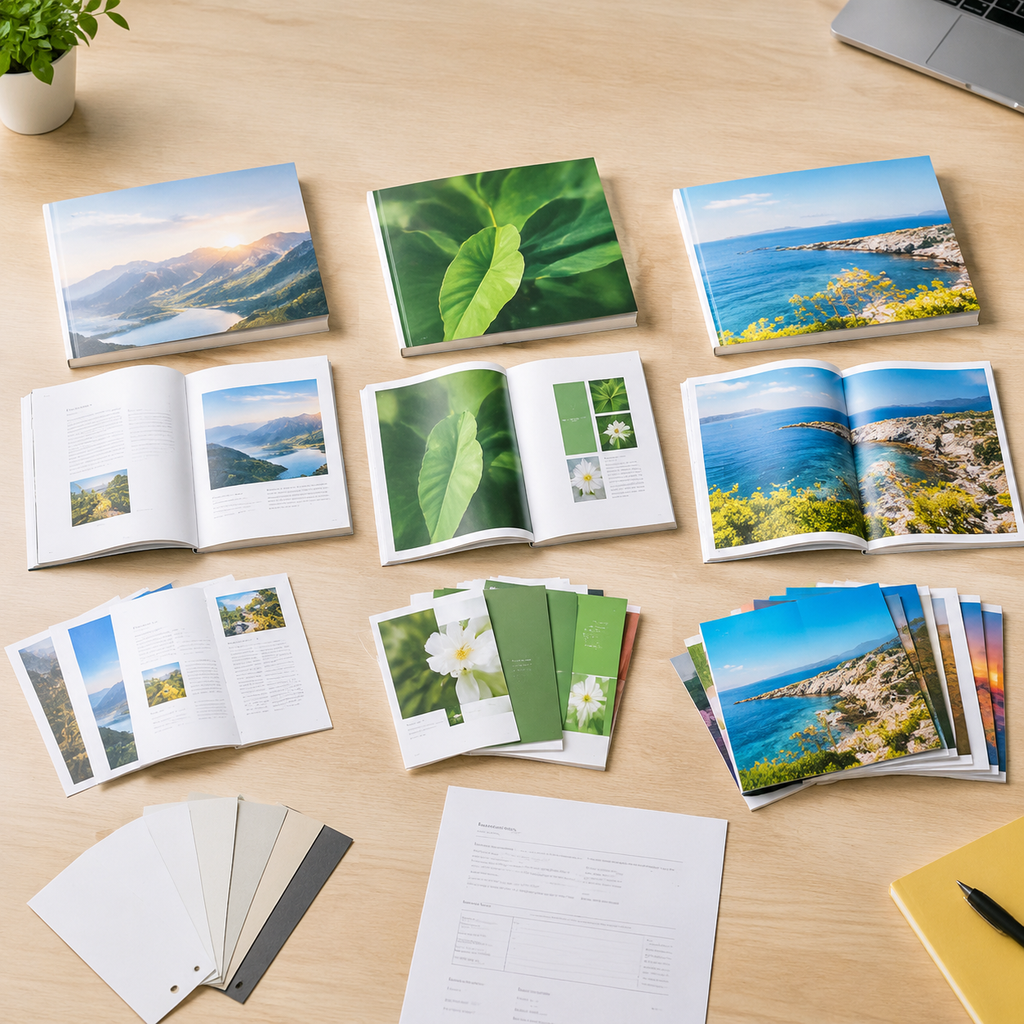
Grouping color pages is not automatically cheaper. Compare supplier-confirmed alternatives with consistent specifications, including setup, paper, assembly, proofing, and delivery.
Step 4: Request dispersed color, a grouped color section, and an all-color alternative
Send the same brief and draft map for three feasibility reviews: color in its original positions, grouped color section printing, and an all-color interior. Ask which printing and assembly method each proposal uses.
Digital workflows may allow page-level color settings; offset work is planned around printing sheets and folded sections. Neither establishes suitability for your particular book.
A color section can use different paper if the supplier approves the construction. A leaf is one piece of paper with two page faces; both faces necessarily share the same stock. Compare common stock first and price a second stock separately.
The production planner should return written feasibility notes. Hold if: paper, placement, or assembly assumptions remain unconfirmed.
Step 5: Confirm section boundaries, page-count constraints, and color charges
Have the production planner mark acceptable boundaries on the proposed map. A signature is a folded group of pages; the selected signature arrangement may require extra blank pages. There is no single page-count multiple suitable for every printing and binding route.
Ask the estimator whether color charges follow individual pages, printing-sheet sides, complete sections, or the whole interior. Clarify setup, blanks, insertion, and collation charges. Sixteen pages containing color do not necessarily mean sixteen separately charged color pages.
The buyer should retain the marked map and written charging explanation.
Hold if: required blanks, section boundaries, or the unit used to charge for color remain unexplained.
Step 6: Compare routes using consistent specifications and delivery assumptions
Compare complete proposals against one fixed specification. The buyer should use the supplier’s feasibility notes to complete this table, keeping quantity, finished size, paper, binding, proofing, packing, and delivery scope consistent.
| Check | Dispersed color pages | Grouped color section | All-color interior |
|---|---|---|---|
| Placement flexibility | Confirm every requested position. | Approve relocation and section boundaries. | Confirm the existing layout can remain. |
| Proposed stock | Use common stock for the baseline. | Price any second stock separately. | Use the same base grade initially. |
| Binding compatibility | Check every material transition. | Confirm section attachment and opening. | Confirm complete book-block construction. |
| Proof requirements | Verify all color positions. | Verify boundaries, sequence, and stock. | Verify color images and black text. |
| Assembly considerations | Confirm page-sequence controls. | Confirm gathering or insertion method. | Confirm page-order controls. |
| Charging basis | Pages, sheet sides, or sections? | Section setup, printing, and insertion? | Whole-interior color pricing? |
Have the estimator resolve differences and list freight, destination charges, and exclusions beside each total. Keep the completed comparison with the selected proposal.
Hold if: a lower quote changes a specification you have not approved.
Steps 7–8: Lock Pagination and Prepare the Production Files
Finalize the page sequence and count only after the printer accepts the color positions, paper choices, and construction plan.
Step 7: Approve color positions and paper, then confirm cover dimensions
Use the accepted proposal, page map, and paper plan to lock pagination—the final page sequence and count. Record the approved paper grades and any added blanks.
Ask the production planner to confirm the book-block construction and issue the appropriate cover template. For a paperback, spine width depends on actual paper thickness and construction; paper weight alone is insufficient. The designer checks the cover against the confirmed template, and the buyer retains the approved dimensions with the specification.
Hold if: a paper substitution, page-count change, or section adjustment remains unresolved. A cover based on an earlier interior needs review.
Step 8: Check black-only pages and submit files with matching revision identifiers
Provide one combined reading-order PDF for review. Submit separate color and black-only production files only when the printer requests them with explicit assembly instructions.
For black and white book printing, appearance is not enough. Ask prepress—the team checking files before printing—to inspect color separations, or individual ink channels, under the agreed output settings. Apparently gray artwork may contain cyan, magenta, or yellow. Preserve intended color pages while correcting unintended color elsewhere.
The designer and prepress reviewer should approve matching files, such as Interior_R03.pdf, PageMap_R03.xlsx, and Spec_R03.pdf, with the approved cover identified. Use the guidance to prepare a print-ready book interior for general artwork checks.
Hold if: revisions disagree or intended black-only pages retain unapproved color content.
Steps 9–10: Approve the Proof and Verify the Finished Books
Check color placement twice: against the proof before production, then against delivered copies. Use the same approved page map at both stages.
Step 9: Match the proof to the map and authorize named file versions
Review the proof beside the approved map and file list. The editor checks every color position, neighboring black-only page, section transition, caption, and reference. Prepress confirms the production color assignments.
A screen PDF checks placement but cannot establish actual paper, press color, or binding performance. Record whether a physical sample represents the specified stock, printing method, and construction, and note any differences.
The buyer’s approval should name the files, revision, date, approver, and accepted sample limitations. Use the printing proof approval checklist for the wider sign-off.
Hold if: a color-placement correction, sequence issue, or required material approval remains open.
Step 10: Inspect delivered books for placement, sequence, binding, and agreed tolerances
Give receiving staff the approved page map, reference sample, and agreed inspection criteria. Select copies across cartons using the agreed sampling plan.
The receiving or quality reviewer should check color positions, missing or duplicated pages, orientation, paper transitions, opening behavior, page retention, and cover alignment. Apply the agreed trimming and color tolerances rather than introducing limits after delivery.
Record findings in an inspection report with carton identifiers, PDF positions or folios, and photographs. Refer discrepancies to the buyer and supplier.
Hold acceptance if: missing pages, wrong color assignments, or other material departures from the agreed specification remain unresolved.
Worked Example: Plan 16 Color Pages Within a 160-Page Book
This hypothetical training book has 160 interior pages, including its color pages. The cover is separate.
- Black-only pages: 144.
- Color pages: 16.
- Total interior: 144 + 16 = 160 pages.
PDF positions 1–8 are unnumbered front matter; position 9 begins printed folio 1.
Build the example page map with PDF position, folio, color, stock, and approval
The condensed map below accounts for every page. Expand ranges into individual rows for production. Stock A represents one proposed uncoated paper grade, with approval pending.
| PDF position | Printed folio | Content | Color status | Stock | Approval |
|---|---|---|---|---|---|
| 1–8 | Unnumbered | Title, contents, preface | Black-only | A | Pending |
| 9–64 | 1–56 | Training chapters | Black-only | A | Pending |
| 65–80 | 57–72 | Illustration section | Color | A | Pending |
| 81–160 | 73–152 | Chapters and references | Black-only | A | Pending |
The black-only ranges contain 8 + 56 + 80 = 144 pages. Positions 65–80 contain 16 color pages. These reading-order positions still require confirmation against the printer’s imposition and binding plan.
Compare dispersed and grouped layouts without assuming savings
A dispersed draft could place color at PDF positions 17–18, 33–34, 49–50, 65–66, 81–82, 97–98, 113–114, and 129–130: eight pairs totaling 16 pages. The grouped draft reorganizes the illustrations into positions 65–80.
The editor must check text reflow, captions, and references while retaining the 160-page total. Ask production to assess both layouts on Stock A; price a different color-section paper separately. Neither layout establishes a manufacturing method or cost saving by itself.
Track approvals when an image moves or the interior page count changes
A moved color image requires a revised map even when the total stays unchanged. Log old and new PDF positions, affected folios, color flags, stock, color-page count, caption changes, reviewer, and approval status.
A page-count change might be recorded as: R04: two black-only pages added after PDF 80; proposed total 162; previous positions 81–160 move to 83–162; production approval pending.
The editor rechecks references and numbering. Production reconfirms section boundaries, paper arrangement, binding, cover dimensions, pricing, and timing where affected. Suspend the earlier release until revised files and required proofs are approved; a two-page addition may not fit the accepted construction.
Choose a Relevant Book Product and Assemble the Quote Request
Choose the product family by how the book will be used, then submit the mixed-color specification for construction review.
Discuss paperback or manual printing with Lemon Printing
Use paperback book printing to review flexible-cover construction. Use manual printing options to discuss reference use and opening needs. Ask Lemon Printing to assess the selected paper, color positions, and binding together before approving construction.
Lemon Printing states that prepress, printing, binding, finishing, inspection, packing, and export preparation are handled in-house. Request a project-specific plan showing how your selected color pages will pass through those stages. The product page is a starting point for that review.
Quote checklist: page map, specifications, proofs, packing, and US delivery
An actionable book printing quote needs one coordinated package:
- Product type, intended use, quantity per edition, and finished dimensions.
- Total interior pages, color-page map, current PDF revision, and separate cover specification.
- Paper grades or samples, binding, finishing, and alternatives to compare.
- Proof requirements, approval responsibilities, and acceptance criteria.
- Packing method, carton labels, US delivery ZIP code, receiving restrictions, and target in-hands date.
Ask the proposal to identify manufacturing, proofs, freight, and excluded destination charges. Record the shipping terms so you can compare the expected total cost to receive the books.
FAQ: Printing a Book With Selected Color Pages
Can I print only selected pages in color?
Yes, with a supplier-confirmed printing and binding plan. Identify every color page by PDF position and agree on assembly and charging units before approving the order.
Is it cheaper to group color pages into one section?
Sometimes, but grouping does not guarantee savings. Setup, paper, section boundaries, insertion, and quantity affect the comparison. Request complete, comparable proposals for grouped and dispersed layouts.
Can color inserts in books use different paper?
Yes, if the supplier confirms compatible paper and binding. Both faces of a leaf share one stock. Confirm how the section will be attached and review a representative physical sample.
Should I submit one combined PDF or separate files?
Start with a combined reading-order PDF. Supply separate production files only under the printer’s instructions, with exact assembly positions and a matching page-map revision.
What needs approval again if a color page moves or the count changes?
Recheck positions, references, color counts, paper, and section boundaries. Reconfirm binding, cover dimensions, pricing, timing, and proofs where affected, then approve the revised files together.
Final Checklist: Confirm the Page Map, Production Route, and Approved Files
Book printing with color pages depends on three matching records:
- Page map: every position, color requirement, and paper assignment is identified.
- Production proposal: section boundaries, assembly, charges, and proof requirements are confirmed.
- Approved files: PDFs, specification, map, and sign-off identify the same revision.
When a color page moves, update the affected records before authorizing production.
Get a Clear Quote for Your Printing Project
A useful quotation connects your page map to a confirmed printing and binding plan. Final MOQ (minimum order quantity), production time, pricing, and shipping depend on product specifications, quantity, finishing, and destination.
Send Lemon Printing your product type, quantity, finished size, total interior pages, color-page map, paper, binding, finishing, proof requirements, US delivery ZIP code, and target in-hands date. Include the current PDF to request a free prepress file check alongside a specification-based quote.
The team normally responds within one business day to review requirements. Production options, pricing, and a proposed timeline follow confirmation of the specifications.