Table of Contents
- What Is a Printing Proof and What Does It Confirm?
- Soft proofs, digital proofs, and physical proofs
- Why a proof is a checkpoint rather than a guarantee of every production variable
- Which Proof Should You Choose for Your Product?
- Match proof type to books, cards, calendars, tickets, and finishing
- Printing Proof Approval Checklist
- Check text, page order, images, and variable data
- Check trim, bleed, safe areas, folds, perforation, and binding
- Review color, paper appearance, lamination, foil, embossing, and spot UV
- How to Record Corrections and Sign Off
- Use one revision log and identify the approved file
- What Happens After Proof Approval?
- Connect approval to press monitoring, post-press inspection, and packing verification
- What Should You Ask a Printer About Proofing?
- FAQ: Printing Proof Approval
- Is a digital proof enough for a color-critical project?
- Can changes be made after a proof has been approved?
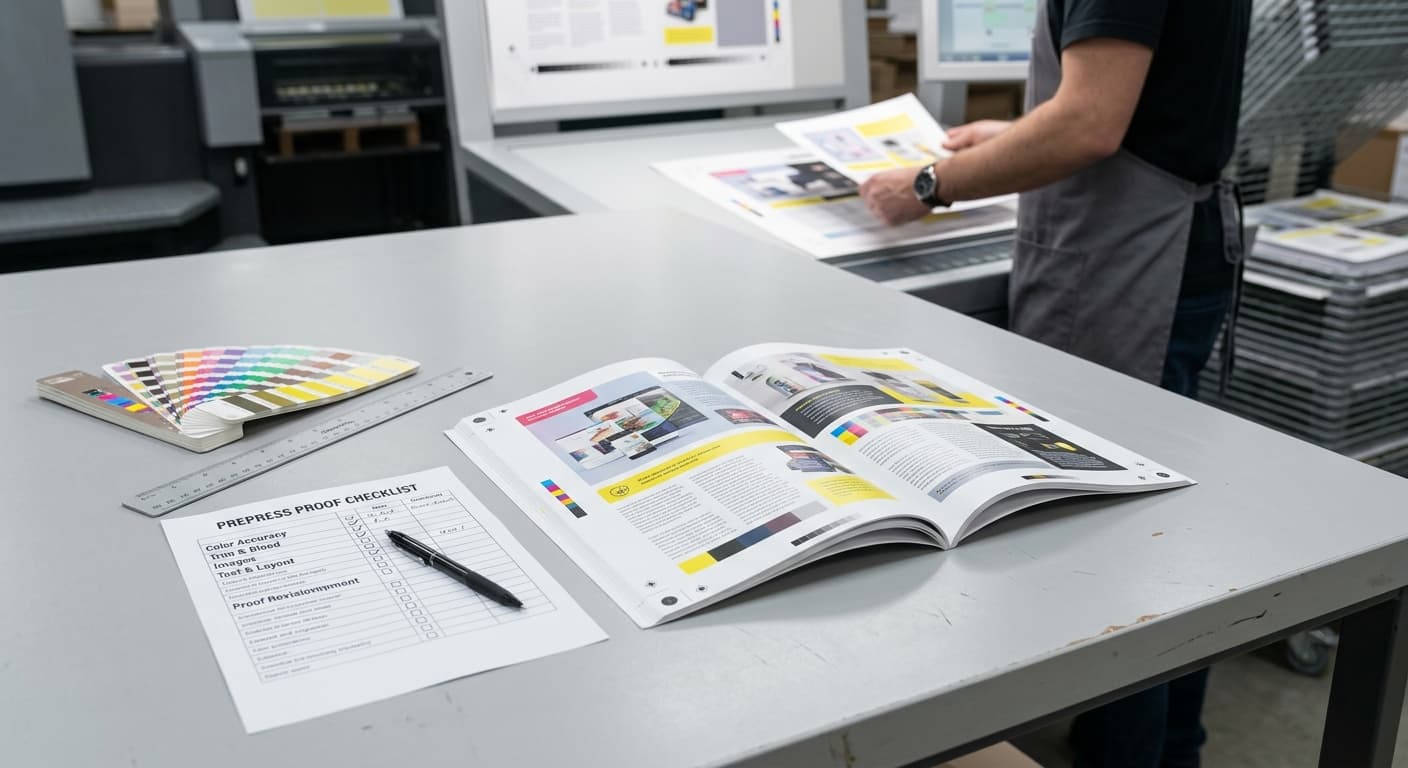
A printing proof is the last practical checkpoint before a bulk order enters production. This guide explains which proof to request, what to inspect, how to record corrections, and how approval connects to press and post-press quality control.
What Is a Printing Proof and What Does It Confirm?
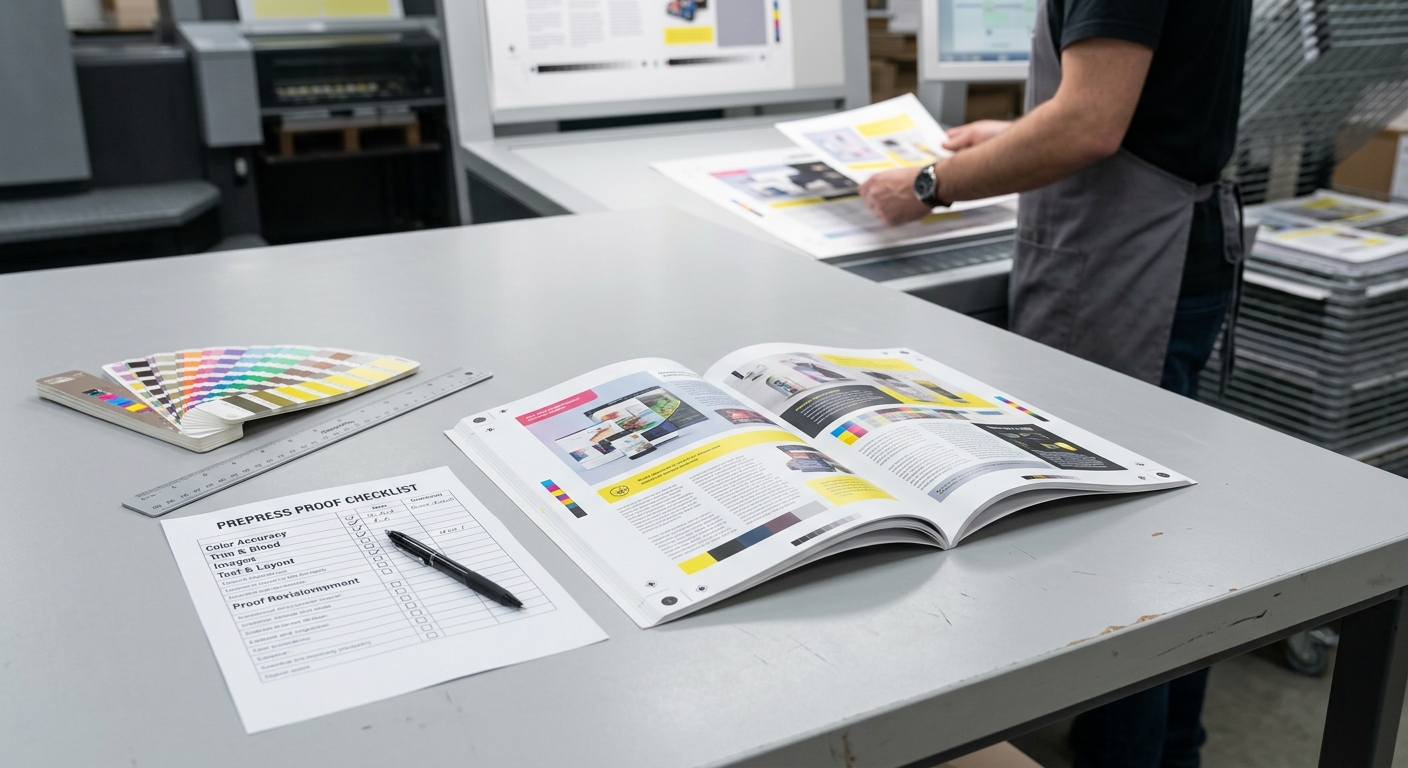
A printing proof is a pre-production representation of the artwork and specifications that a printer intends to manufacture. It confirms the version of the content, page or panel sequence, layout, trim position, and selected production details shown in the proof.
For a buyer, proof approval should freeze the correct version before plates, press setup, or bulk finishing begin. It should not be treated as a general approval of an undefined job. Check that the proof identifies the product, finished size, page count or panel count, paper, binding, finishing, color approach, and file version.
- Review the complete content, not only the cover or first page.
- Confirm that the proof matches the quotation or purchase specification.
- Ask which details are represented by the proof and which require a separate sample or production inspection.
If the artwork is not yet ready for review, use this Preparing Artwork for Commercial Printing guide to check file setup before proofing.
Soft proofs, digital proofs, and physical proofs
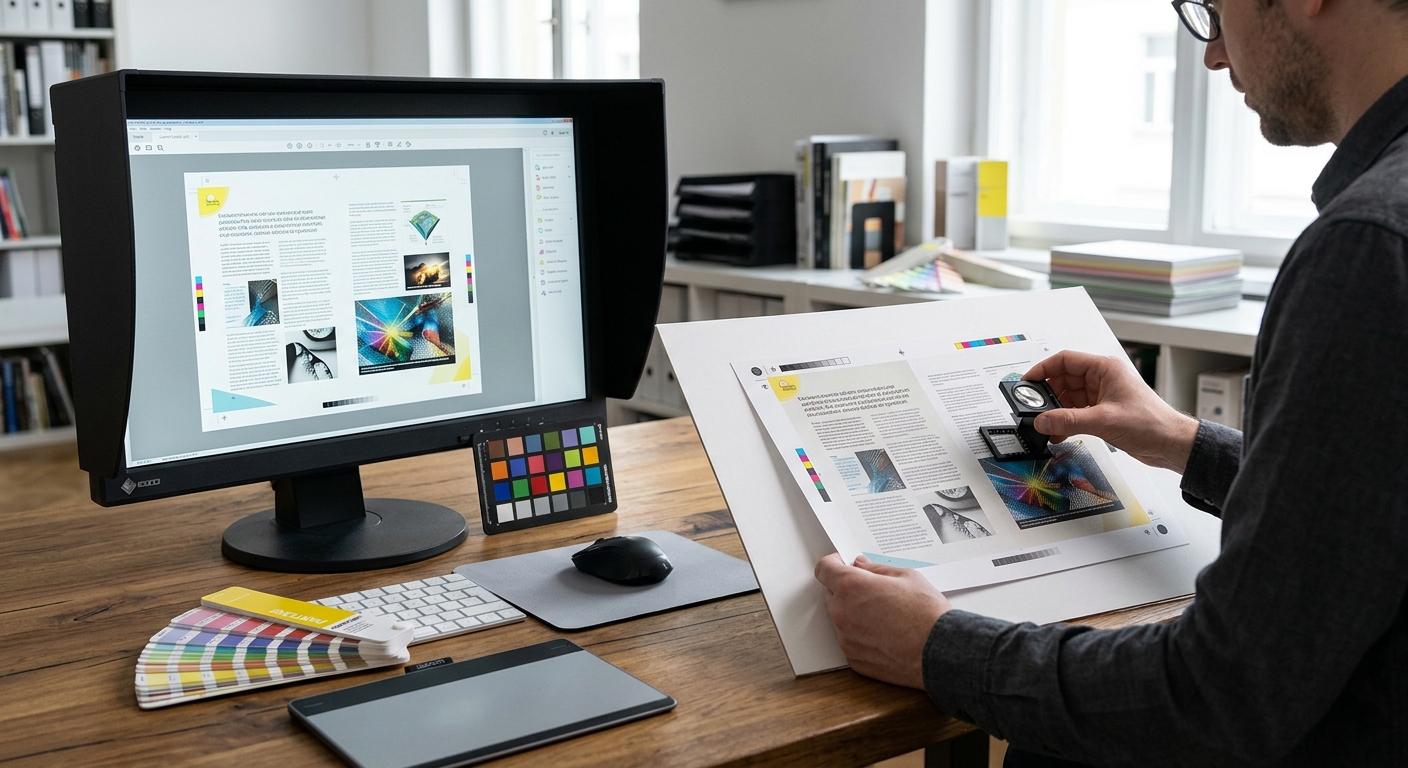
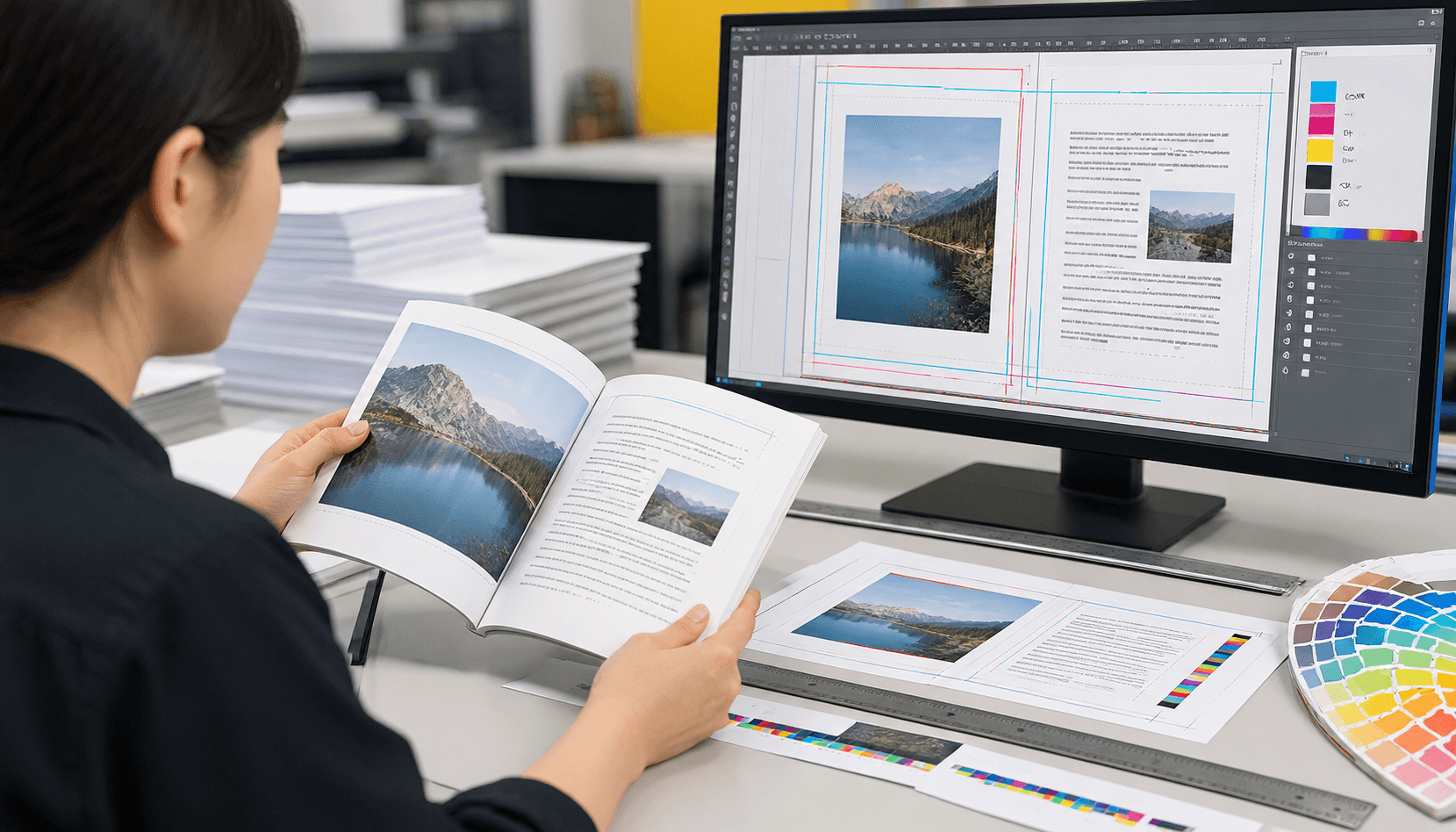
The right proof depends on what you need to verify. A soft proof is an on-screen PDF used mainly for content and layout. A digital proof is often a hardcopy sample produced on a digital printer, although some suppliers use the term for a digital PDF, so ask for a precise definition.
- Soft proof: Fast and easy to circulate. It is useful for spelling, page order, image placement, trim marks, bleed, and general layout. Screen color is affected by monitor calibration and viewing conditions.
- Digital hardcopy proof: A physical sample made with digital equipment. It can show approximate paper appearance, scale, folds, and some finishing, but the production press, ink system, and paper may differ.
- Press proof or production-paper proof: Made with the intended production process or a closely matched setup. It gives stronger evidence for color and material decisions, but may involve additional setup, cost, or scheduling.
When comparing a digital proof vs physical proof, remember that a digitally printed sample can also be physical. The important questions are whether you can hold the sample, what process produced it, and whether it uses the paper and finishing planned for the order. For more process context, see Offset vs Digital Printing.
Why a proof is a checkpoint rather than a guarantee of every production variable
Proof approval confirms the approved representation, not every condition that can change during manufacturing. Production uses different equipment, paper batches, ink settings, drying conditions, cutting stages, and binding or finishing operations.
For example, a proof may confirm the correct blue on a cover, but it may not prove how that blue will look after lamination or on a different paper surface. A small sample may also show a fold or binding concept without demonstrating the consistency of every item in a large run.
Before approval, ask the printer to state the applicable color, registration, trimming, binding, and finishing tolerances. Agree how deviations will be inspected and reported. A clear approval record supports bulk printing quality control, but it does not replace press monitoring or final inspection.
Which Proof Should You Choose for Your Product?
Choose the least complex proof that controls the highest risk in your project. A soft proof is often sufficient for editorial corrections, while a physical or press-based proof is more appropriate when color, paper, dimensions, or special finishing affect acceptance.
- Content-led projects: Start with a soft proof when the main risks are text, page order, image cropping, or file version.
- Color-sensitive projects: Request a physical proof when brand colors, skin tones, product photography, or large solid areas are important.
- Material-sensitive projects: Use a physical sample when paper shade, coating, thickness, folding, or binding changes the buying decision.
- Variable-data projects: Approve the fixed artwork plus representative data samples, numbering logic, barcode placement, and sequence.
- Special-finish projects: Ask whether the proof includes the actual foil, embossing, spot UV, lamination, die-cutting, or perforation. If not, request a separate finishing sample or a marked technical mockup.
Final MOQ, production time, pricing, and shipping depend on product specifications, quantity, finishing, and destination, so include the required proof type when requesting a quotation.
Match proof type to books, cards, calendars, tickets, and finishing
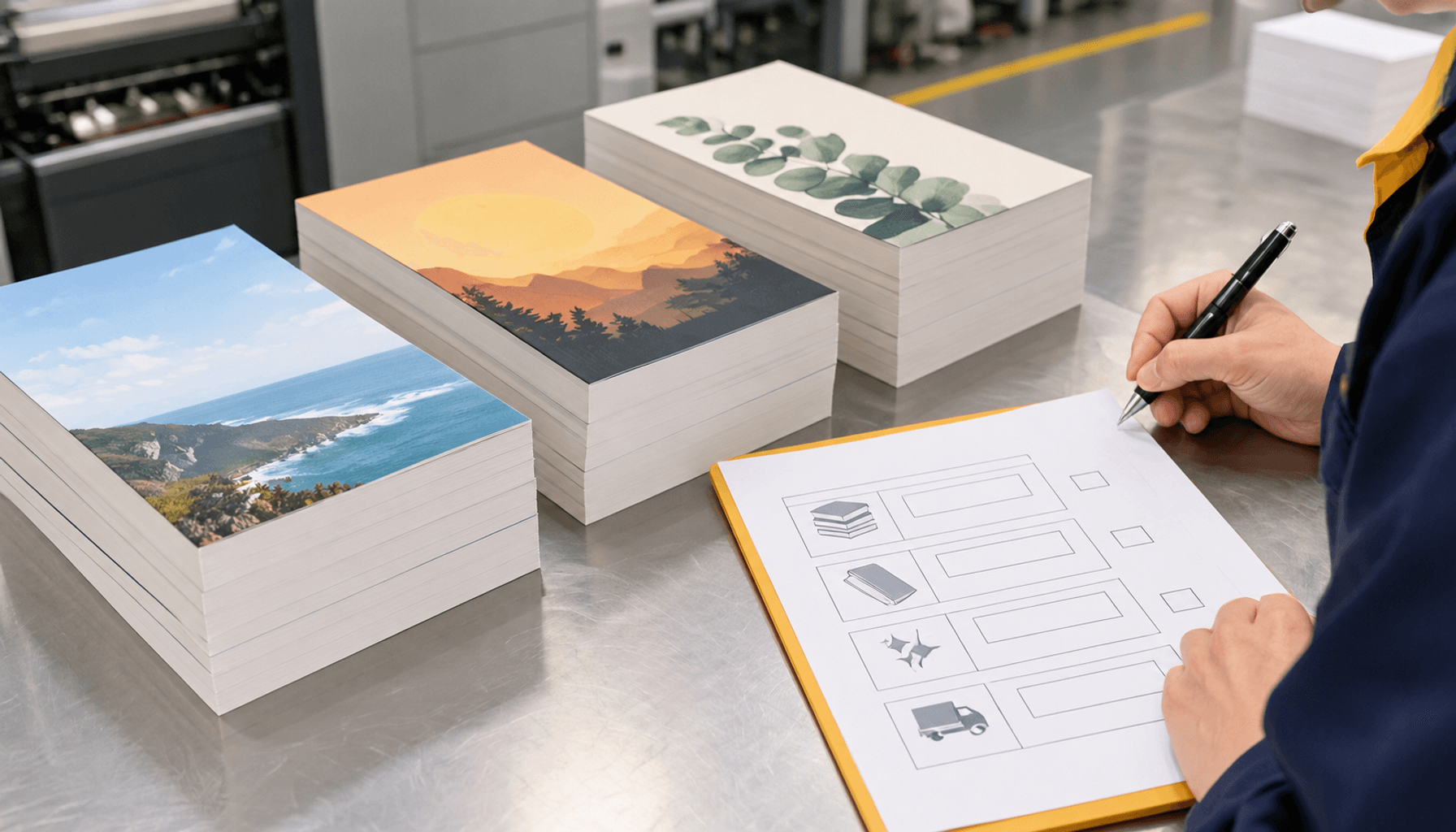
Different products have different proofing risks. Match the sample to the features that would be expensive or difficult to correct after bulk production.
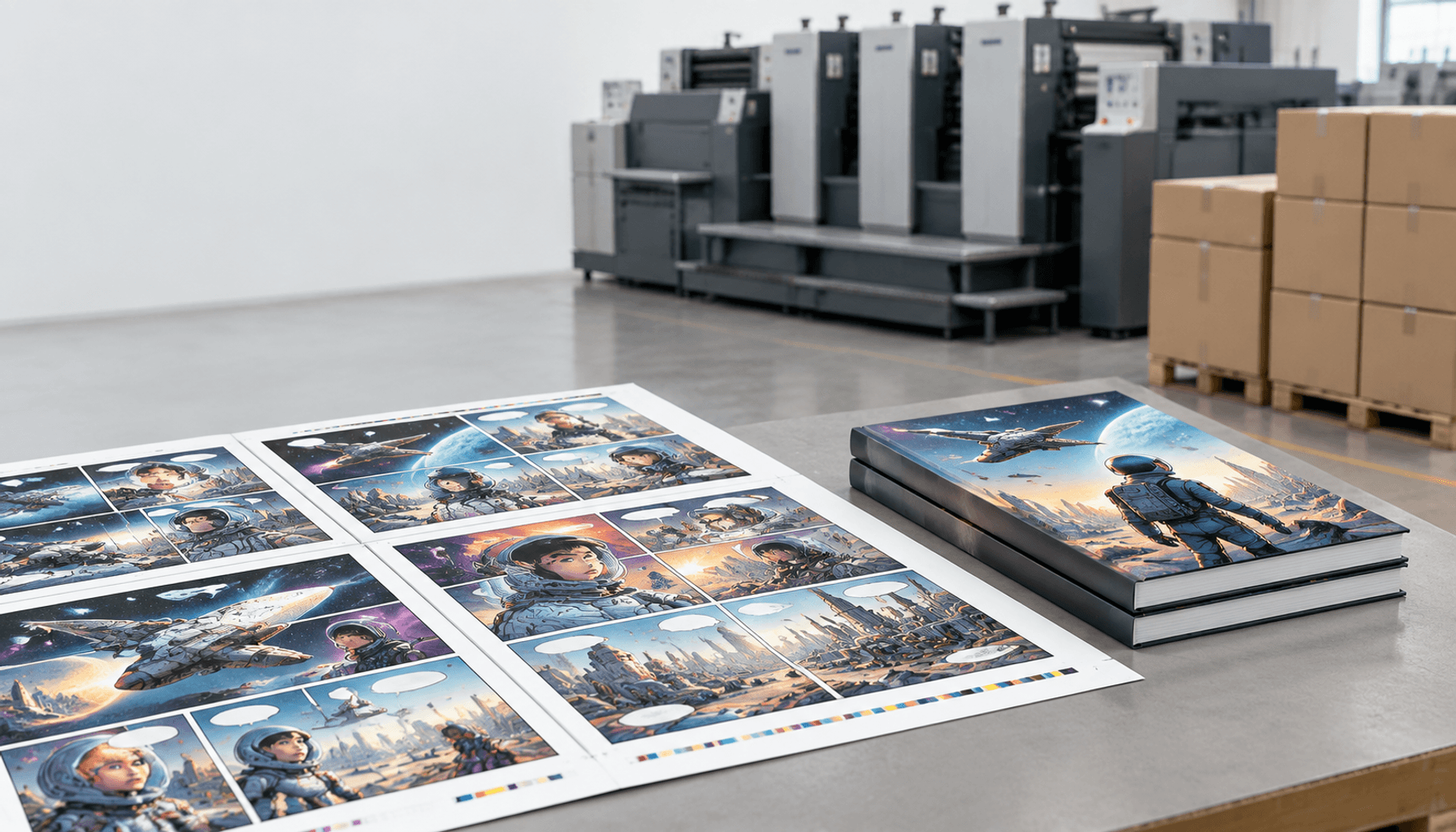
- Books: Review a complete soft proof for page sequence, cover, spine text, and image placement. A bound dummy or physical sample is useful when paper, cover construction, binding, or pagination is critical. Lemon Printing’s guide to Bulk Book Printing in China covers these production decisions in more detail.
- Cards: Use a physical proof to inspect front-to-back orientation, paper appearance, rounded corners, coating, and any foil or embossing.
- Calendars: A physical dummy helps verify month order, image-to-month matching, page orientation, hanging or binding details, and the final format. See the planning advice for Custom Calendars for Corporate Gifting.
- Tickets: Check the finished size, perforation position, numbering, barcode or QR placement, and whether variable data remains readable after trimming.
- Finishing: Ask for a sample that shows the actual surface treatment whenever gloss, texture, reflectivity, or tactile depth affects approval.
Printing Proof Approval Checklist
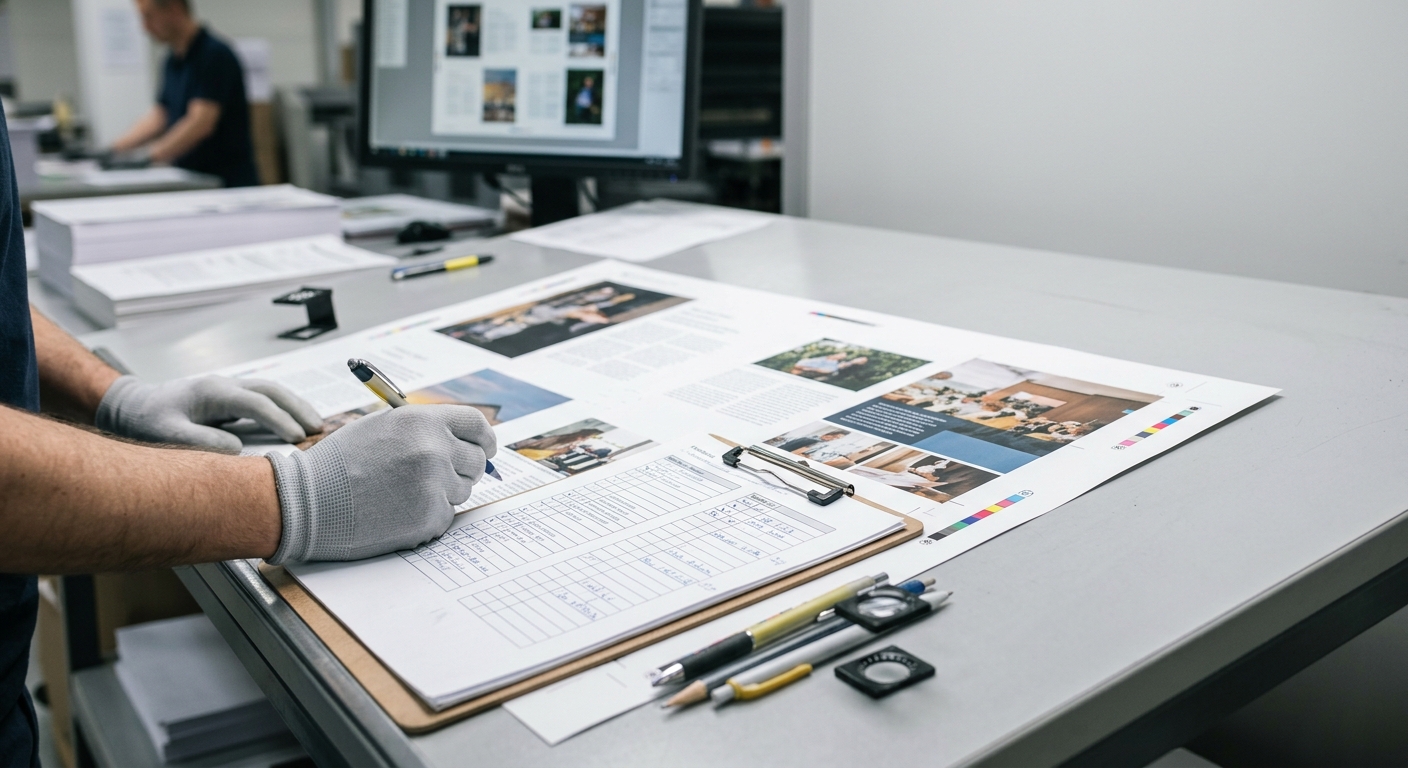
Use this printing proof approval checklist from the first page to the final specification. Do not sign off based only on a thumbnail, cover image, or verbal description of the job.
- Match the proof to the purchase order, quotation, or approved specification.
- Check text, page order, images, artwork version, and variable data.
- Check finished size, orientation, trim, bleed, safe areas, folds, perforations, and binding.
- Review color under suitable lighting and confirm the paper surface and color process.
- Inspect lamination, foil, embossing, spot UV, die cuts, scoring, and other finishing.
- Record every correction in one revision log and approve a clearly identified final file.
- Ask how the approved proof will be connected to press monitoring, post-press inspection, and packing verification.
The following checks explain what to look for and what to ask when a detail cannot be represented accurately in the proof.
Check text, page order, images, and variable data
Content errors are among the easiest proof problems to prevent, provided the reviewer checks the entire file systematically. Compare the proof with the final source copy and do not rely on the person who created the artwork to be the only approver.
- Read headings, body copy, captions, legal text, contact details, URLs, prices, dates, and product codes.
- Confirm page numbers, section order, cover-to-interior sequence, front and back orientation, and blank pages.
- Inspect image crops, captions, logos, transparency, and visible artifacts at practical viewing size.
- For variable data, verify sample names, numbers, dates, barcodes, QR codes, and the first-to-last sequence. Scan codes when possible.
- Check that the proof file name, revision number, and approval date are visible in the review record.
Ask the printer to confirm whether the proof represents merged variable data or only the fixed template. A template approval alone does not verify every generated record.
Check trim, bleed, safe areas, folds, perforation, and binding
Physical layout checks confirm that the printed and finished item will be usable, not merely attractive on screen. A trim line is where the finished piece is cut. Bleed is artwork that extends beyond the trim so small cutting movement does not create a white edge. A safe area is the space kept away from the trim, fold, or binding edge to protect important content.
- Confirm the finished width, height, orientation, and reading direction.
- Check that background images and color extend through the required bleed area.
- Keep text, logos, faces, barcodes, and critical details inside the printer’s stated safe area.
- Verify fold panels, score lines, perforation lines, die lines, and glue or pocket areas against the physical construction.
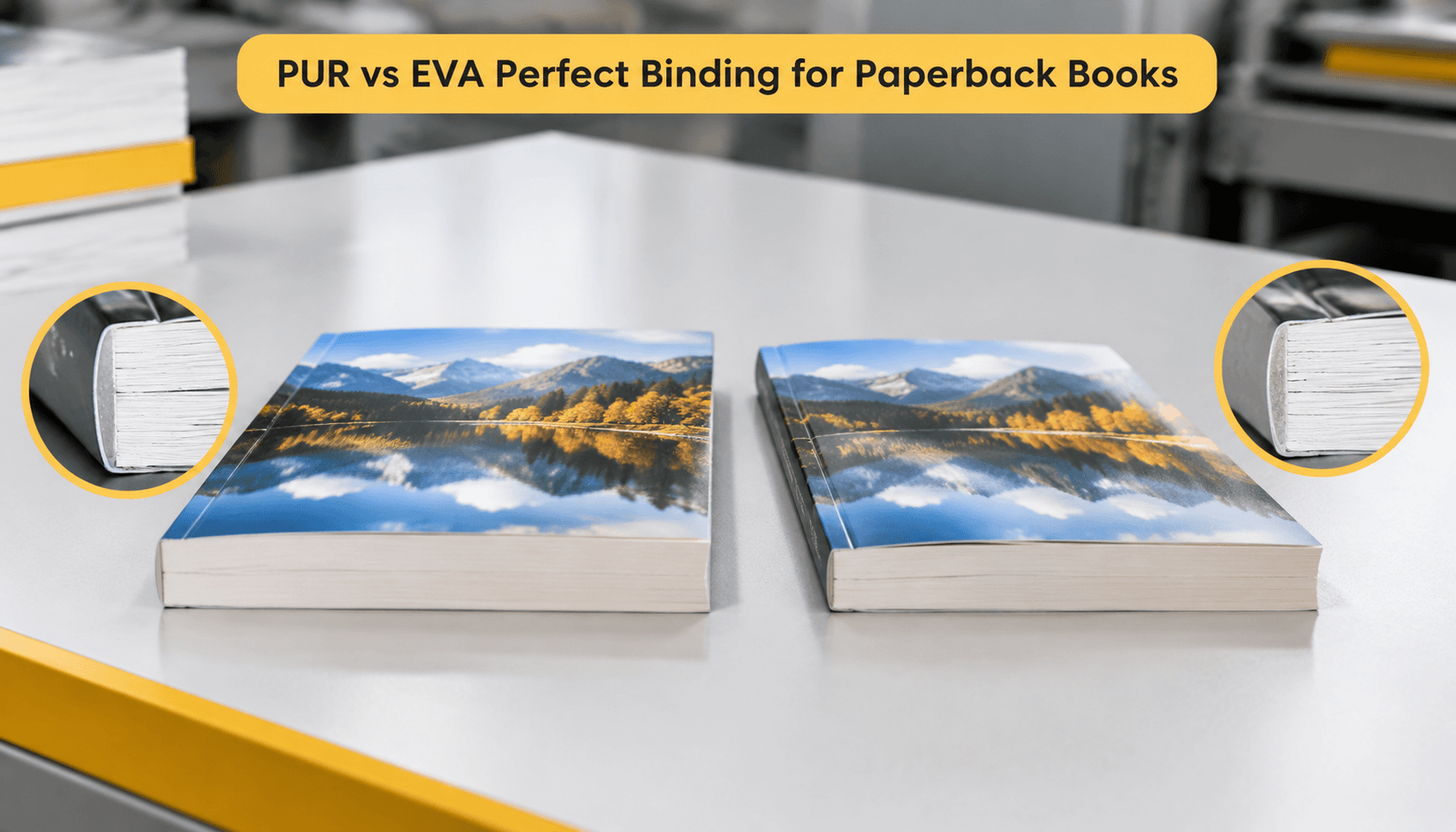
- For bound items, check cover alignment, spine direction, gutter clearance, page sequence, and the relationship between the cover and interior.
Do not assume that visible cut marks or technical lines will print. Ask which lines are guides only and which are part of the finished product. If your file setup needs review, the commercial printing artwork guide is a useful prepress reference.
Review color, paper appearance, lamination, foil, embossing, and spot UV
Color approval is dependable only when you understand the proof method, paper, lighting, and finishing shown. Review physical color samples under consistent neutral lighting when possible, and do not approve a critical color from an uncalibrated screen alone.
CMYK uses four process inks to reproduce a broad range of colors. A spot color is a separately specified ink used for a defined color, often when brand consistency or a special ink matters. Ask whether the job uses CMYK, spot colors, or a conversion between them, and what the printer will use as the reference during production.
- Compare brand colors, skin tones, product images, gradients, solid areas, and small reversed text.
- Check how coated or uncoated paper changes contrast, sharpness, and perceived color. Lemon Printing’s coated and uncoated paper guide explains the practical difference.
- Confirm whether lamination is included in the proof and whether it changes gloss, contrast, or surface feel.
- Inspect foil coverage and registration, embossing depth and alignment, spot UV boundaries, and die-cut edges on a physical sample where relevant.
If the proof cannot reproduce a special finish, require a clear technical drawing, reference sample, or separate finishing approval before bulk production.
How to Record Corrections and Sign Off
Approve a proof only after all corrections are closed in writing. A clear sign-off prevents the printer, buyer, designer, and other stakeholders from working from different versions.
Use one review channel and one revision log. Mark corrections directly on the proof or reference a precise page, panel, coordinate, or data record. Avoid sending separate corrections through email, messaging apps, and phone calls without consolidating them.
The final approval should state the exact file name or link, revision number, date, approver, and any agreed exceptions. It should also distinguish between approved artwork and open production questions. If a change affects size, page count, paper, finishing, or data, ask the printer whether a new proof and revised quotation are required.
Use one revision log and identify the approved file
A practical revision log records what changed, who requested it, and how the printer confirmed the correction. Keep it short enough to use on every project.
- Job identification: Product, purchase order, quantity, and destination.
- Proof identification: File name, revision number, date, and proof type.
- Correction detail: Page or panel, issue, requested change, and responsible person.
- Status: Open, corrected, rechecked, or approved.
- Final authorization: Approver name, date, and any production note or exception.
After the final correction, compare the new proof with the previous log rather than assuming every earlier correction remains fixed. Request written confirmation that the approved file, not an earlier upload, has been released to production.
What Happens After Proof Approval?
After written approval, the printer should move the identified artwork and specifications into production control. The exact workflow varies by printer and product, so ask which checkpoints are included and how exceptions will be communicated.
Approval normally leads to prepress release, press setup or digital production, finishing, inspection, packing, and shipment preparation. A proof is the reference for the approved version; it is not a substitute for checking the run as it is produced.
At Lemon Printing, prepress, printing, binding, finishing, quality inspection, packing, and export preparation are handled in-house at its self-owned facility. Buyers should still confirm the project-specific inspection method, retained samples, packing details, and documentation before production starts.
Connect approval to press monitoring, post-press inspection, and packing verification
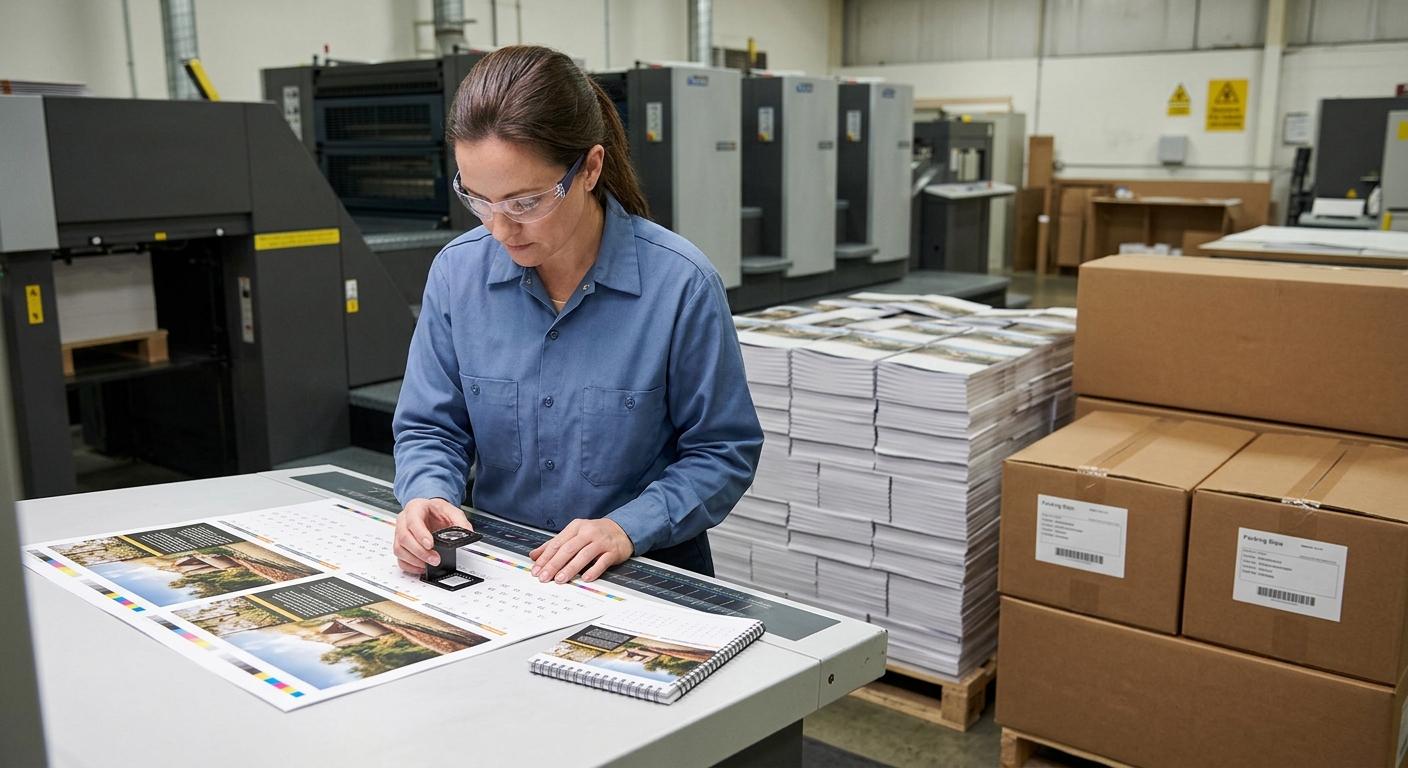
Use the approved proof as the starting point for a three-stage quality discussion. The printer should be able to explain what is checked at each stage, even when the buyer is not present at the factory.
- Press or machine check: Confirm the correct file, paper, ink or color process, registration, image placement, and general consistency against the approved reference.
- Post-press check: Inspect trimming, folding, pagination, binding, perforation, lamination, foil, embossing, spot UV, die cutting, and surface damage according to the product specification.
- Packing check: Verify item counts, carton quantities, labels, product separation, export marks, and destination details against the packing instruction.
For remote orders, ask whether inspection records, production photographs, retained samples, or shipment documentation are available under the supplier’s normal process. Agree in advance how a suspected defect will be identified, sampled, and resolved.
What Should You Ask a Printer About Proofing?
Ask proofing questions before approving the quotation, not after receiving a sample. The answers show whether the proof is designed for content approval, color matching, physical construction, or all three.
- What proof type will be supplied, and is it a PDF, digital hardcopy, press proof, or production sample?
- Will the proof use the intended paper, ink process, binding, and finishing?
- Which colors are controlled by CMYK, spot color references, or another agreed standard?
- Are folds, perforations, die lines, foil, embossing, spot UV, and lamination represented physically?
- What is the process for corrections, reproofing, and changes after written approval?
- Which production tolerances and inspection checkpoints apply to trimming, color, binding, finishing, and packing?
- How will the approved file be identified so an earlier revision cannot enter production?
- What product quantity, packing format, delivery destination, and target date should be included in the final production instruction?
These questions are especially important when several suppliers are quoting the same artwork but offering different proof methods.
FAQ: Printing Proof Approval
These answers address two common decisions buyers face when approving a proof for a bulk printing order.
Is a digital proof enough for a color-critical project?
Usually, a screen PDF alone is not enough for a color-critical project. Use it to approve content and layout, then ask for a physical proof made on the intended or closely matched paper and production process. A press or production-paper proof may be appropriate when brand color, photography, large solid areas, or a premium finish is central to acceptance. Confirm the printer’s color reference and viewing conditions before sign-off.
Can changes be made after a proof has been approved?
Changes may be possible, but they should be treated as a new production instruction rather than an informal edit. Contact the printer immediately, identify the approved file and the requested change, and ask whether production has started. The change may require a revised proof, updated cost, or new production timing. Do not assume that an amended file will replace the approved file unless the printer confirms the replacement in writing.
FAQ
Is a digital proof enough for a color-critical project?
Usually, a screen PDF alone is not enough. Use it for content and layout, then request a physical proof on the intended or closely matched paper and production process. Confirm the color reference and viewing conditions before approval.
Can changes be made after a proof has been approved?
Changes may be possible, but they should be handled as a new production instruction. Ask whether production has started, request a revised proof when needed, and obtain written confirmation that the new file replaces the approved version. Pricing or production timing may also change.
Send Your Proof Requirements for a Bulk Printing Review
Share your product type, quantity, finished size, page count where applicable, paper, binding or finishing, delivery destination, and target date with Lemon Printing. We can review which proof format fits your main risks and explain the production checkpoints to confirm. Final MOQ, production time, pricing, and shipping depend on the product specifications, quantity, finishing, and destination.